01
Every wallet, one clear view
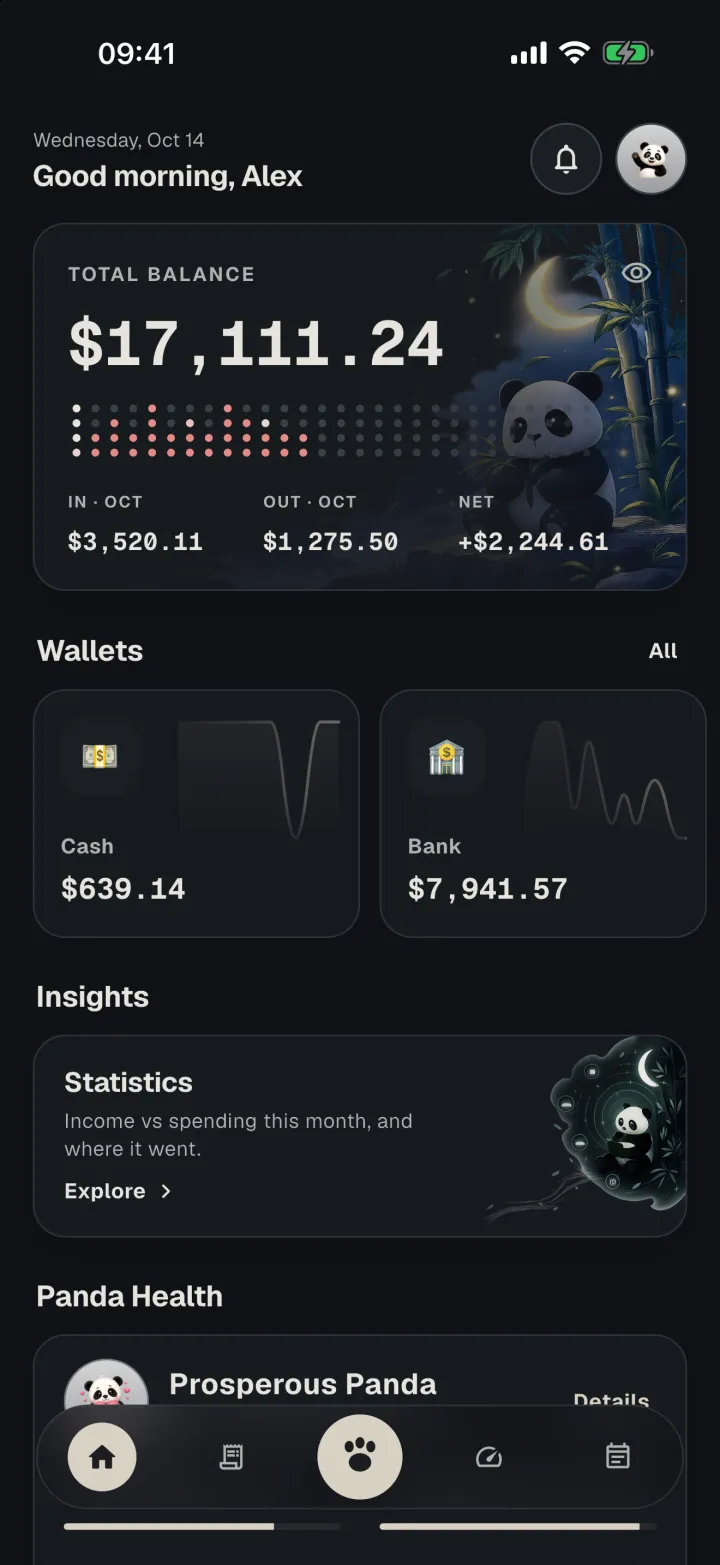
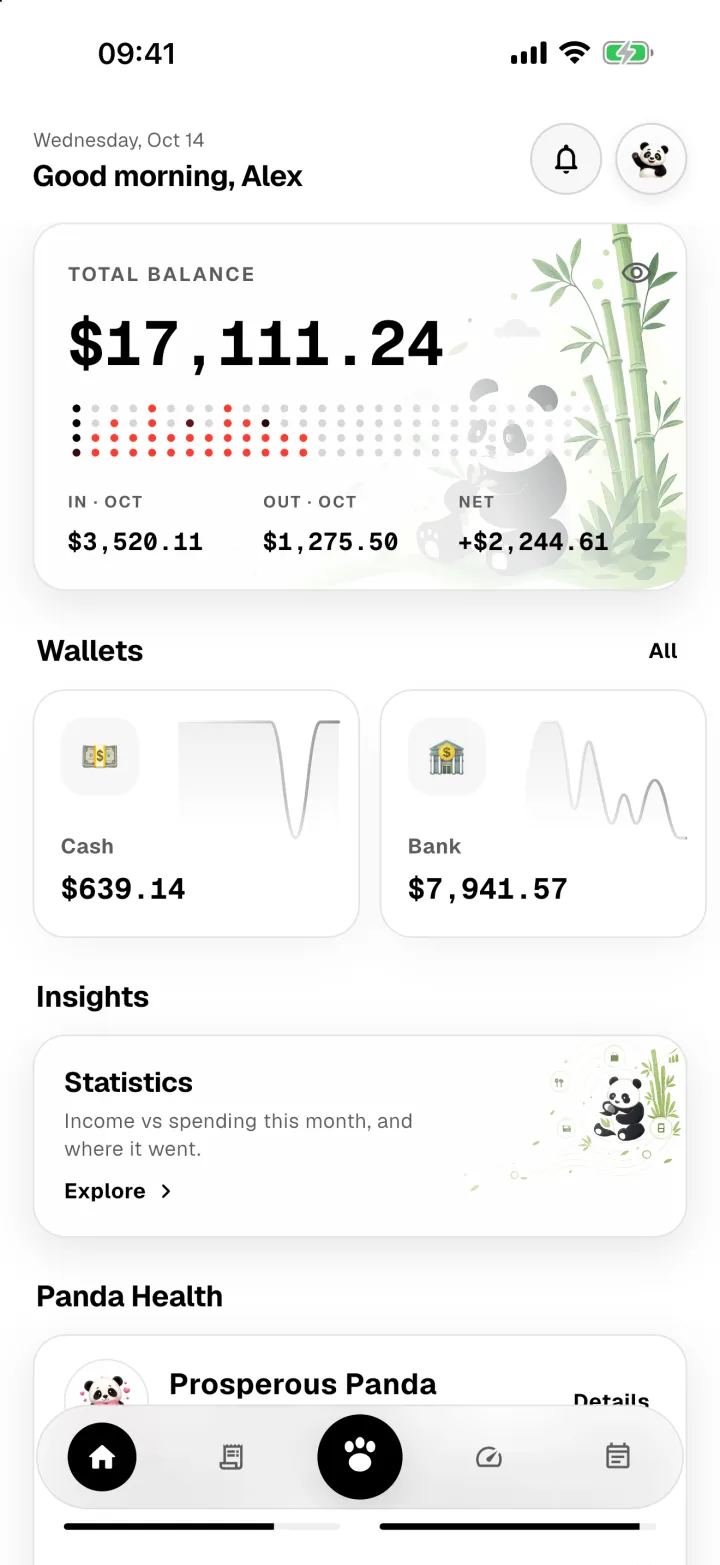
Follow cash, bank accounts, cards, and savings. Transfers, refunds, and per-currency totals keep every balance honest.
Personal finance, made clear
Bring your wallets, everyday spending, budgets, and bills into one clear view. Add transactions in seconds, understand what changed, and see what needs your attention next — without turning your finances into a spreadsheet project.


downloads and counting
themes to live in
typefaces to make it yours
point health score
The essentials
From a morning coffee to a card transfer or a shared dinner, every entry updates the bigger picture automatically.
01
Follow cash, bank accounts, cards, and savings. Transfers, refunds, and per-currency totals keep every balance honest.
02
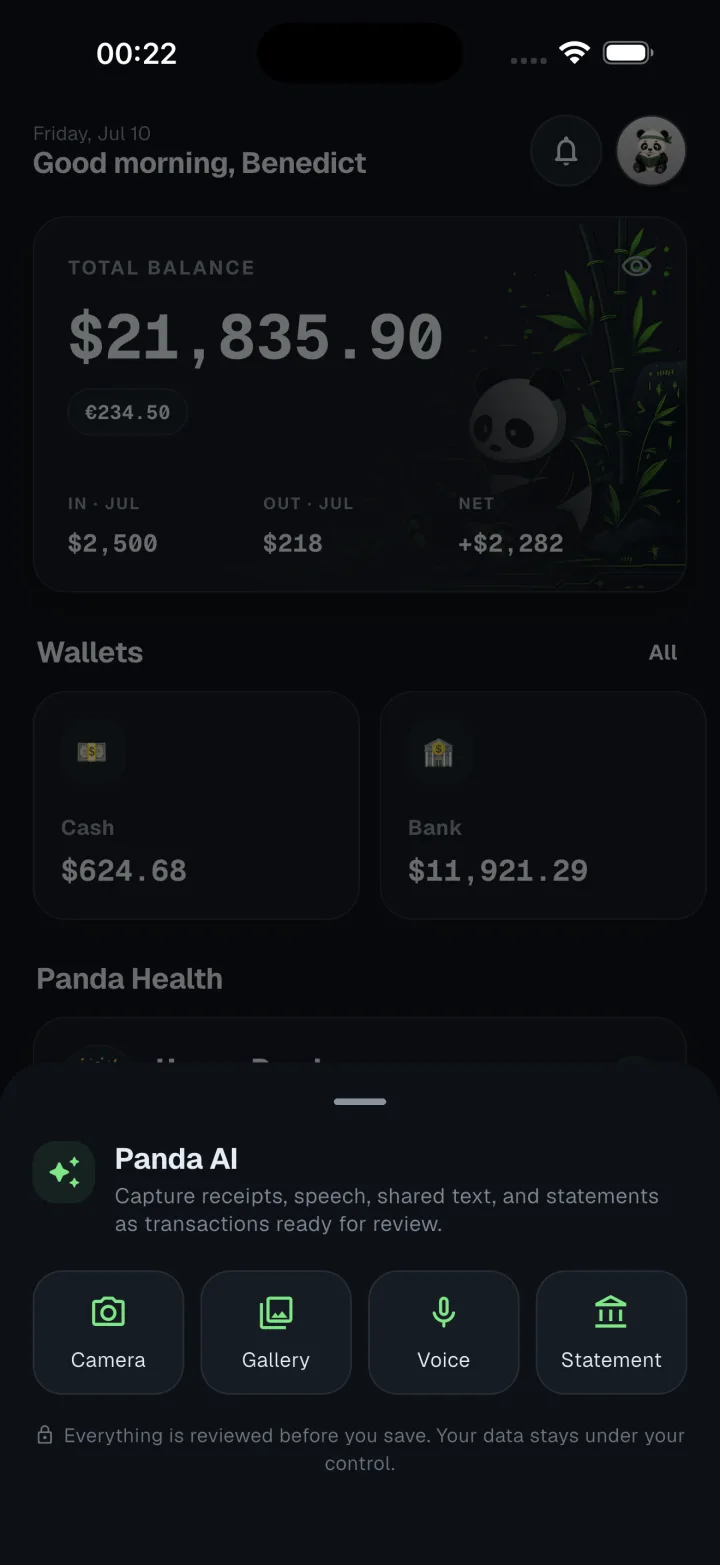
Type a purchase, say it out loud, snap a receipt, import a statement, or share a payment message straight from another app.
03
Create limits for the categories that matter and get an early alert while there is still time to adjust.
04
Assign receipt items to friends, share a link so they can see their share, and keep each repayment connected to the original expense.
05
Panda Health turns spending, saving, budget control, and tracking consistency into one useful monthly signal.
06
Schedule recurring payments, get notified before they are due, and record the transaction when you mark them paid.
Panda AI
Camera
Turn a receipt photo into the merchant, date, line items, tax, and total, ready for you to check.
Statement
Import a bank or credit-card PDF and review its transactions together instead of entering them one by one.
Voice & text
Describe a purchase naturally by voice or text and Panda AI fills in the transaction details.
On your phone
Install Panda Lite and the text reader runs on the device itself — offline, free, and nothing to send anywhere. Available on supported phones.
Panda AI does the tedious first pass. You stay in control: check every detail before anything is added to your ledger.
Stay ahead
Panda Money turns your records into useful signals: how the month is going, where spending is running high, and which payment is coming next.
Statistics
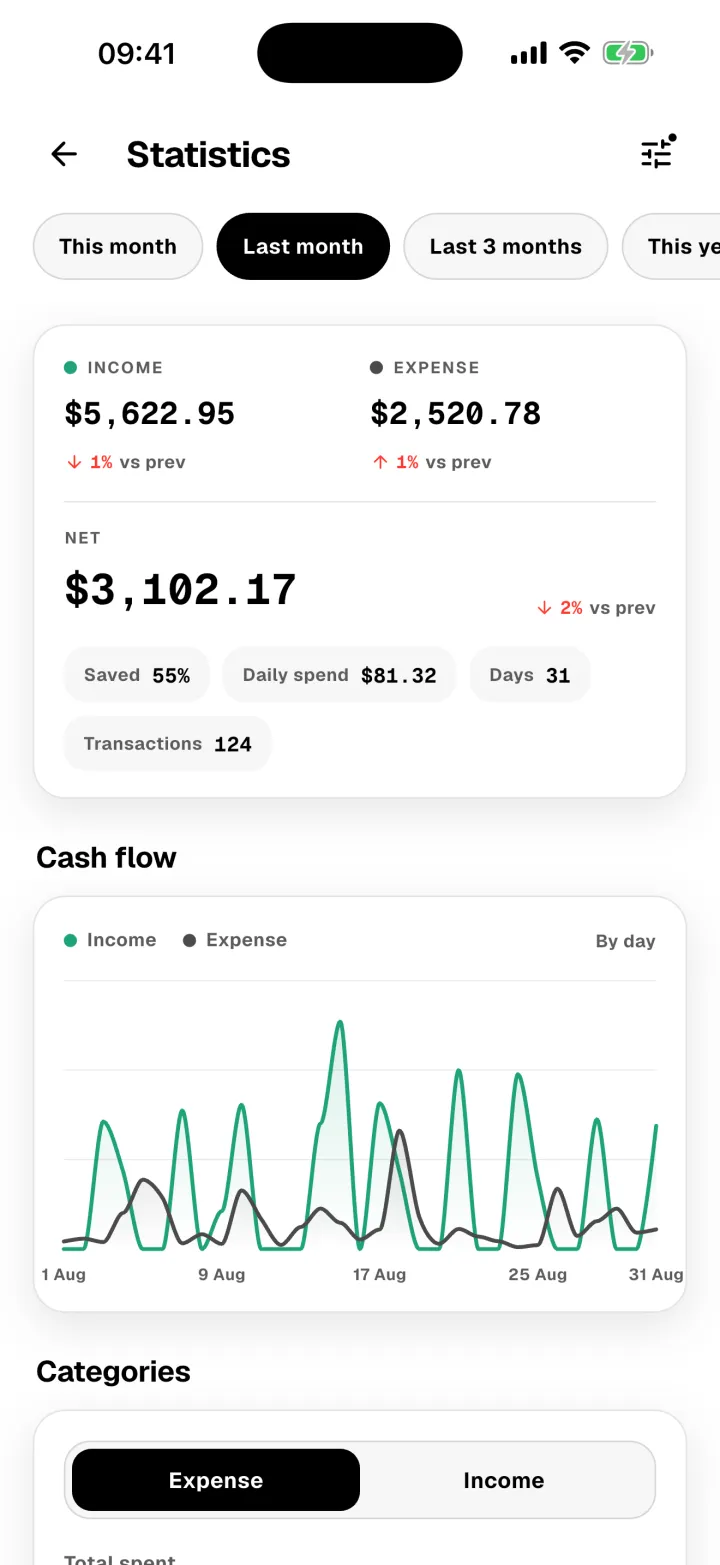
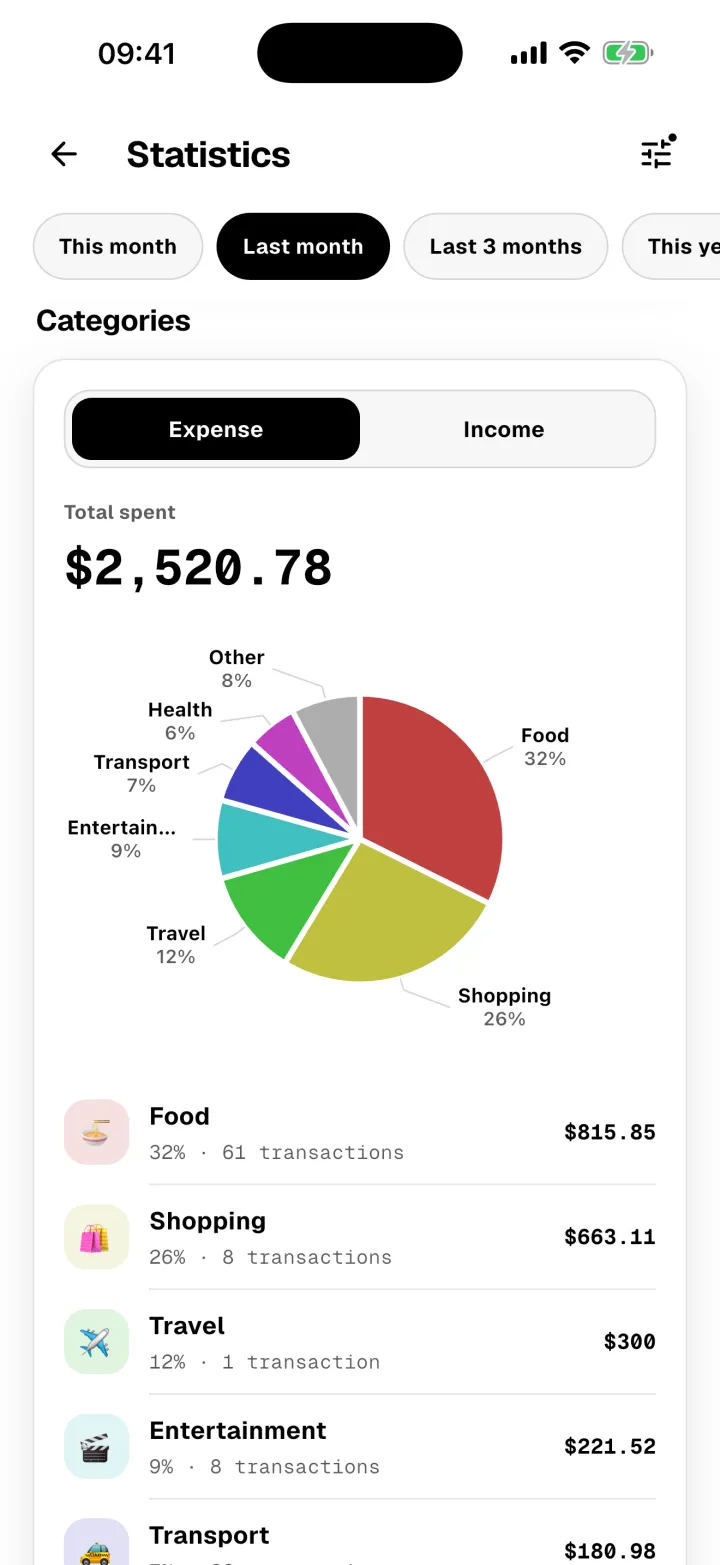
Open Statistics and the month is already drawn: what came in against what went out, day by day, and the categories that carried the spending.
Cash flow
Income against spending for every day in the window, bucketed by day, week, or month as the range grows.
Categories
Where the money actually went, as a share of the whole and as a counted list you can read line by line.
Versus before
Every total is measured against the same-length window immediately before it, so a number means something.
Your window
This month, last month, three months, the year, or any custom range — narrowed to one wallet or currency when you need it.
Panda Health
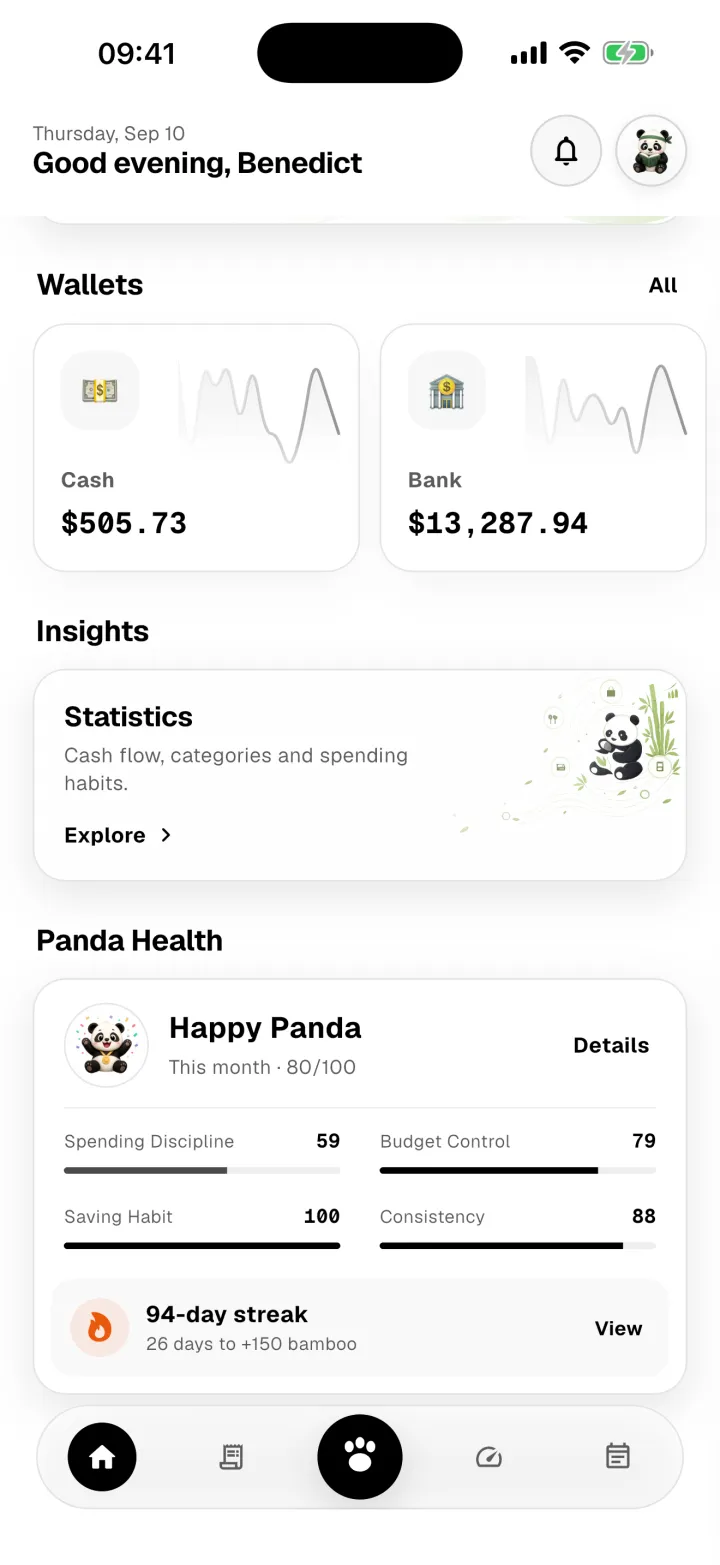
See spending discipline, budget control, saving habits, and consistency come together in a 0–100 monthly score, with a panda mood you can understand at a glance.
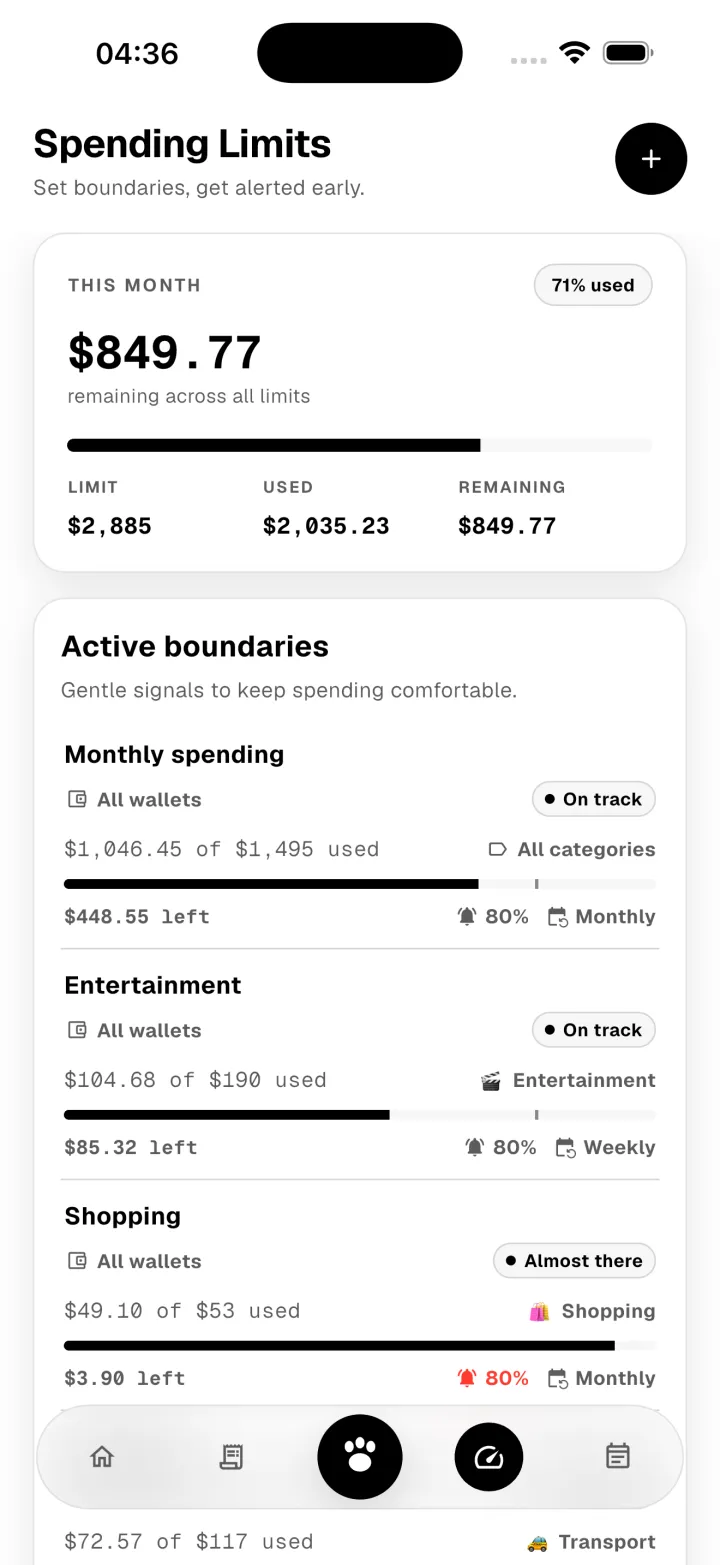
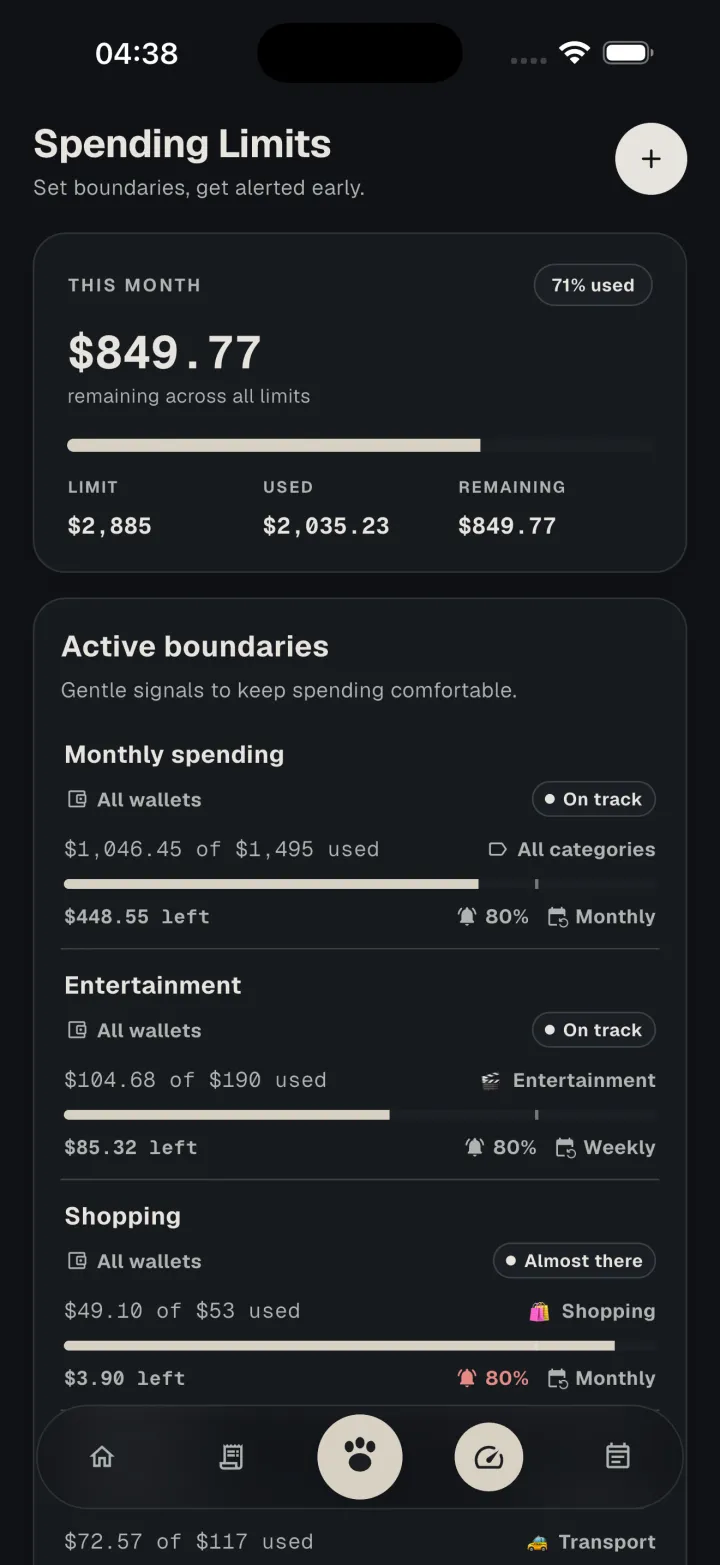
Spending limits
Set a limit by category, choose when to be alerted, and see exactly how much remains. Refunds restore the right amount automatically.
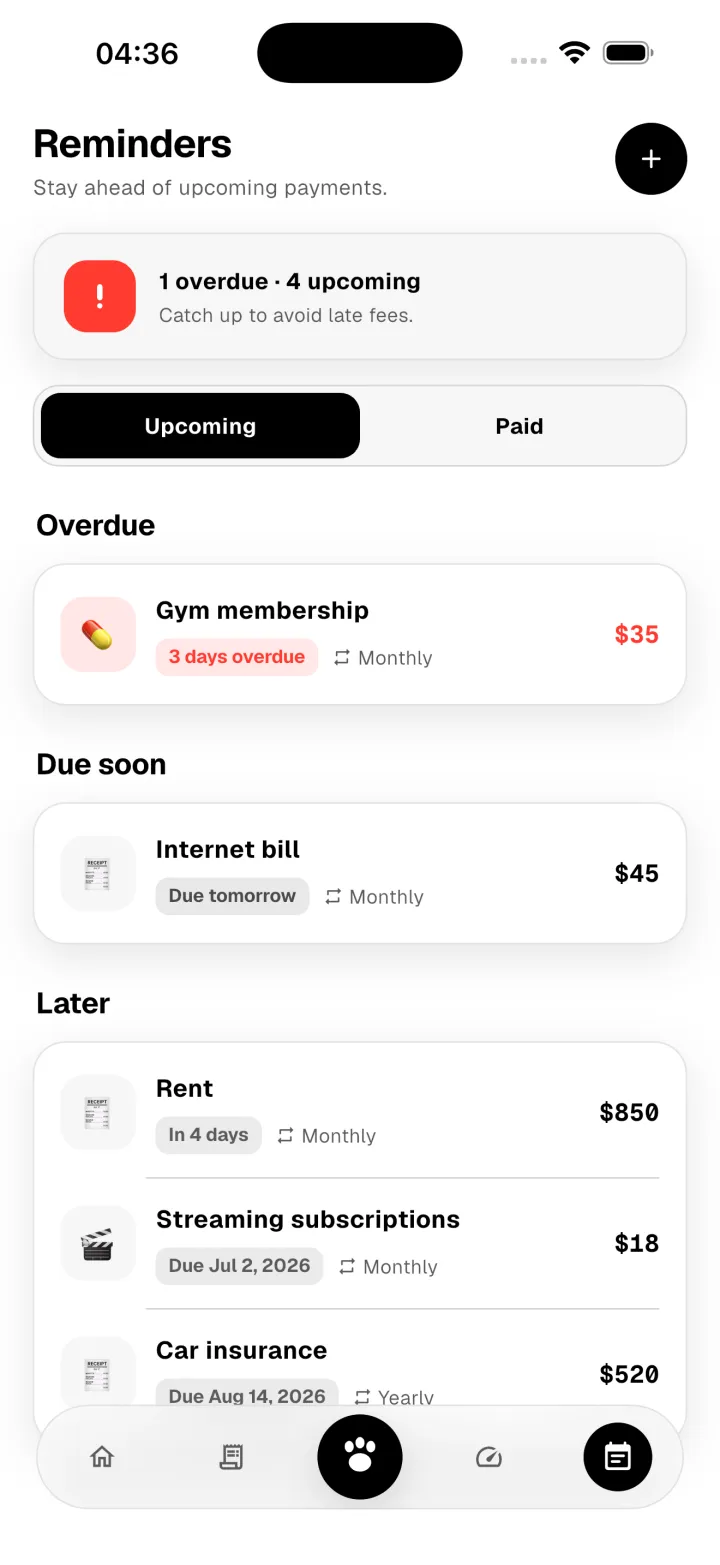
Reminders
Schedule recurring payments, get a reminder before they are due, and add each one to your ledger as soon as you mark it paid.
Split bills
Scan an itemized receipt, assign each line to the right person, and track who has paid you back. Repayments stay linked to the original expense, so reports and limits reflect what the outing actually cost you.
Assign
Give each receipt line to the people who shared it. Item discounts, whole-order discounts, tax, and service all land where they belong.
Share
Send one link. Everyone sees their own share and your payment QR — no account, no app install.
Settle
They tap "I have paid", you confirm in the app, and the repayment links back to the original expense.
Auto-capture
Most spending already arrives as a notification. Panda reads the ones you allow and prepares the transaction, so logging turns into approving.
Step 01
Pick exactly which apps Panda may read. Everything else stays invisible to it, and you can change the list any time.
Step 02
A payment notification turns into a draft: amount, direction, and the wallet you linked to that app. It can even spot the bill it pays.
Step 03
Drafts wait in your review inbox. Nothing reaches your ledger until you approve it.
Android only · Off by default · You approve every entry
Payment alert
Card ending 4021 was charged 248.00 at Riverside Coffee.
Panda reads it
Riverside Coffee
−248.00
Seven languages
English, Chinese, Japanese, Vietnamese, Korean, Thai, and Burmese. Switch any time, even before you sign in.
Everywhere you look
The app's main screens, push notifications, emails, and this website follow the language you choose.
Dates you can read
Months and weekdays are written the way your language writes them.
Scripts set with care
Thai and Burmese get room for the marks above and below the line, so nothing collides or gets cut off.
Numbers stay put
Amounts keep the same digits in every language, so a balance always reads the same.
AI connectors
Connect Claude, ChatGPT, or Gemini to Panda Money and ask about your money in plain words.
Read-only by design
It can read your wallets, transactions, statistics, budgets, and reminders. It can't add, change, or delete anything.
Approved from your phone
Connecting shows a QR code. Scan it with Panda Money and type the 4-digit code, so nobody connects without your phone.
Yours to disconnect
Every connection is listed under Devices in the app. Sign it out there and access ends immediately.
How much did I spend on food last month?
Read-only by design
In September you spent 8,420.00 on Food & Drinks, 12% less than in August.
Am I close to any of my budgets?
Read-only by design
Dining is at 86% of its 300.00 limit with 9 days left. Everything else is under half.
Make it yours
Choose from 8 themes and 19 typefaces. Unlock the premium ones with Bamboo you can earn by building the simple habit of tracking your money.
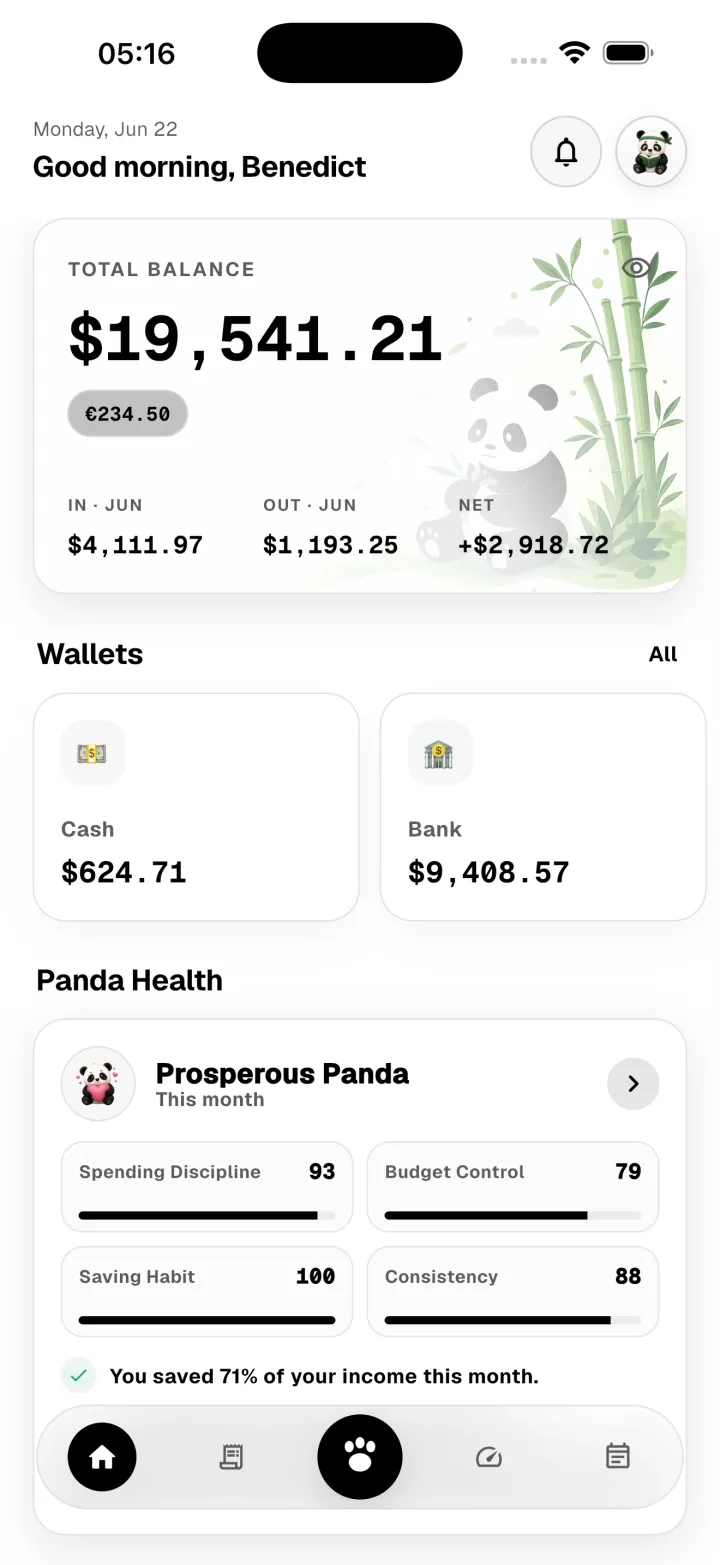
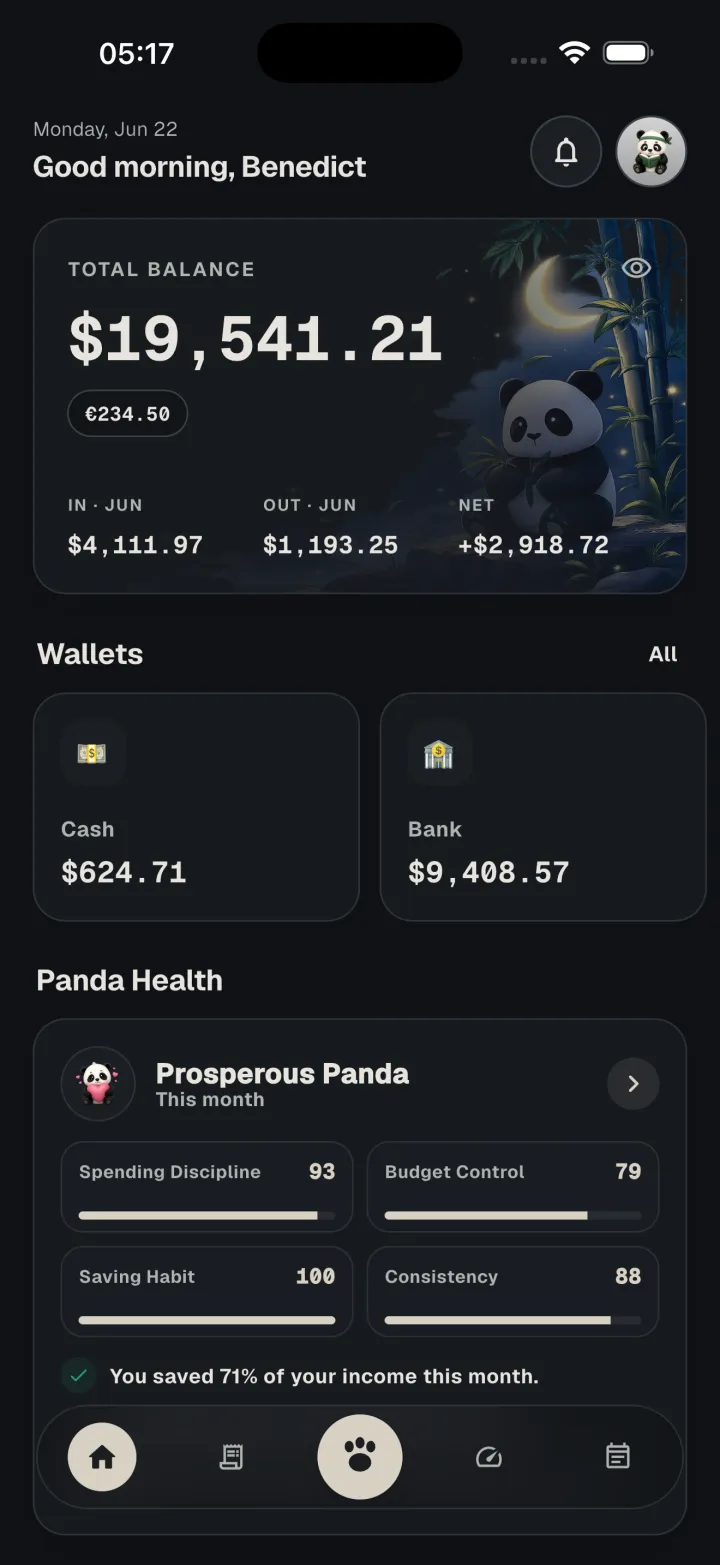
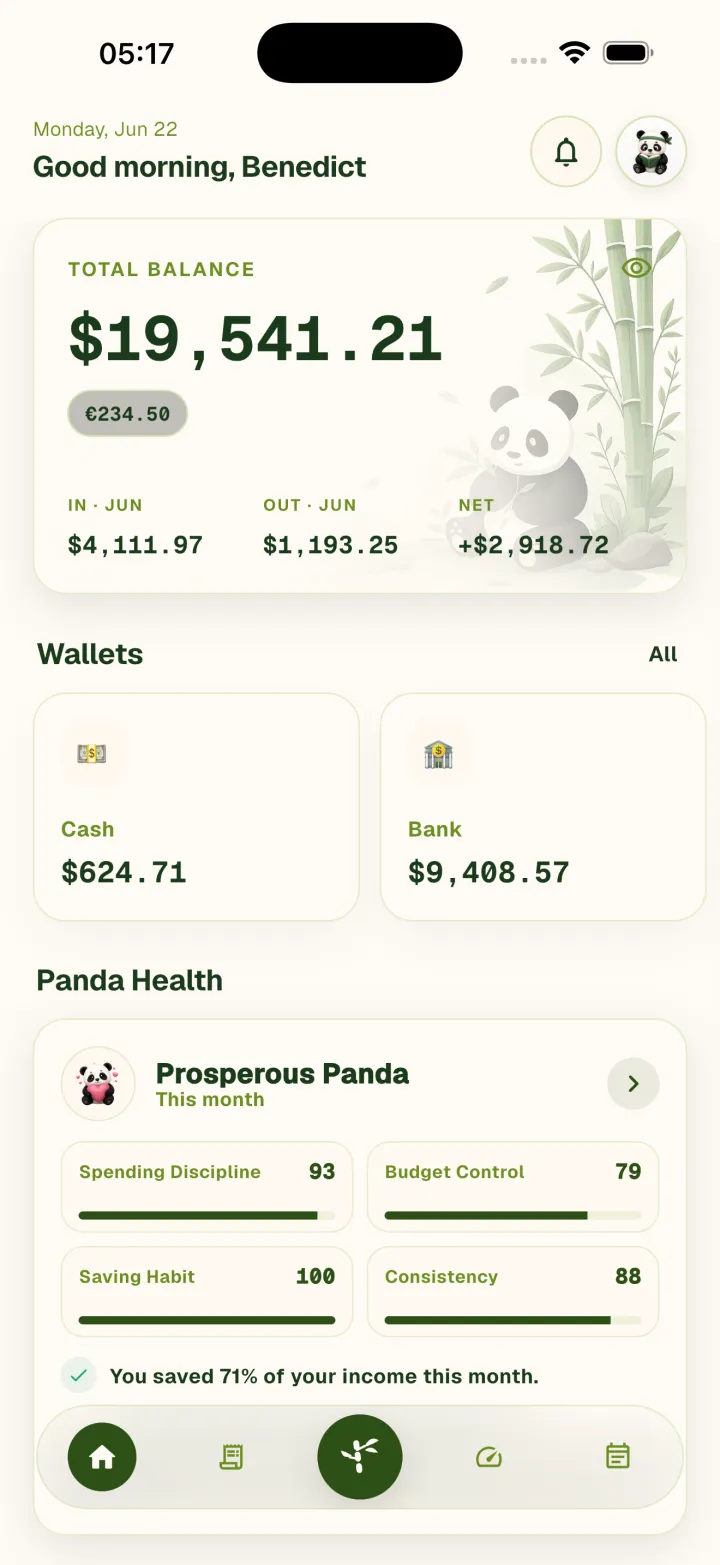
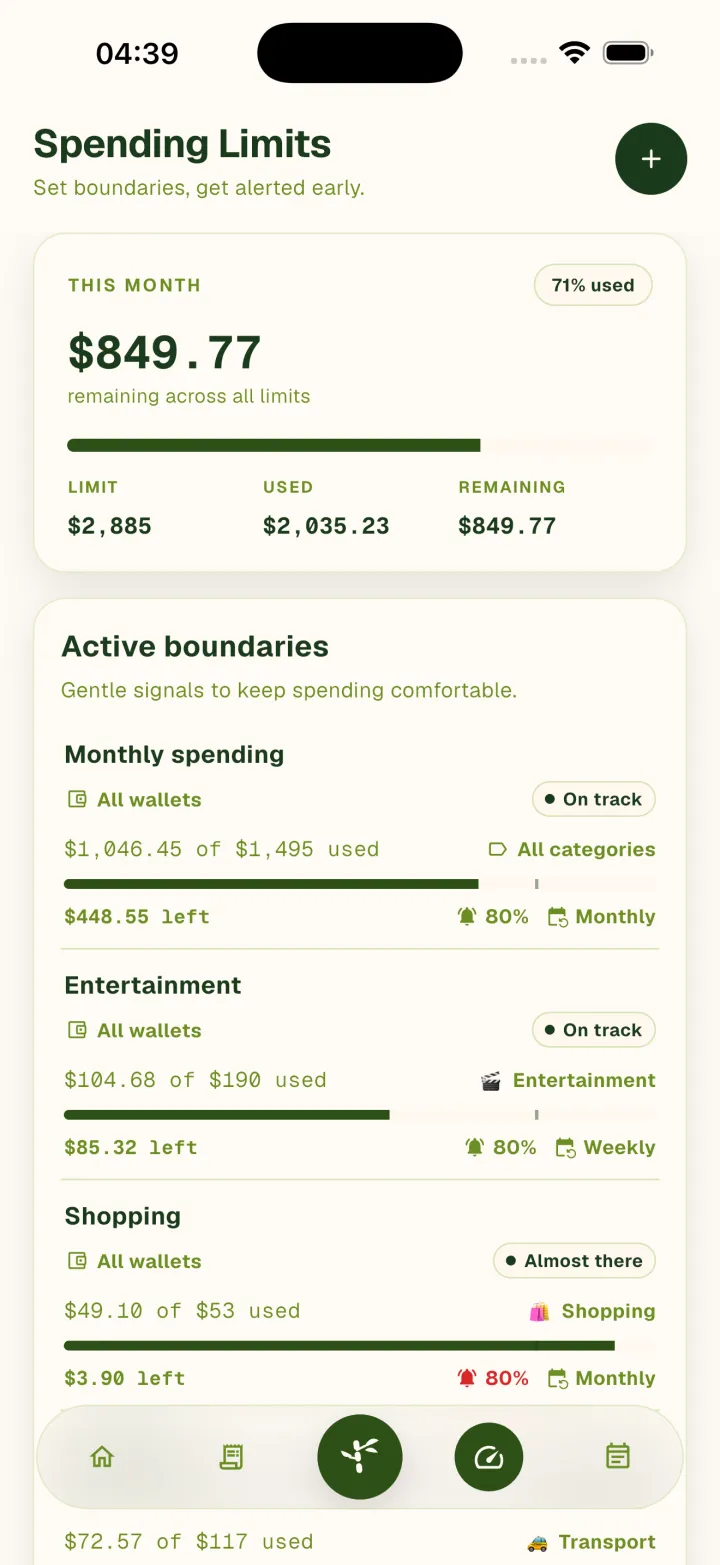
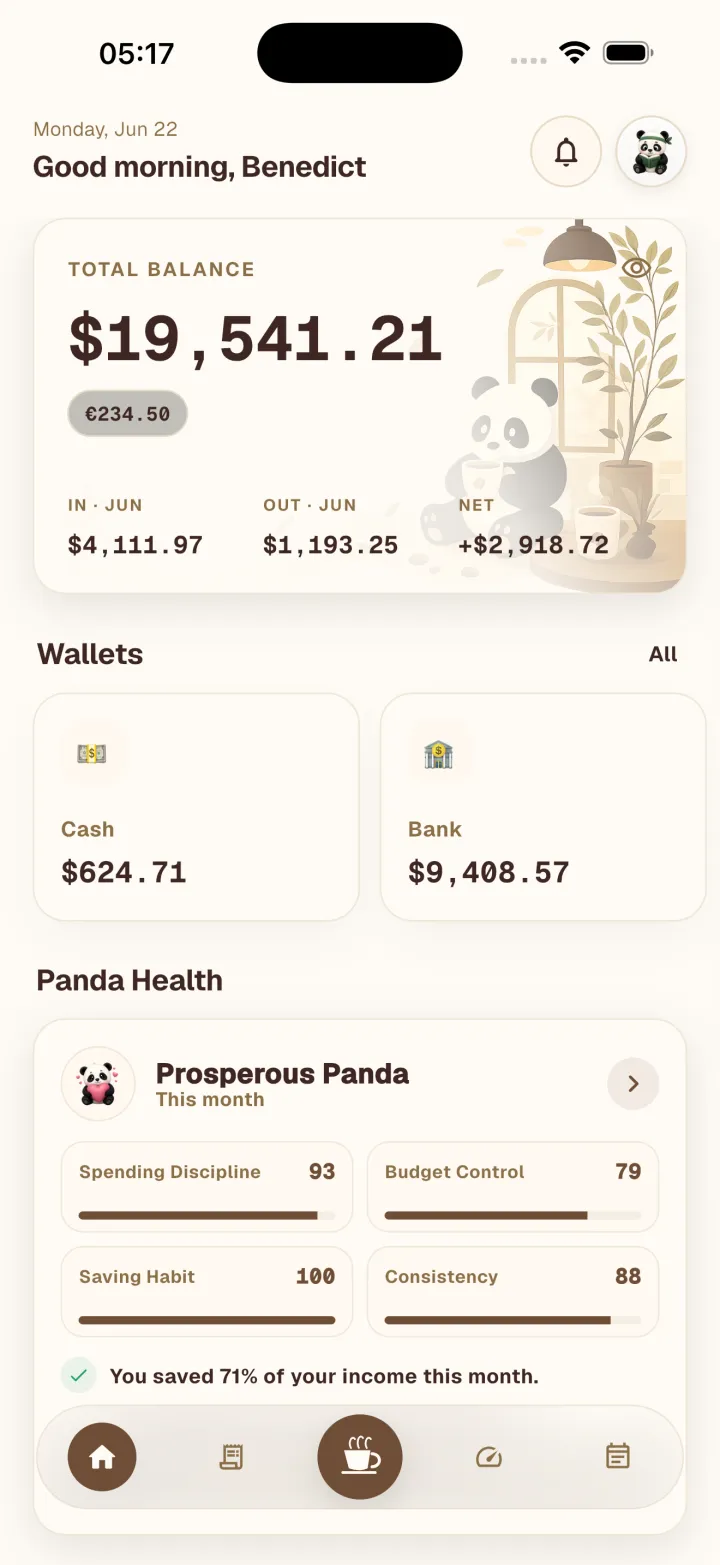
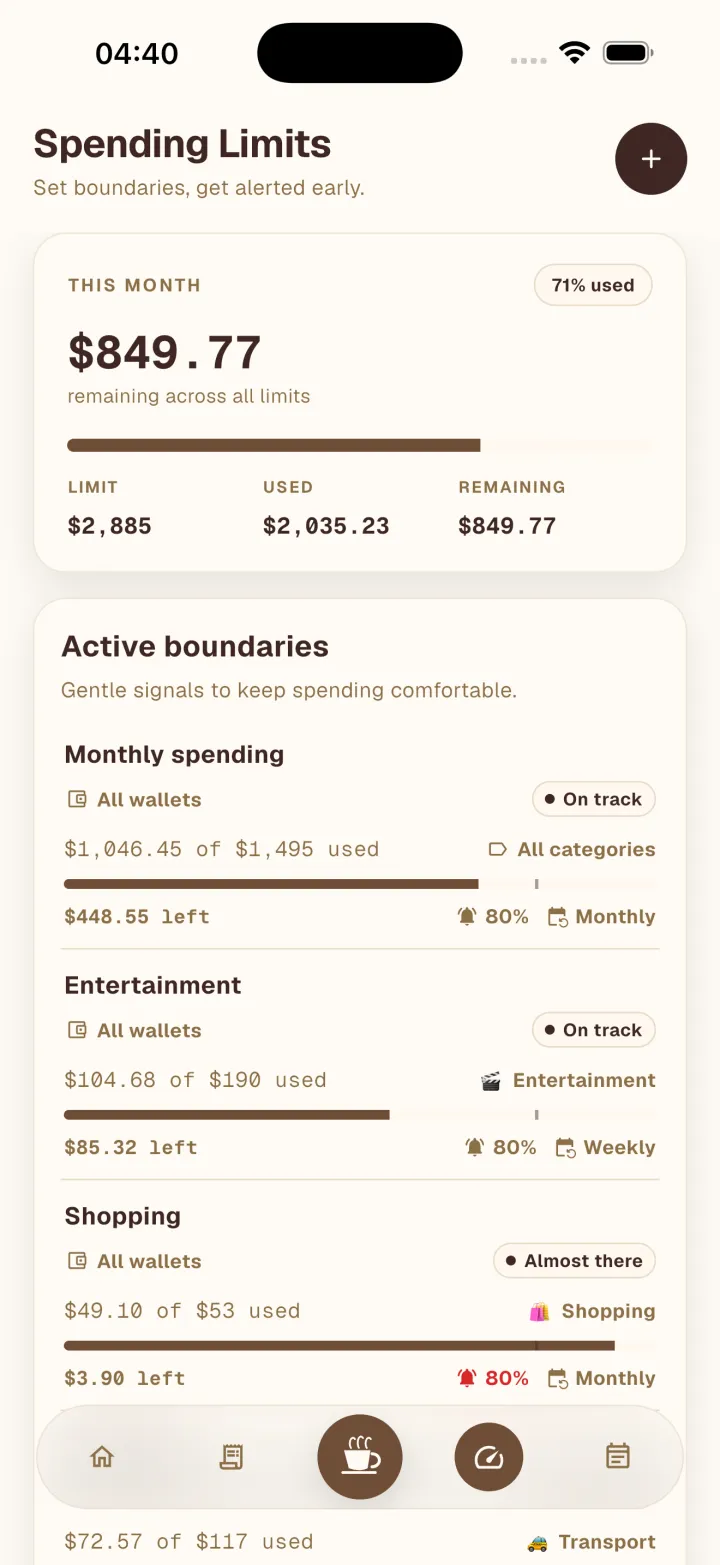
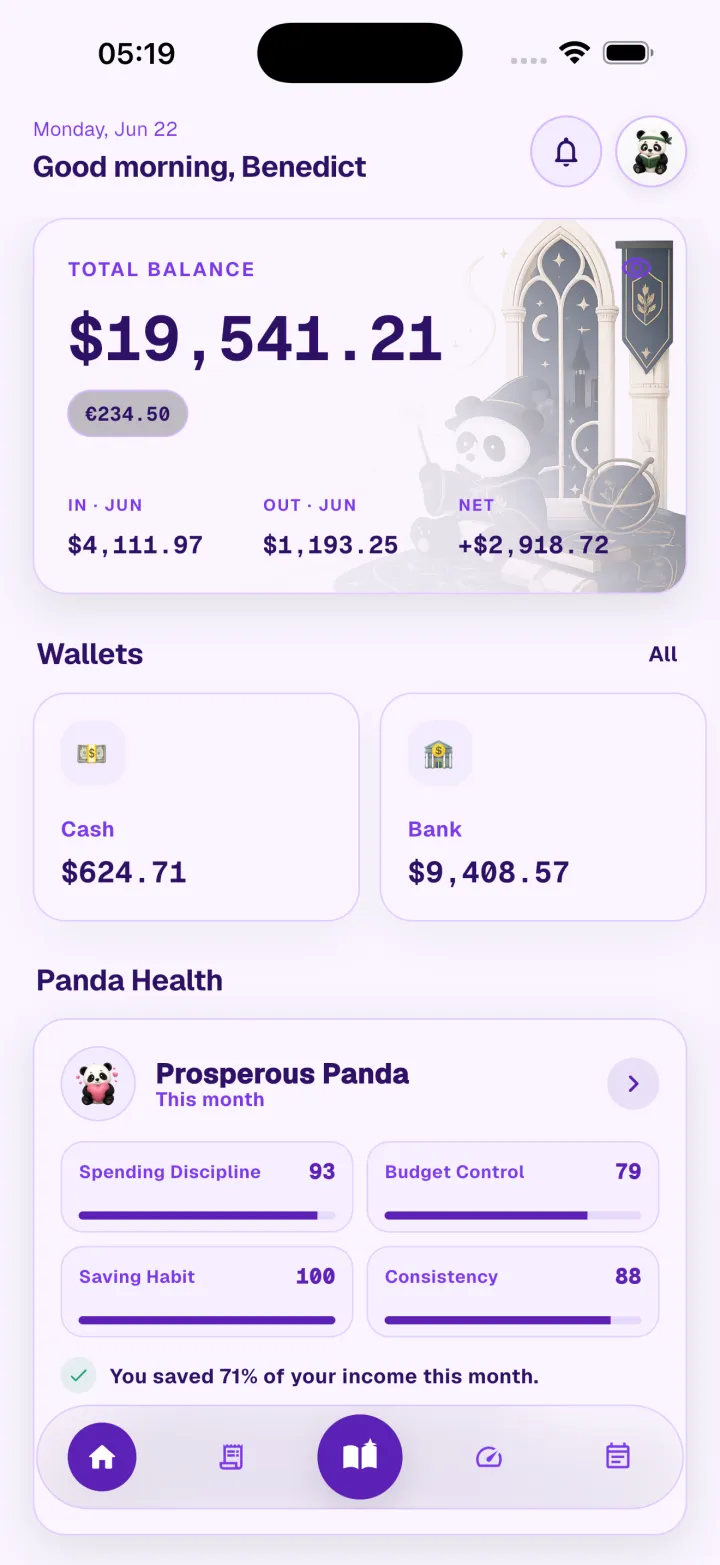
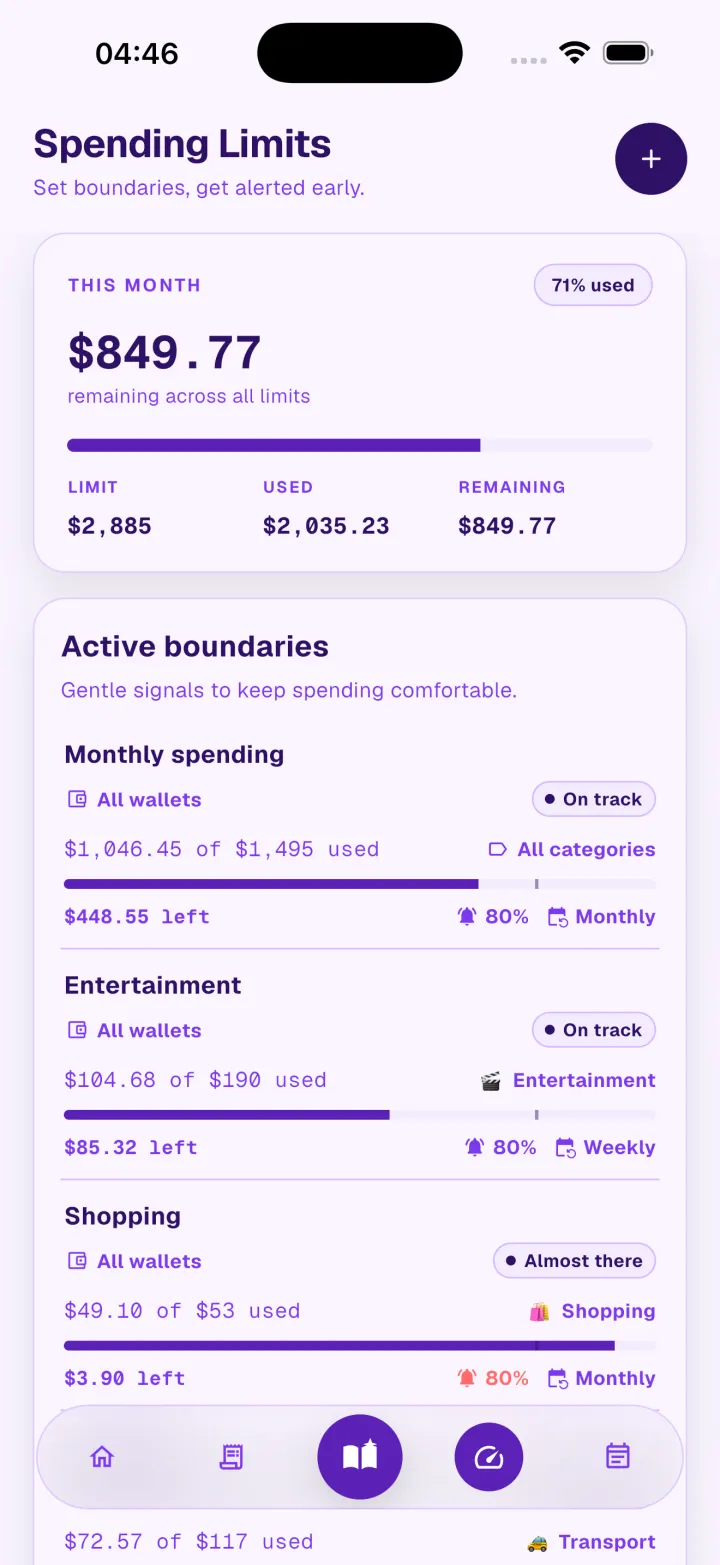
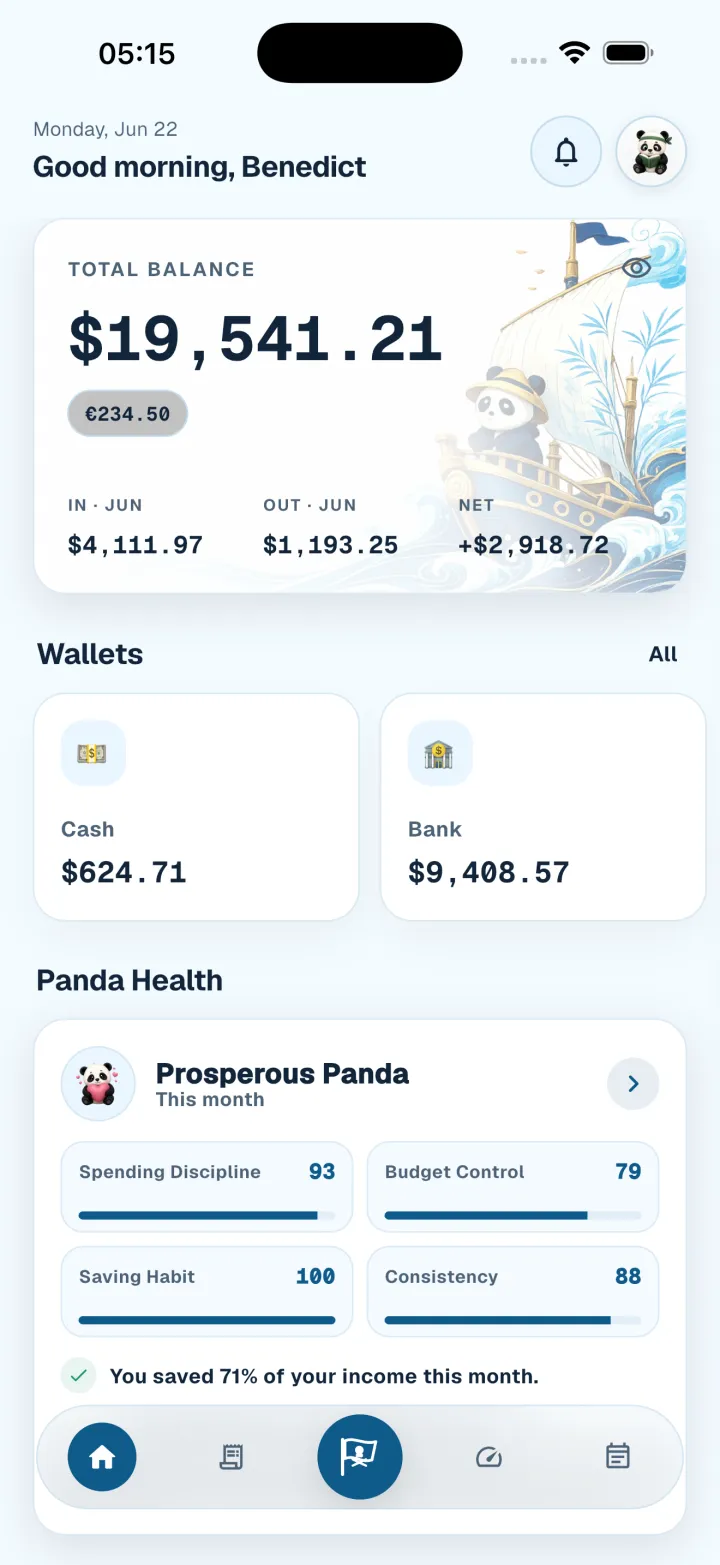
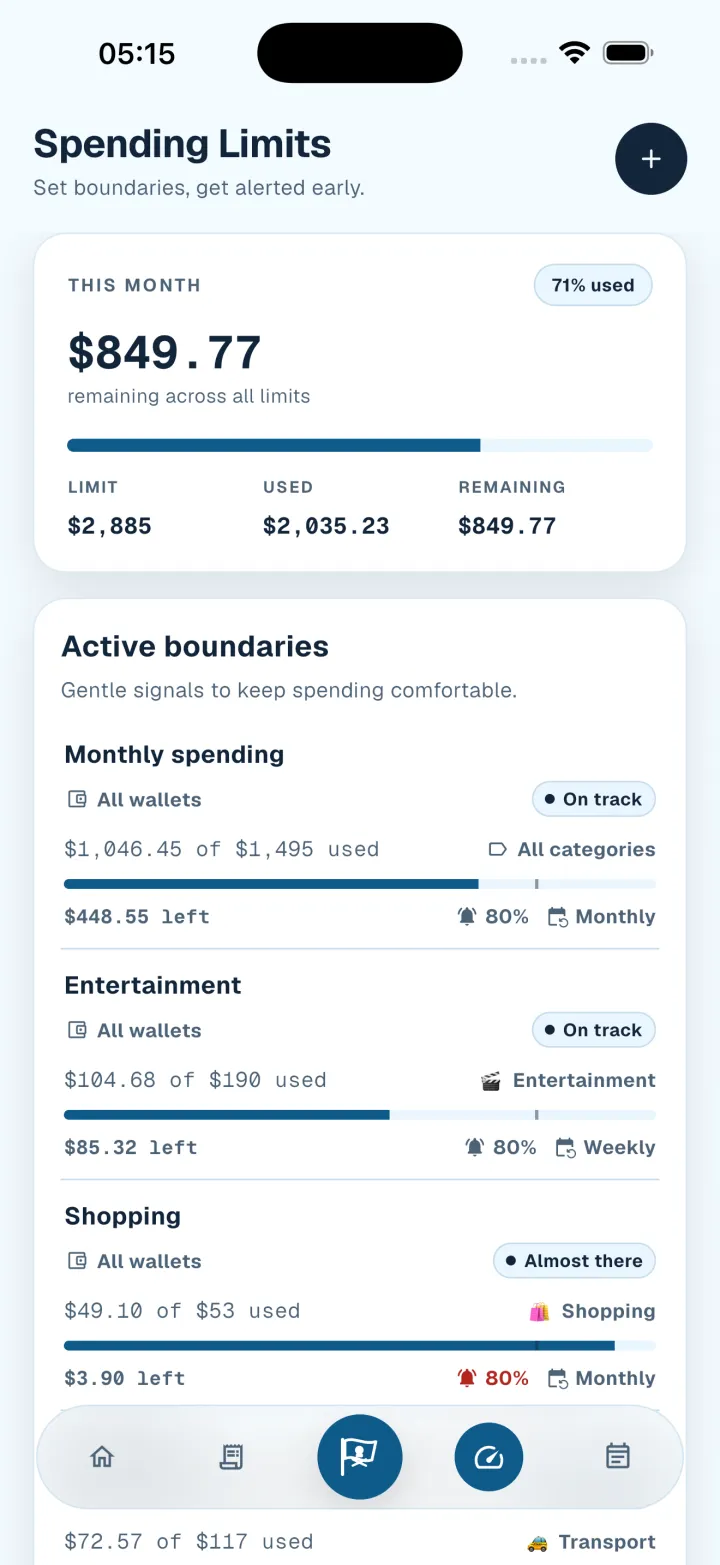
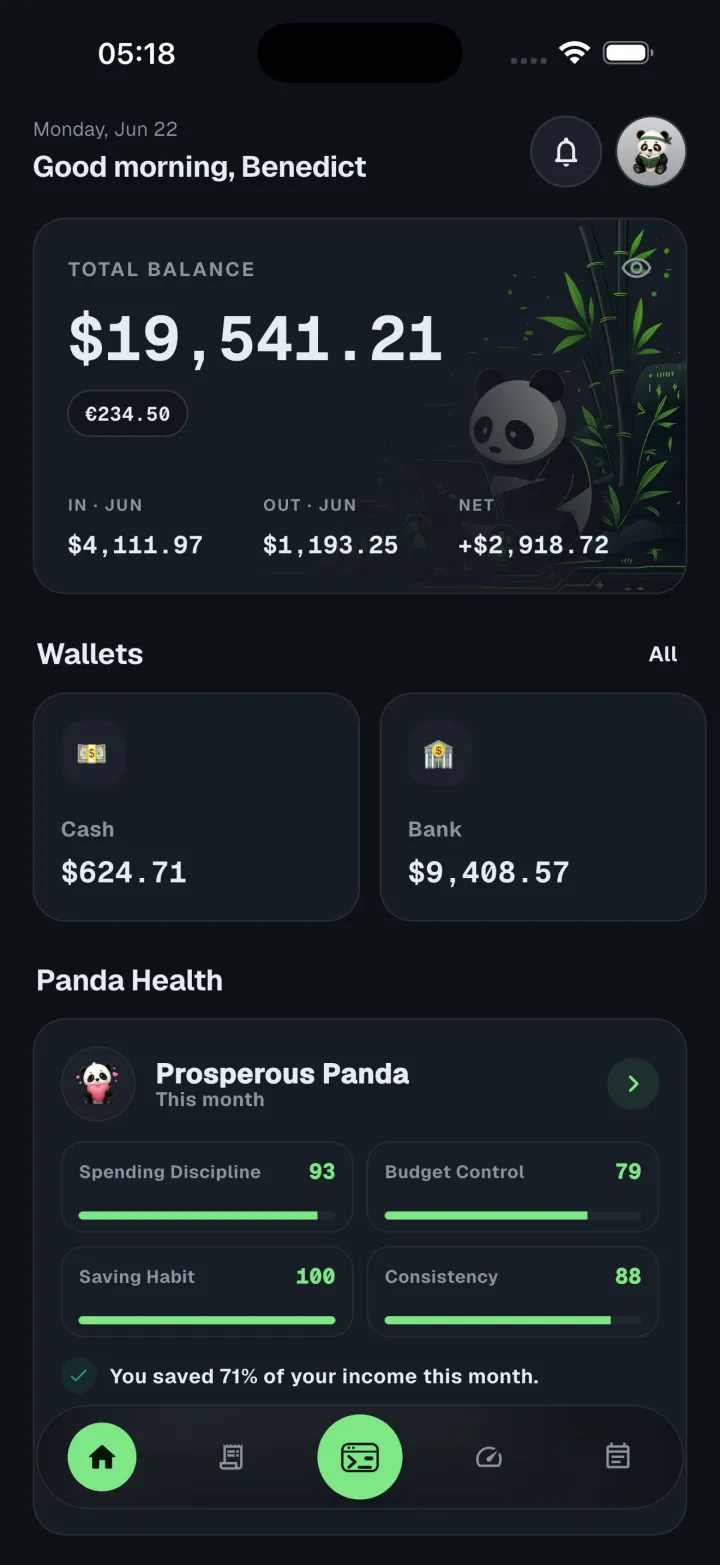
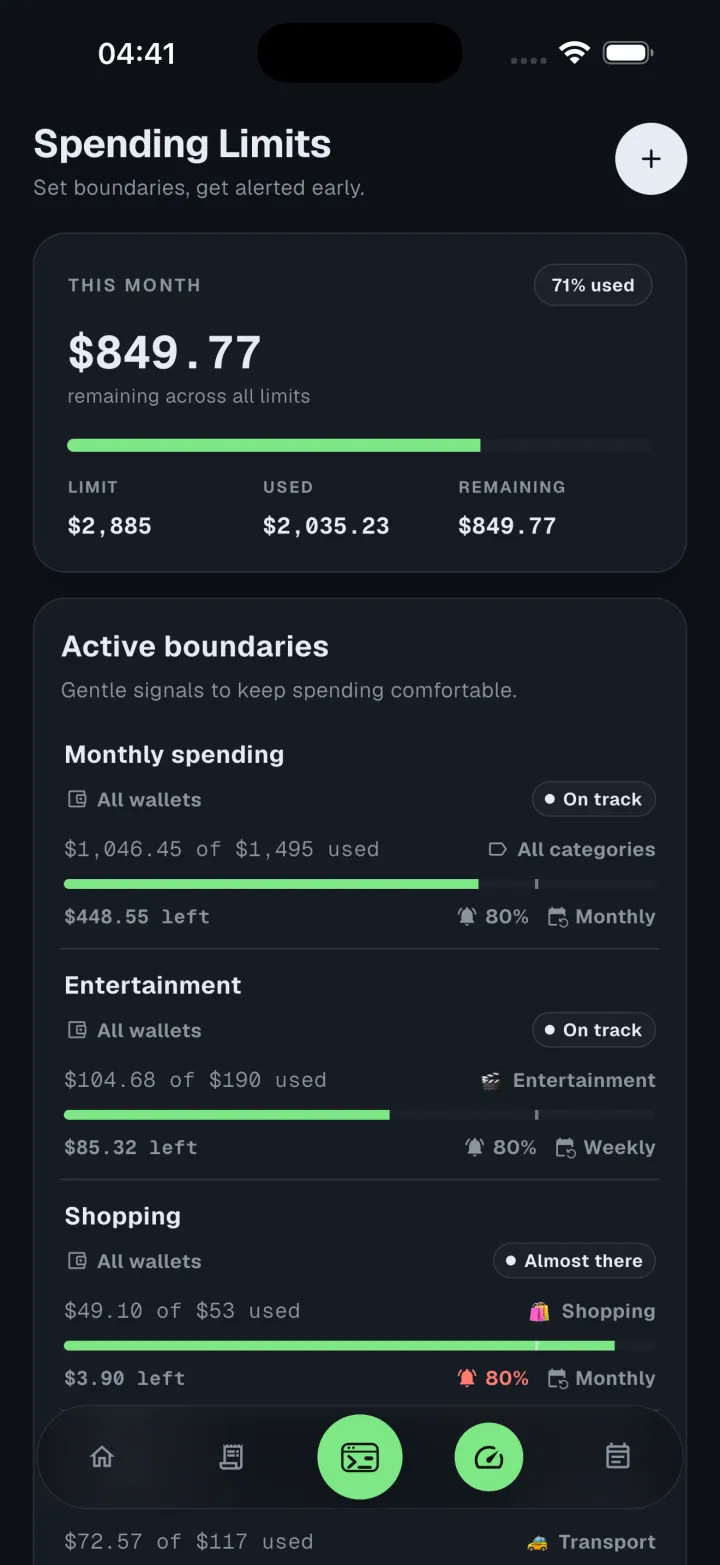
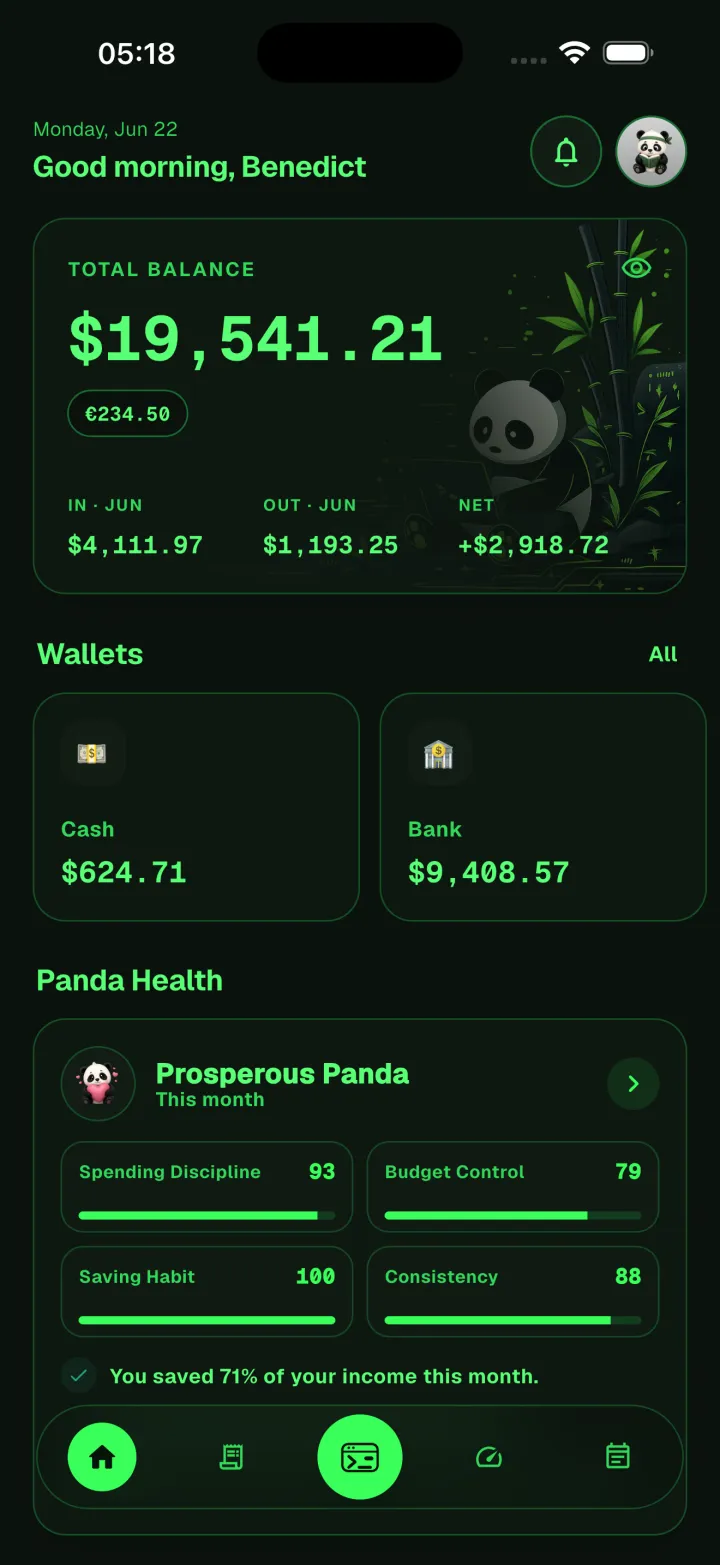
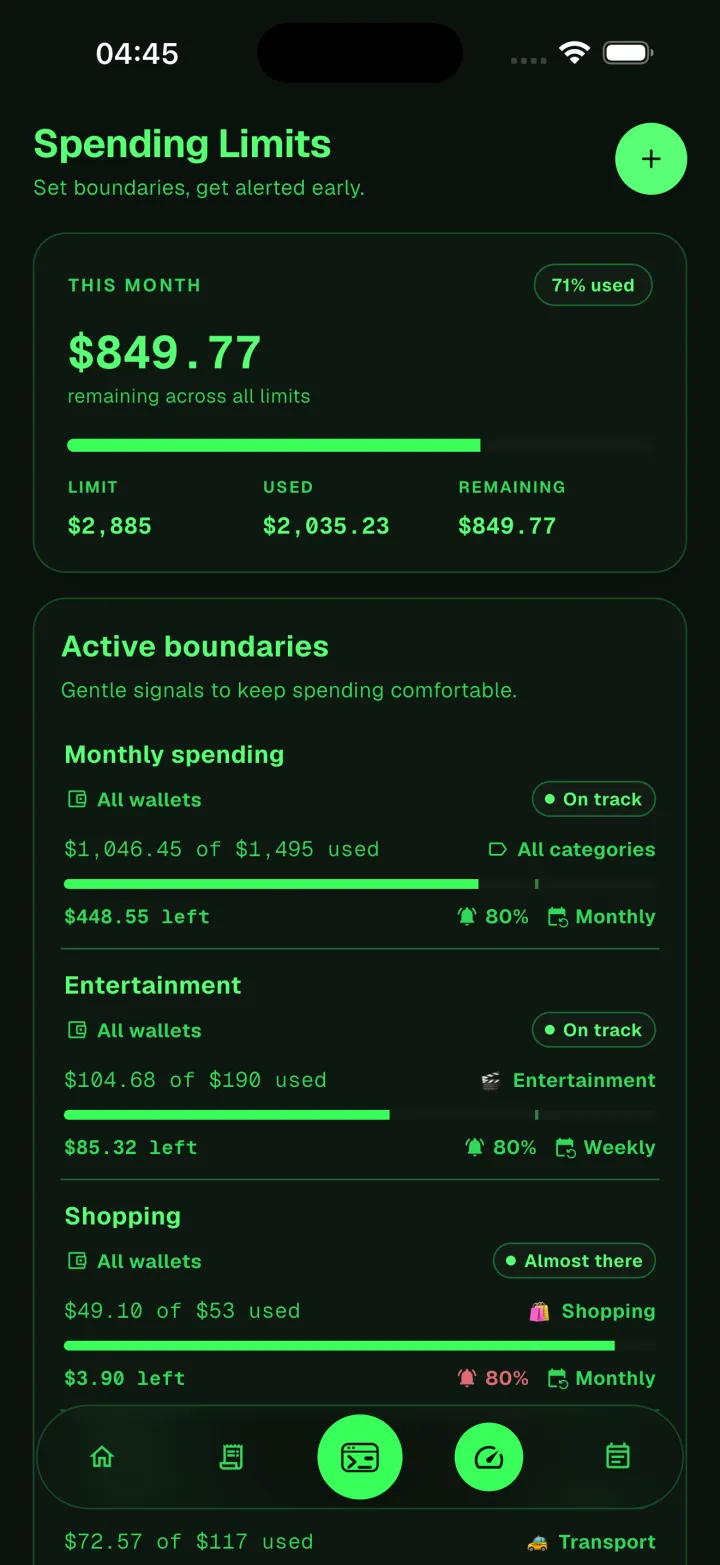
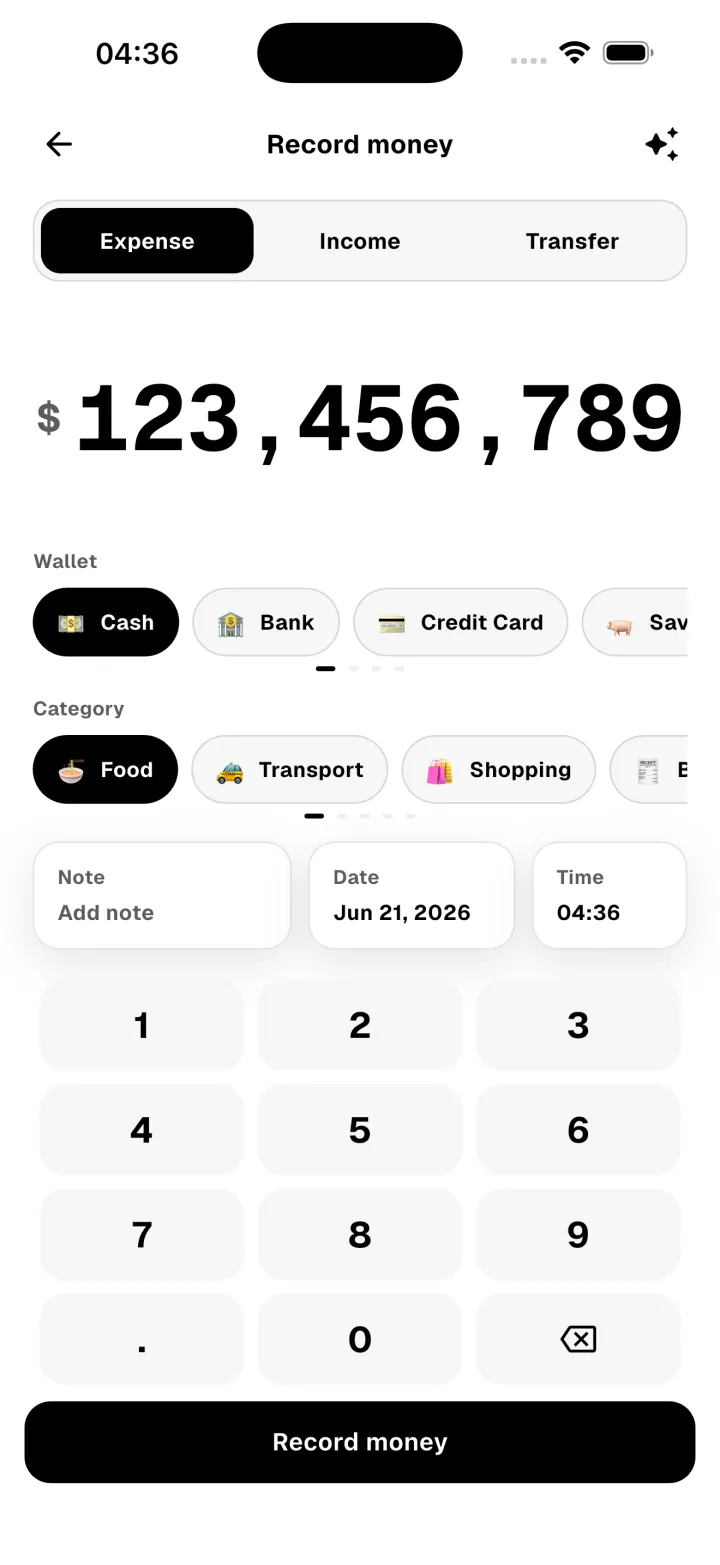
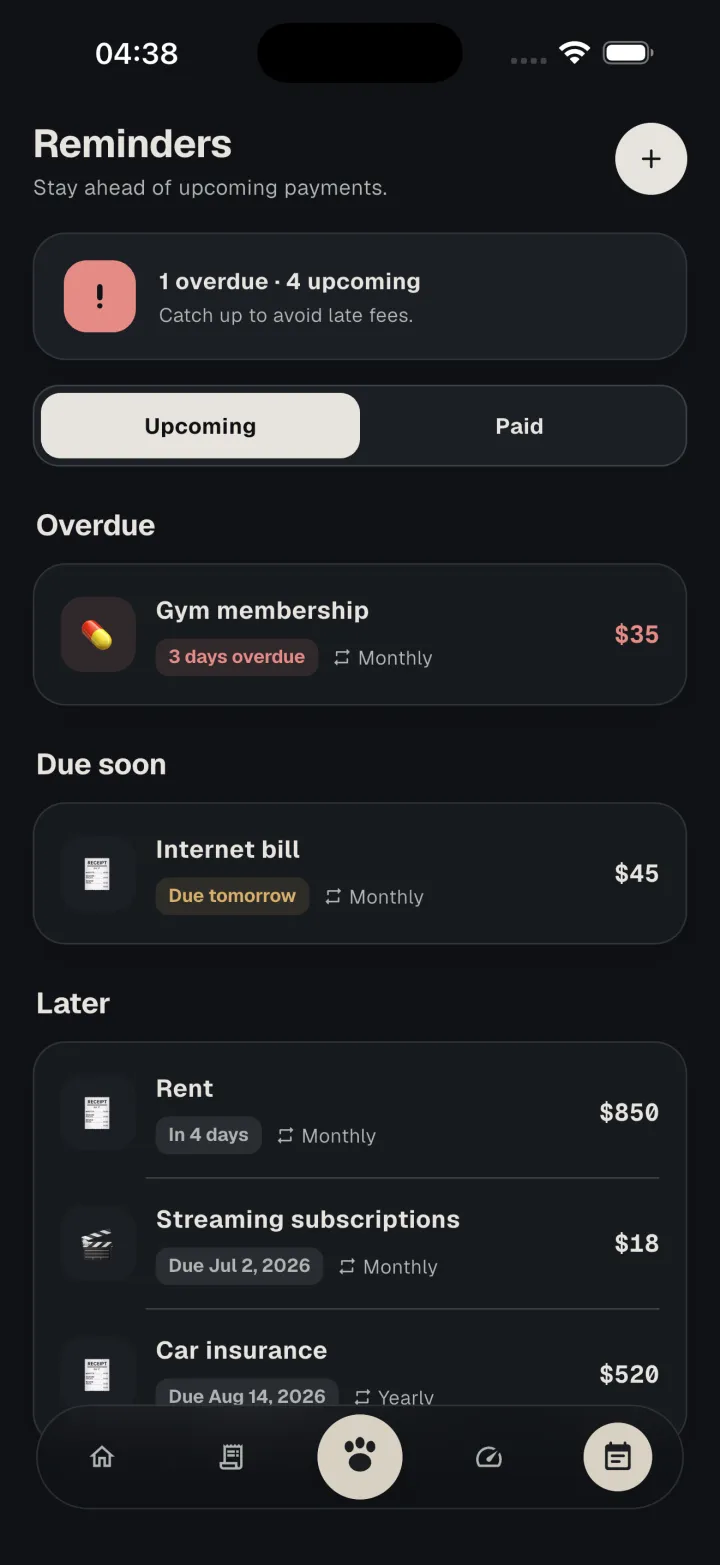
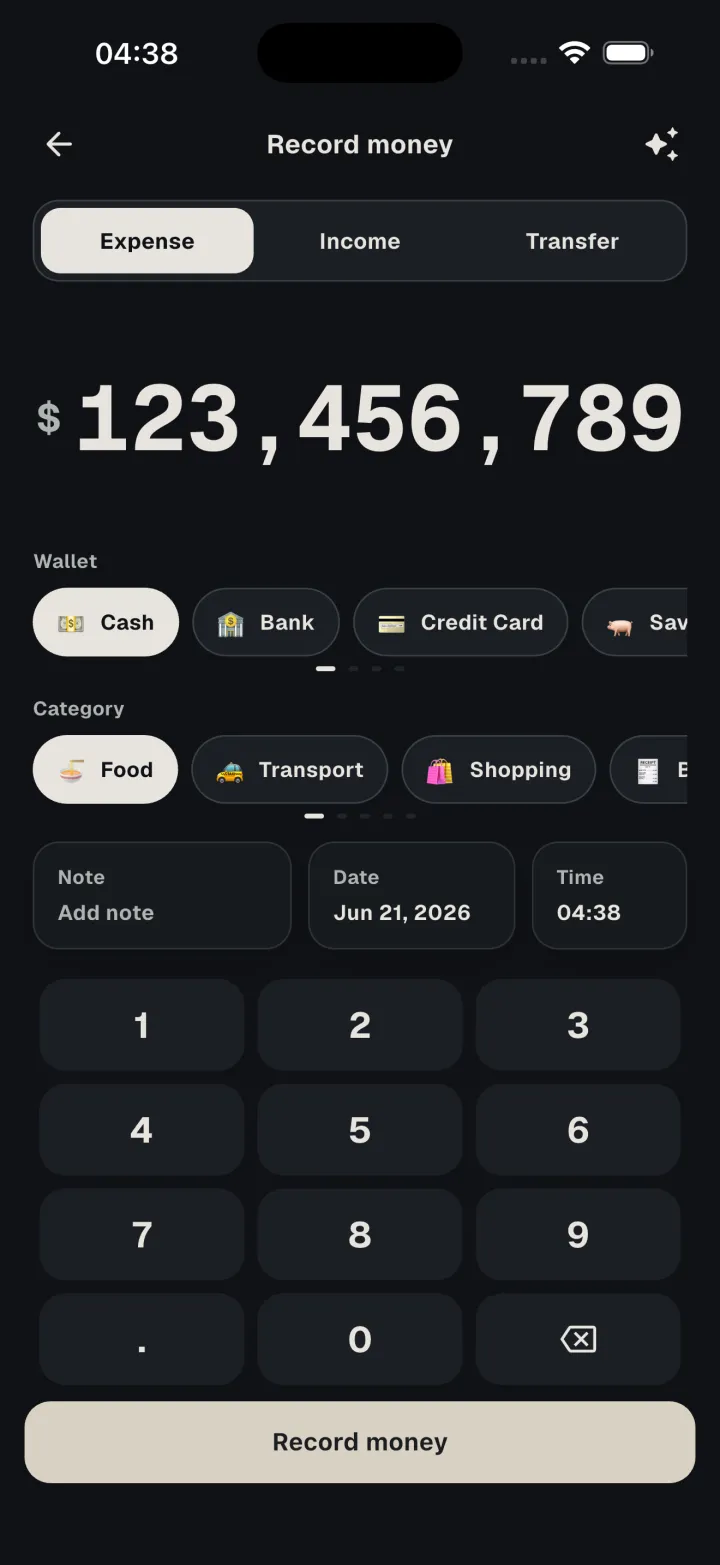
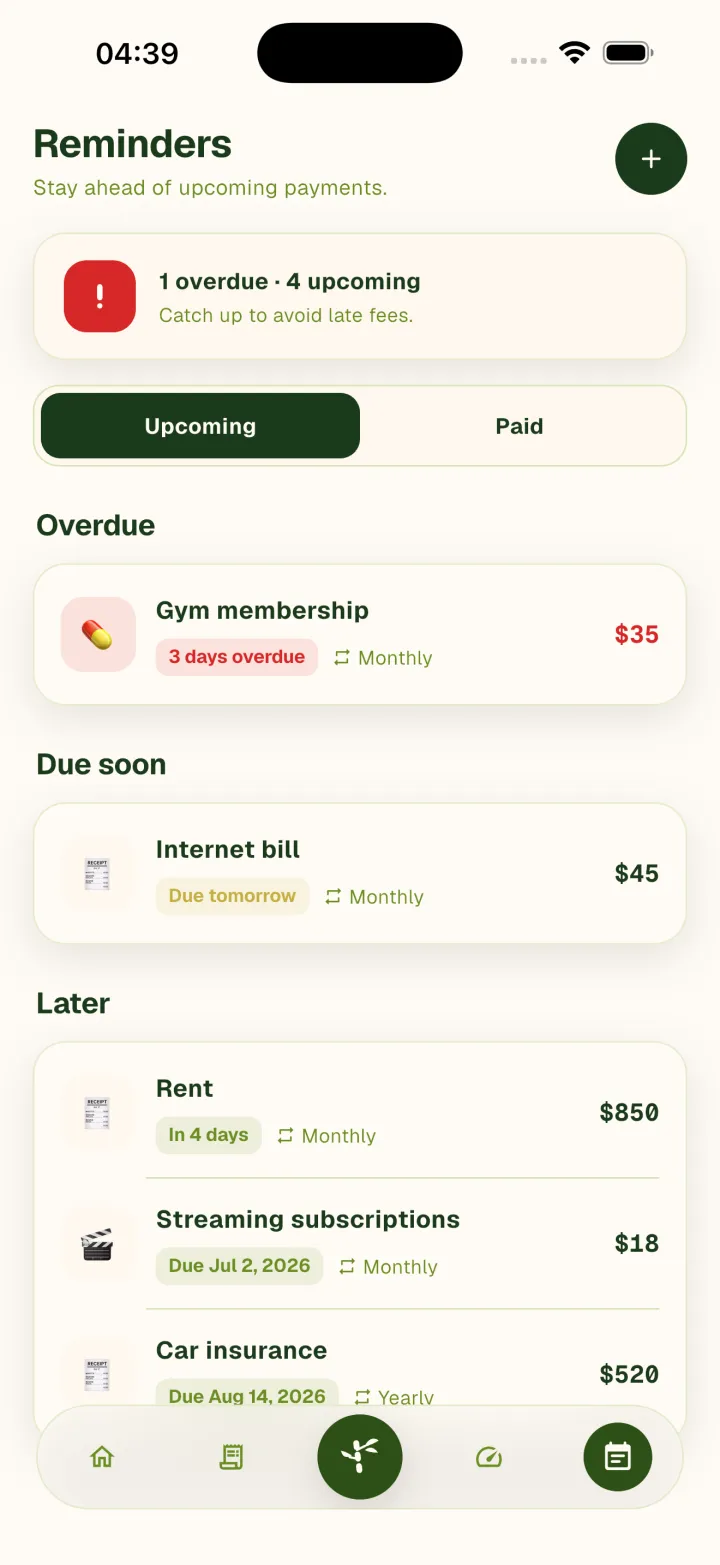
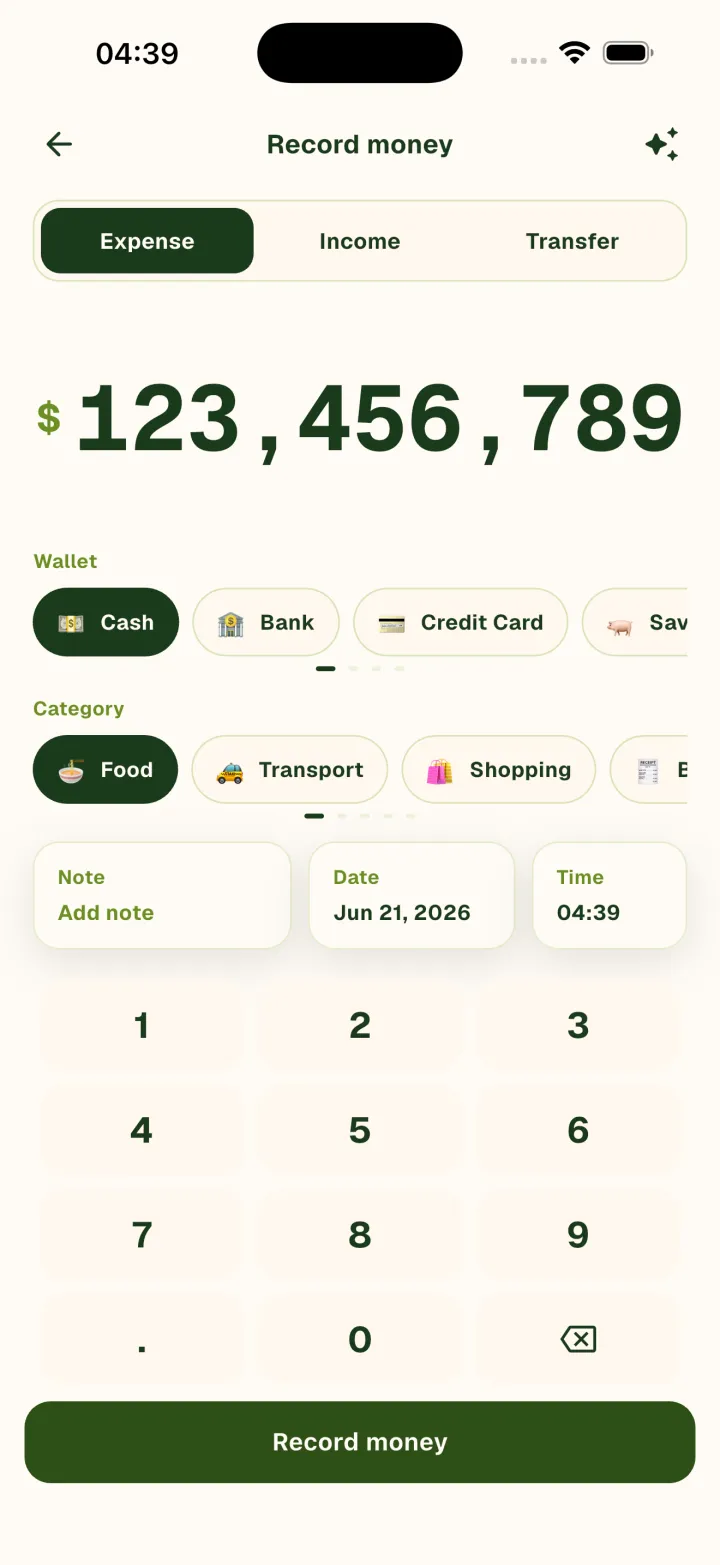
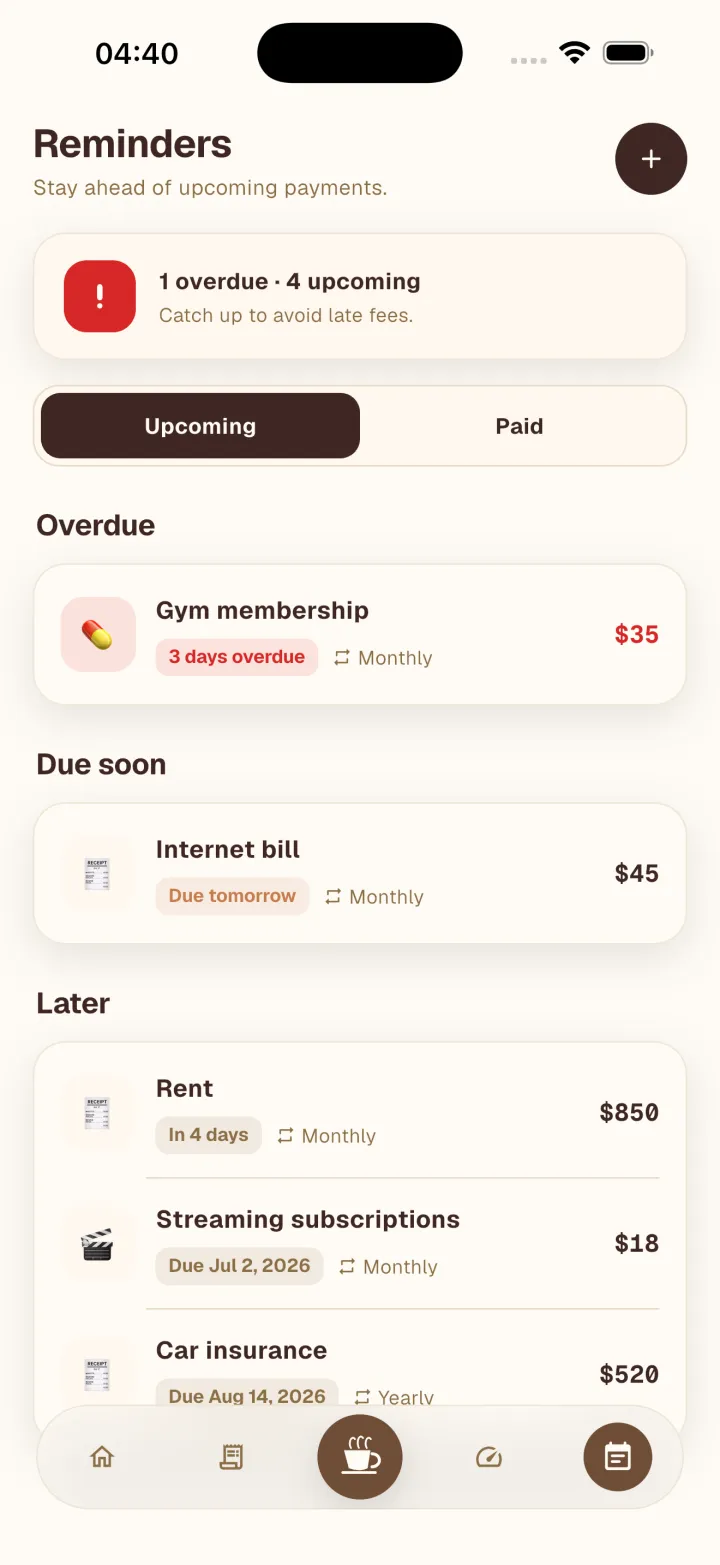
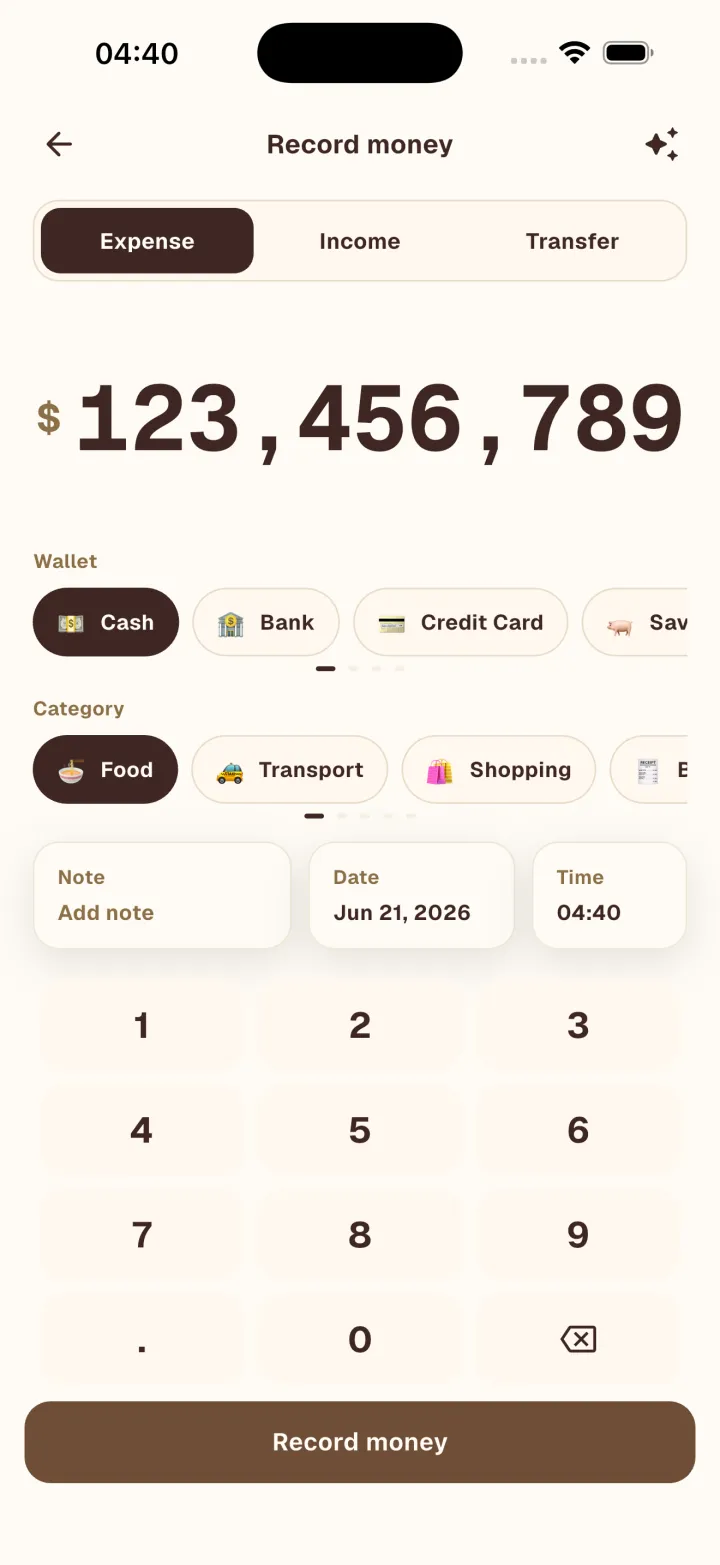
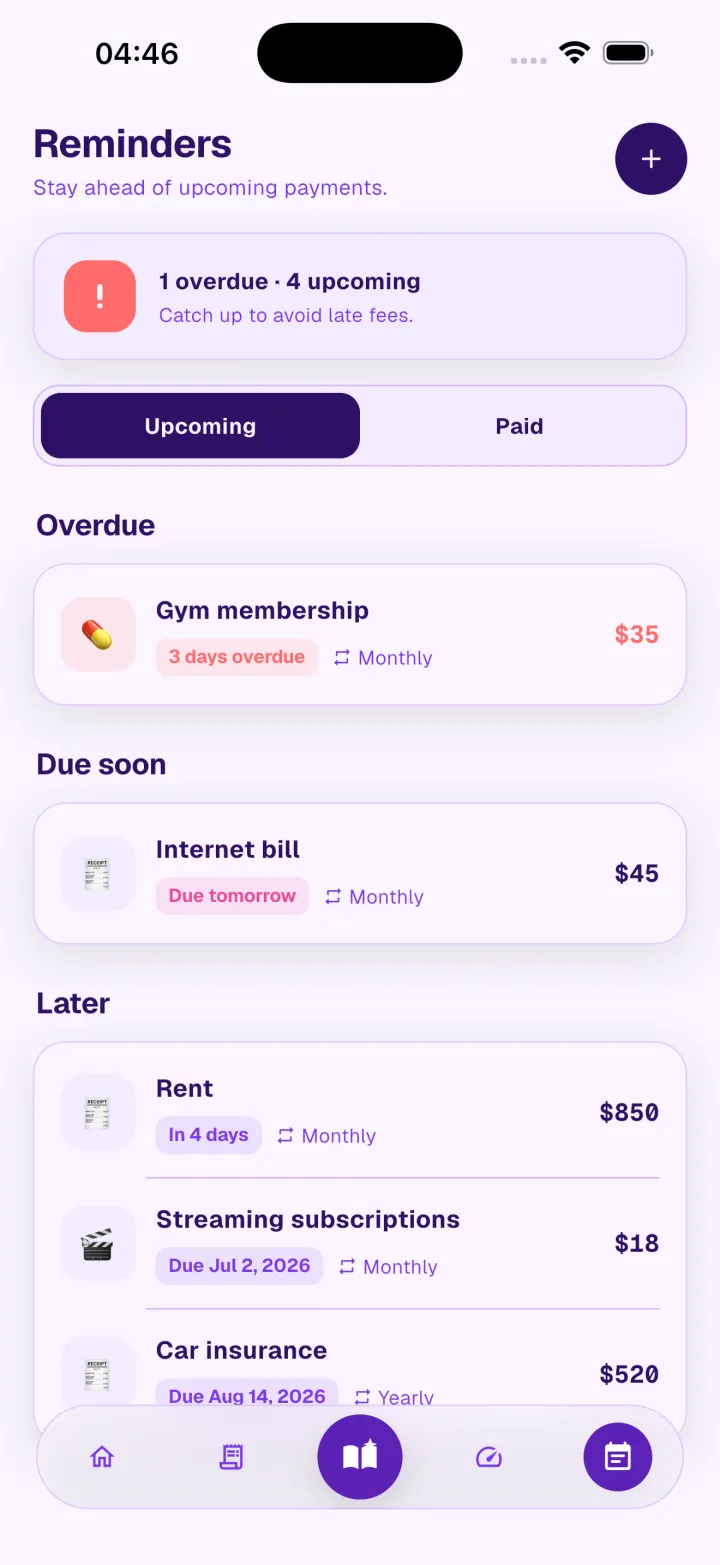
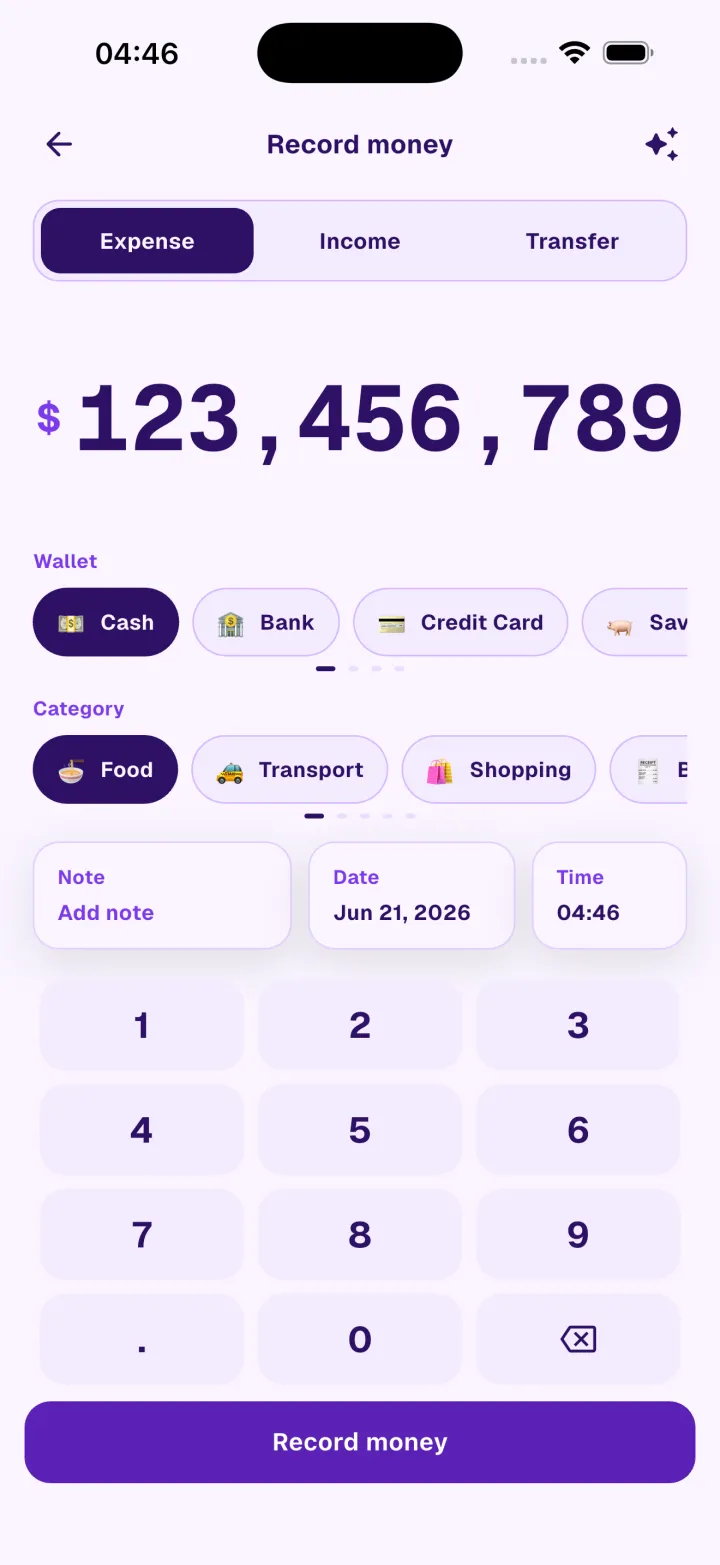
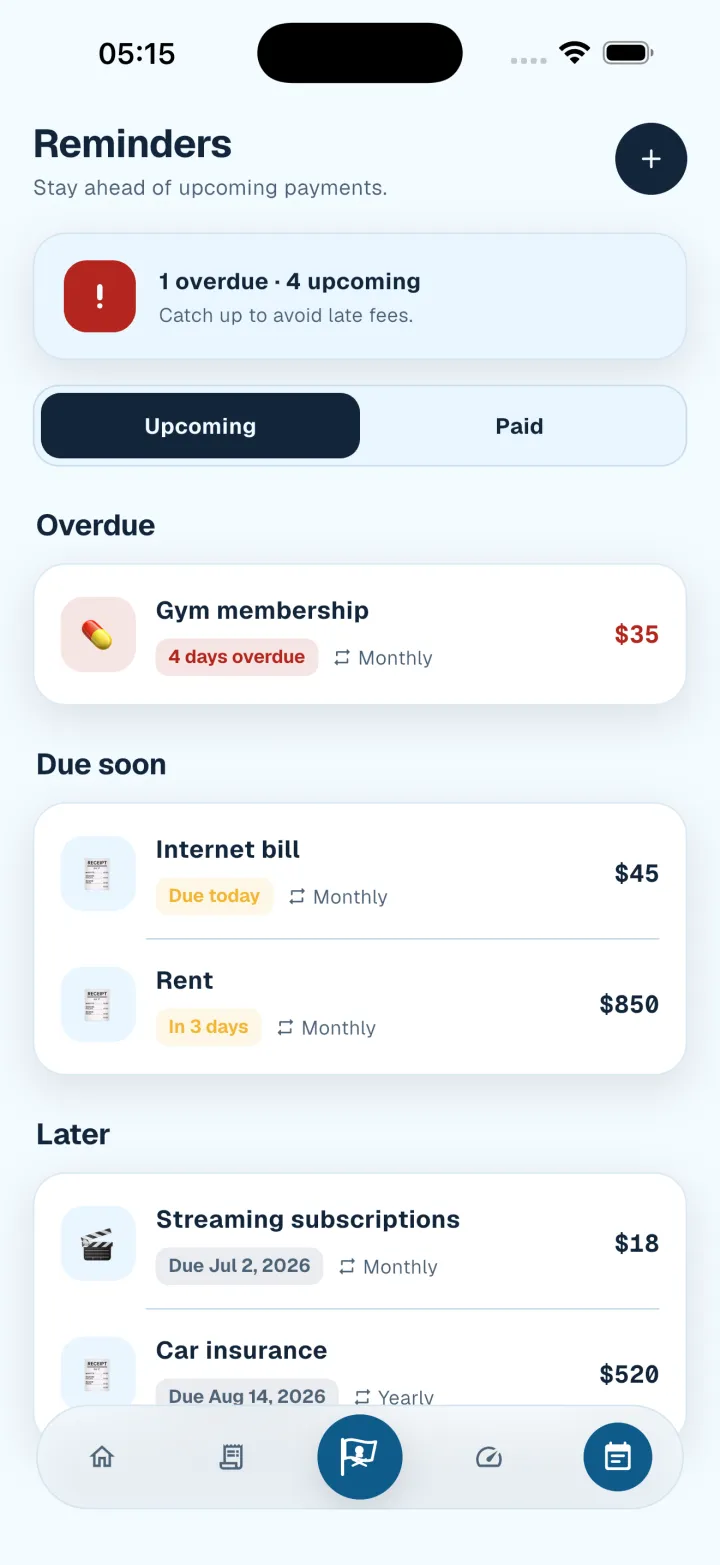
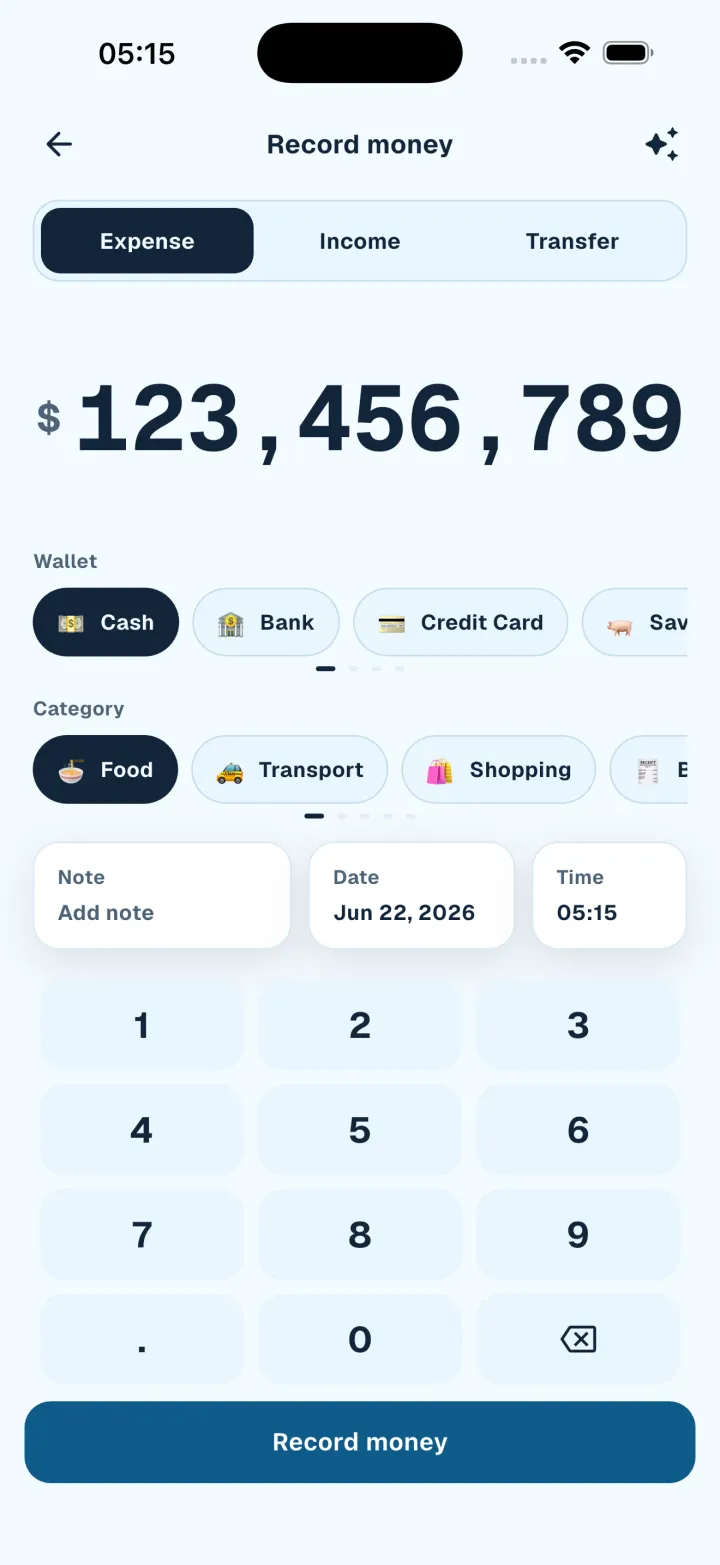
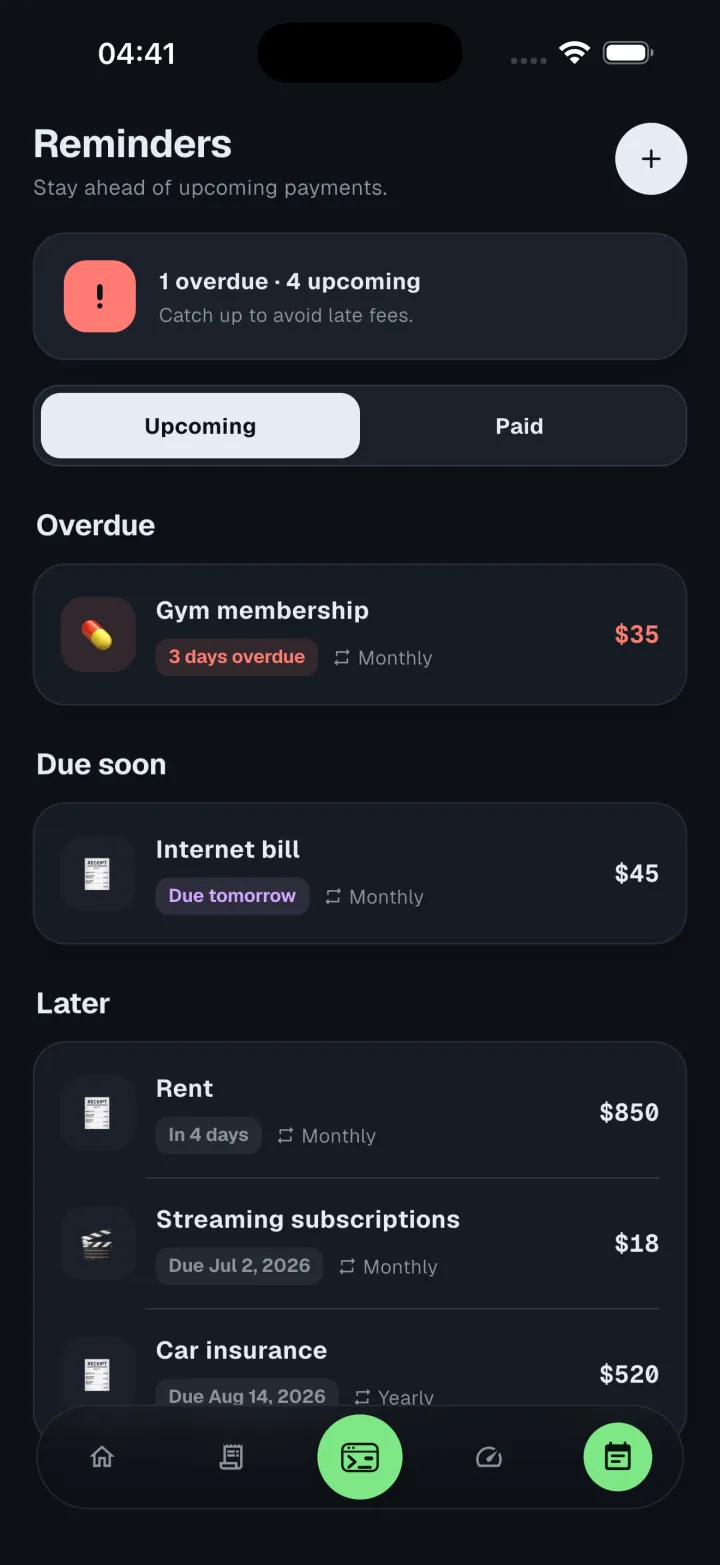
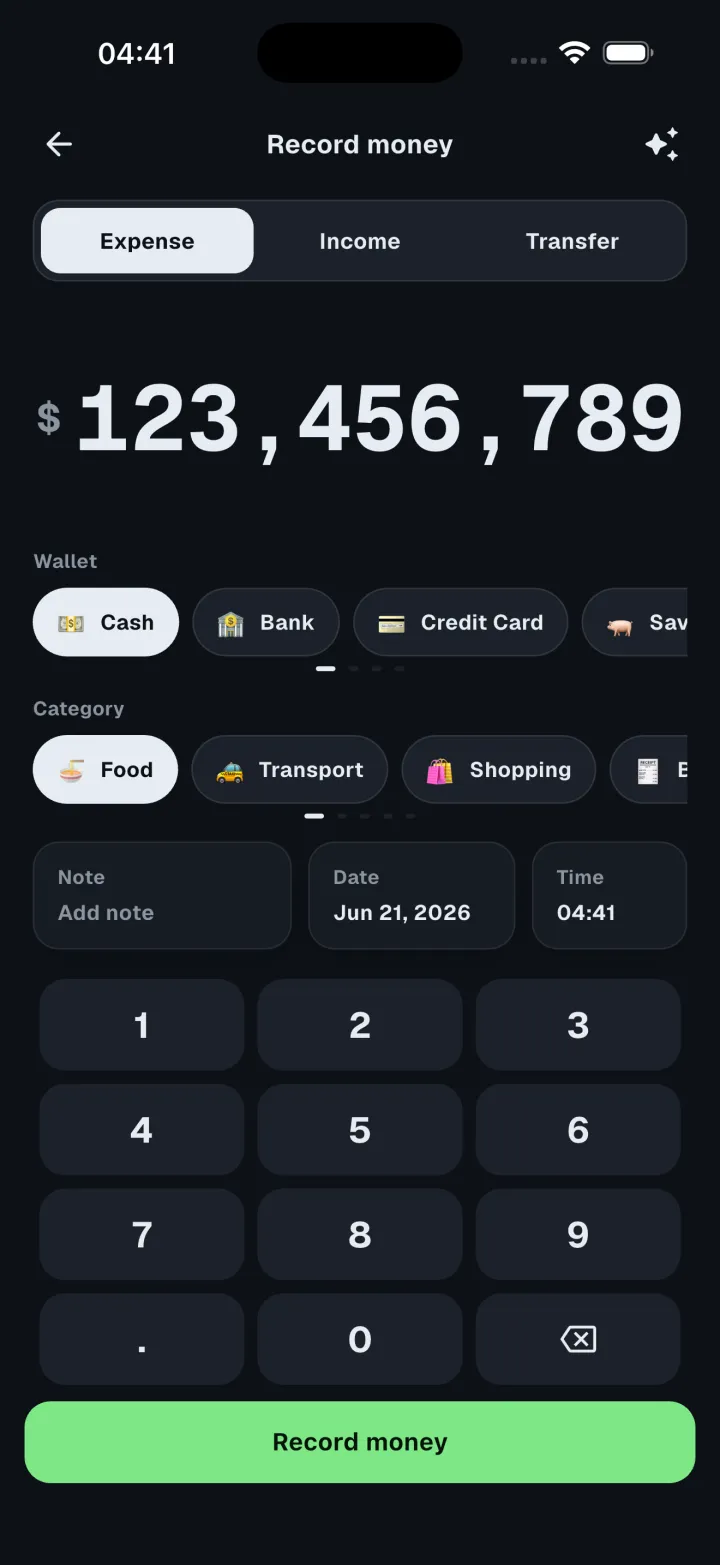
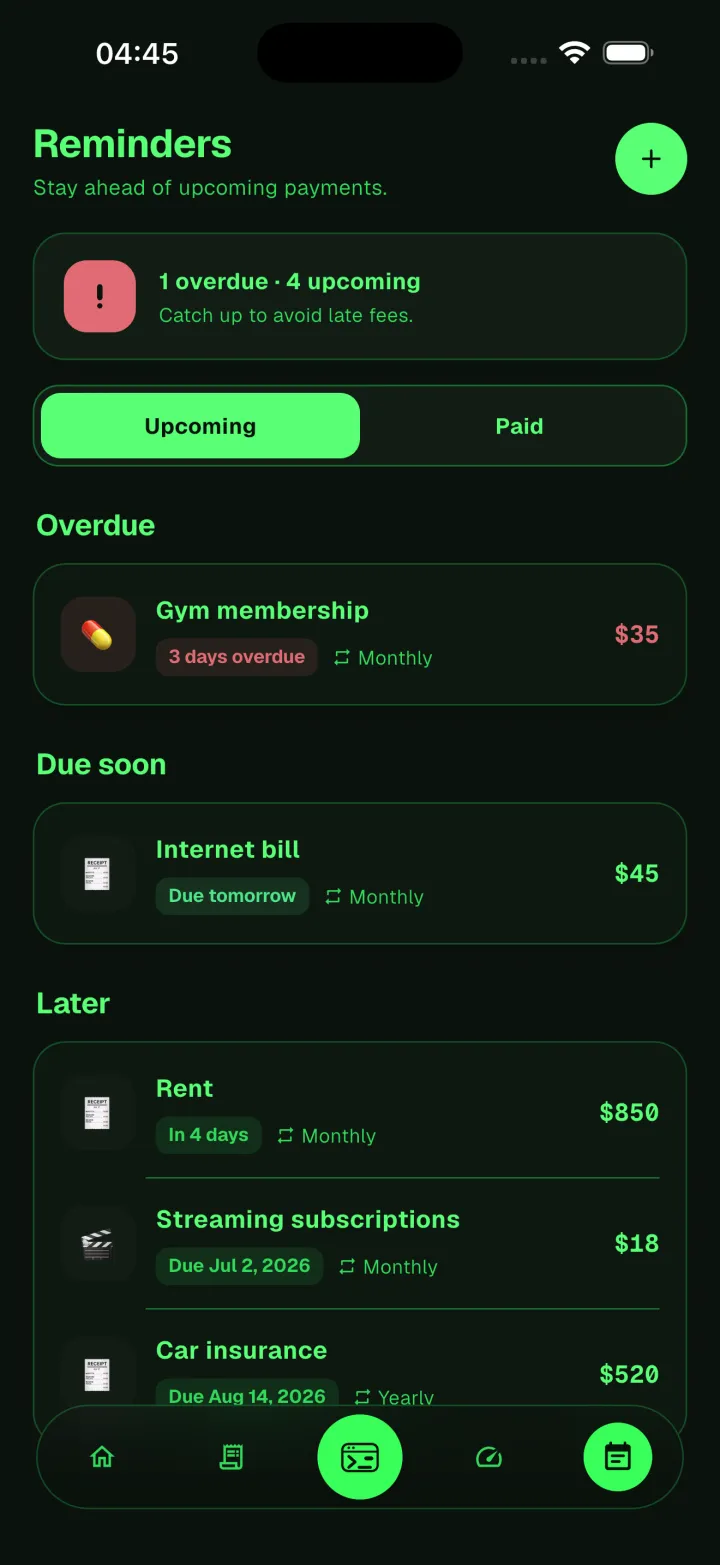
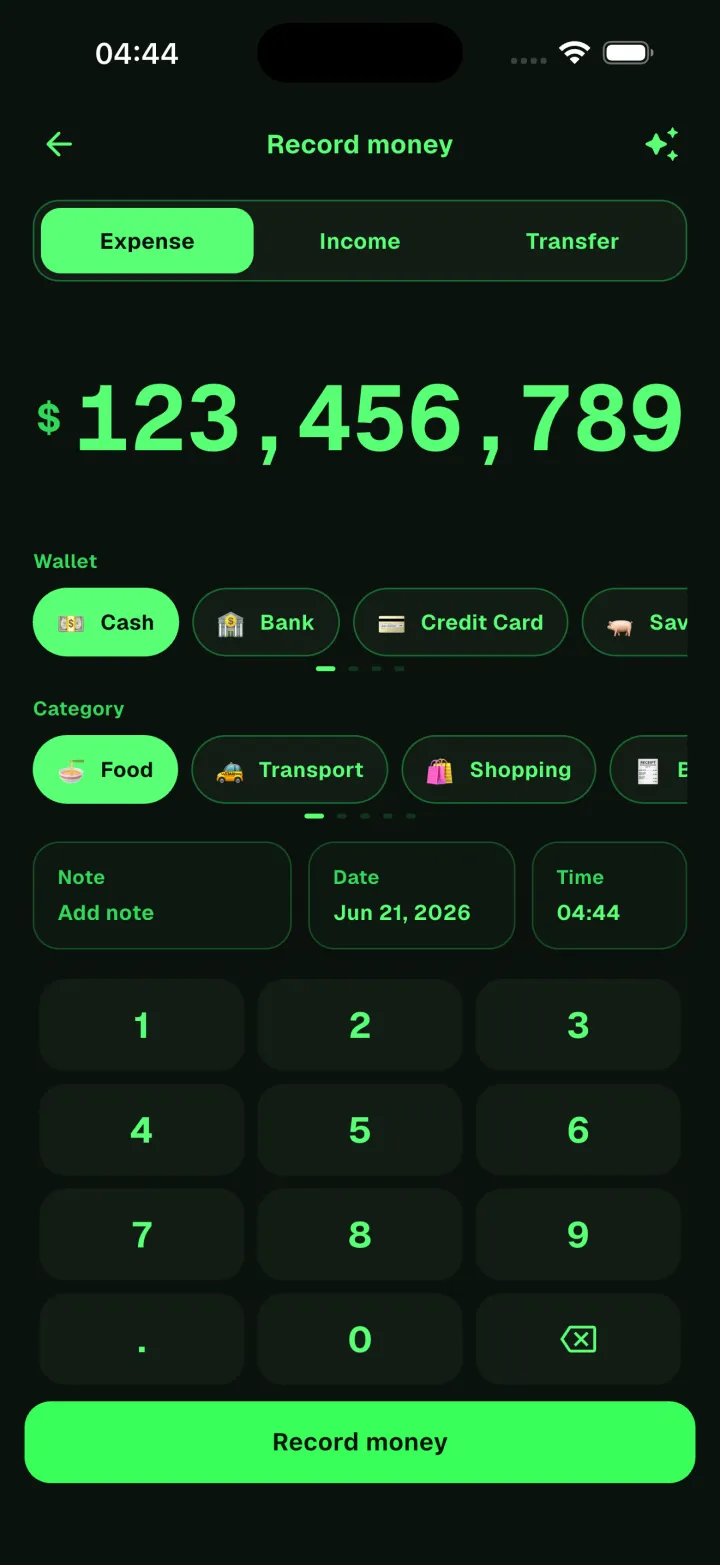
Panda · Panda Night · Bamboo Garden · Coffee House · Arcane Academy · Grand Line · Terminal Panda · Terminal Classic
Get the app
Download Panda Money free on iOS and Android. Build a clearer view of your money one transaction at a time, with optional Bamboo purchases and no subscription.
App lock
Face ID, Touch ID, or fingerprint plus a PIN, with auto-lock and a masked app switcher.
On-device option
Run the text reader locally so your notes never leave the phone.
No subscription
Free to use. Bamboo unlocks extras and can be earned instead of bought.
Yours to erase
Your data is never sold, and you can delete your account from inside the app.