Lock Panda Money with a 4-digit PIN, and unlock it with Face ID or your fingerprint.
Turn on the lock
- Open Profile → App lock.
- Turn on Require PIN to open.
- Choose a 4-digit PIN and enter it again to confirm.
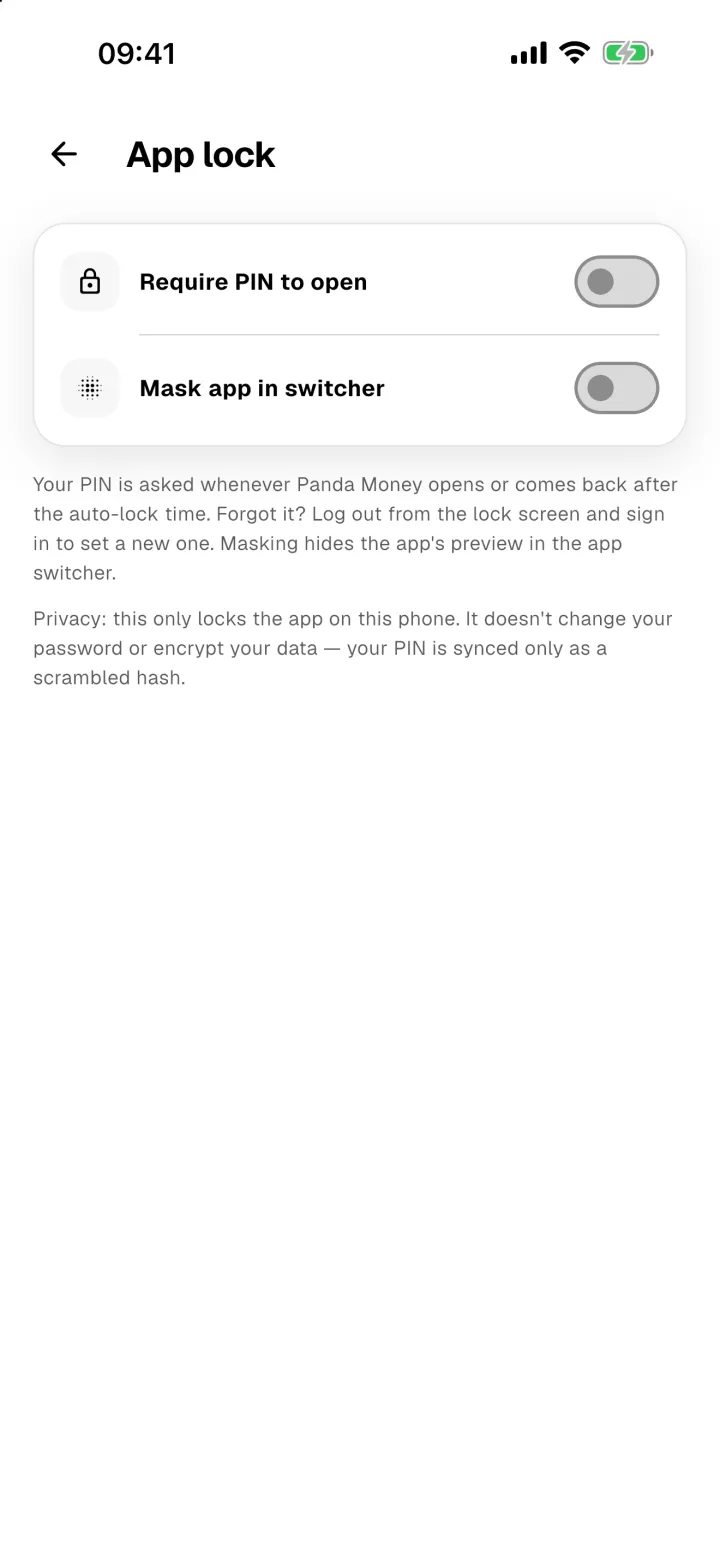
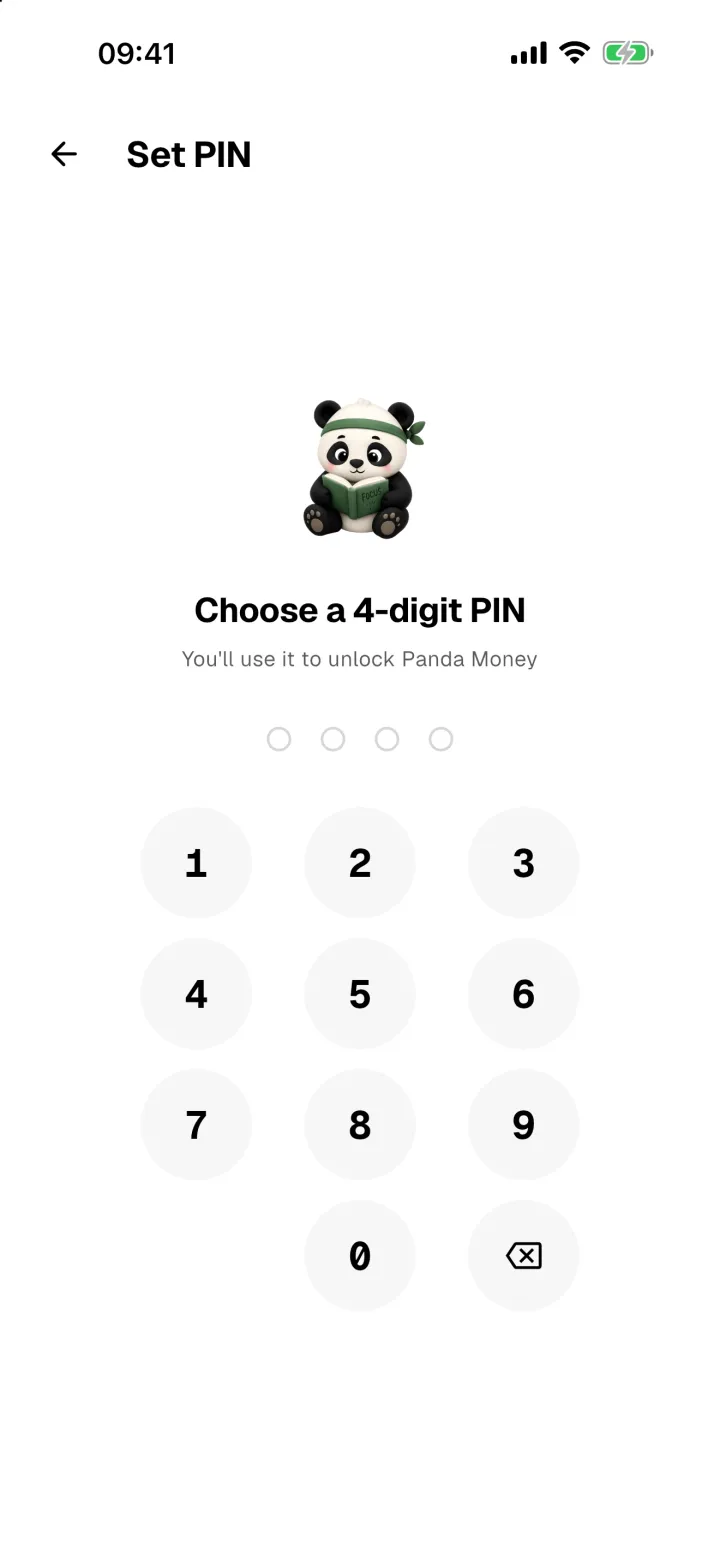
Once it's on, you can also:
- Unlock with Face ID or your fingerprint.
- Choose how soon it locks after you leave the app: Instant, 1 min, 5 min or 30 min.
- Turn on Mask app in switcher, so your balances are hidden when you switch between apps.
Forgot your PIN?
On the lock screen, tap Forgot PIN? Log out. Sign back in with your password, and you'll be asked to set a new PIN.