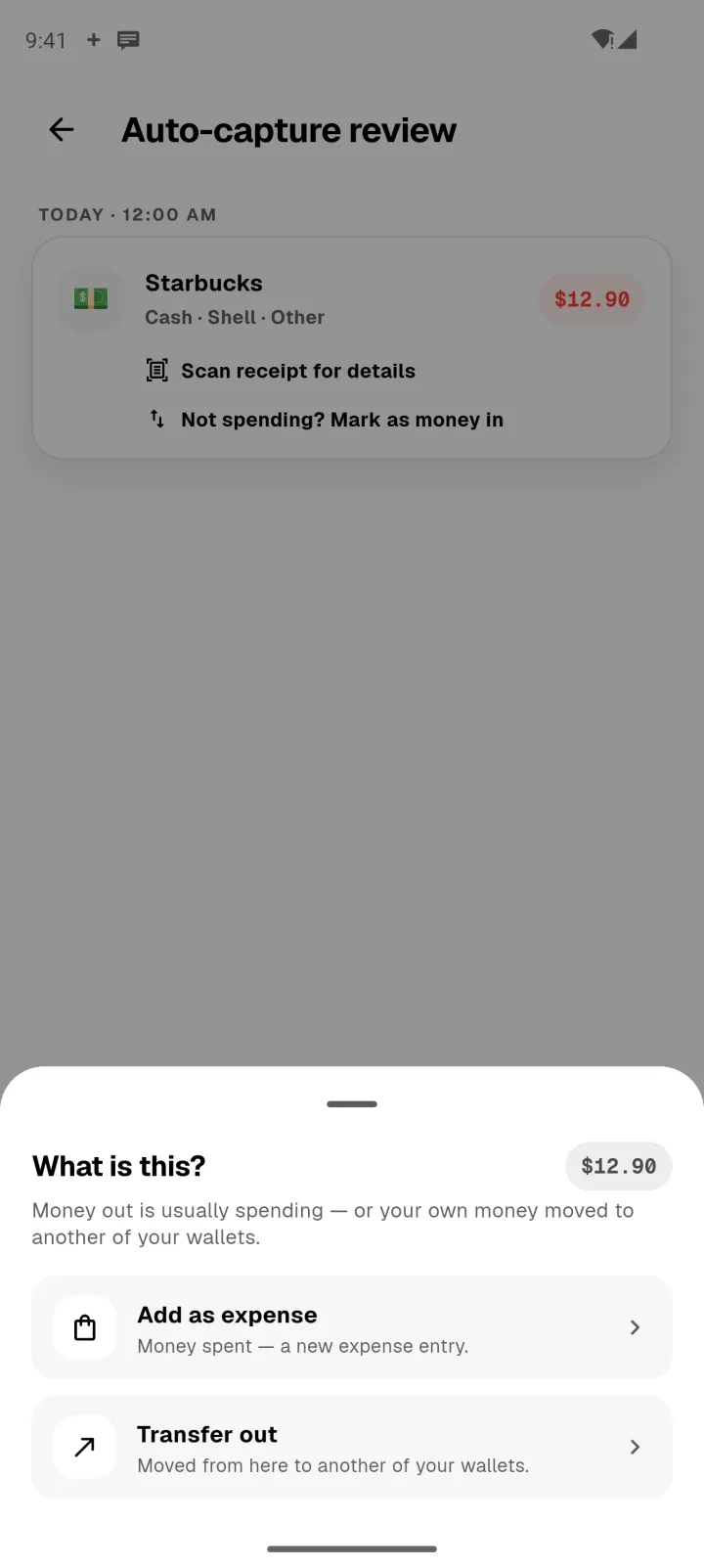
On Android, Panda Money can read payment notifications from your banking and e-wallet apps, and line each one up as a transaction for you to check.
Turn it on
- Open Profile → Auto-capture.
- Turn on Capture from notifications.
- Allow notification access when Android asks. This is a system setting you control.
- Under Watched apps, add your banking and e-wallet apps. Panda suggests the ones that send payment notifications.
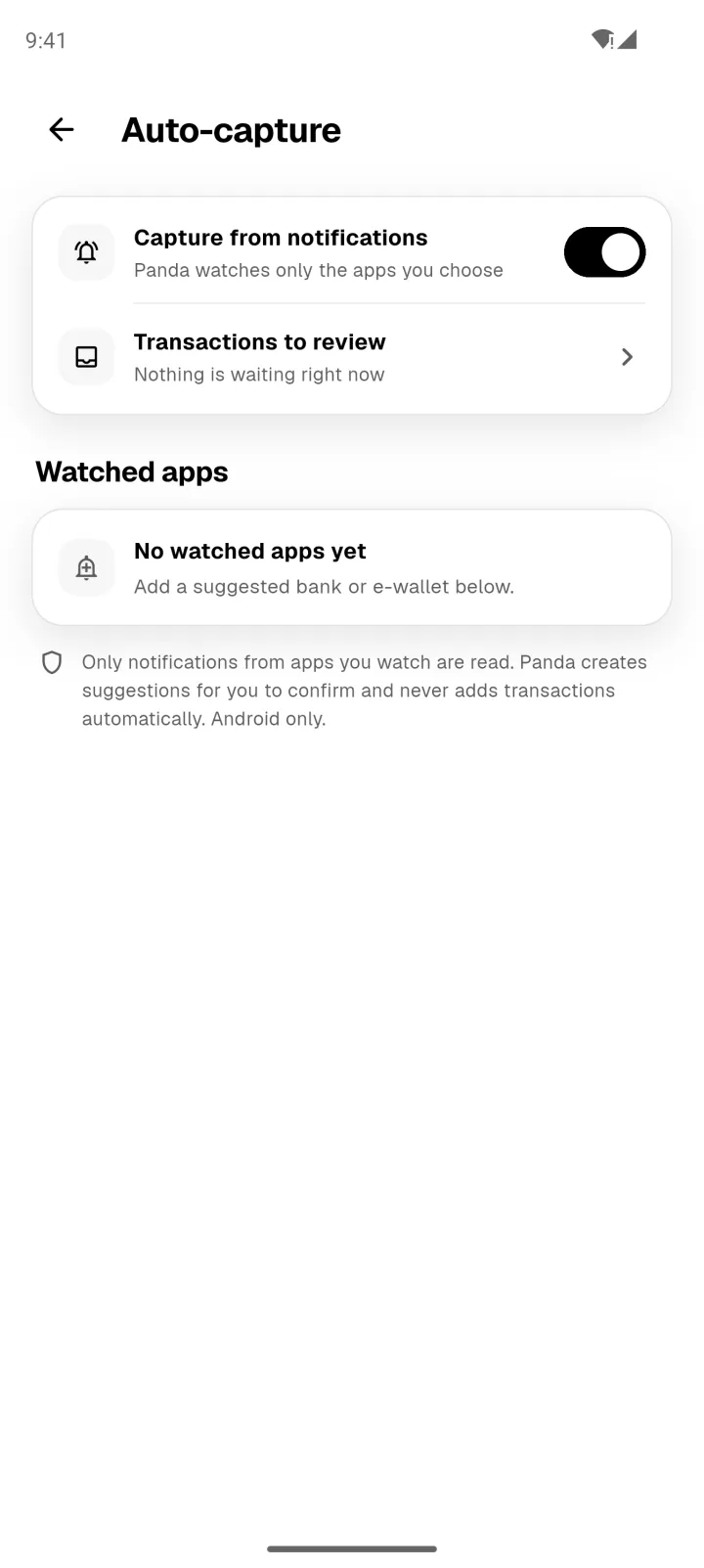
Panda only reads notifications from apps you've added, and never adds anything without asking you.
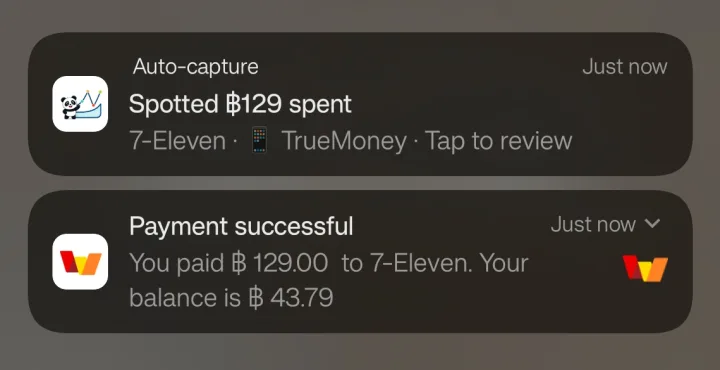
When you pay
A moment after your bank's notification arrives, Panda posts its own: what it spotted, and where.
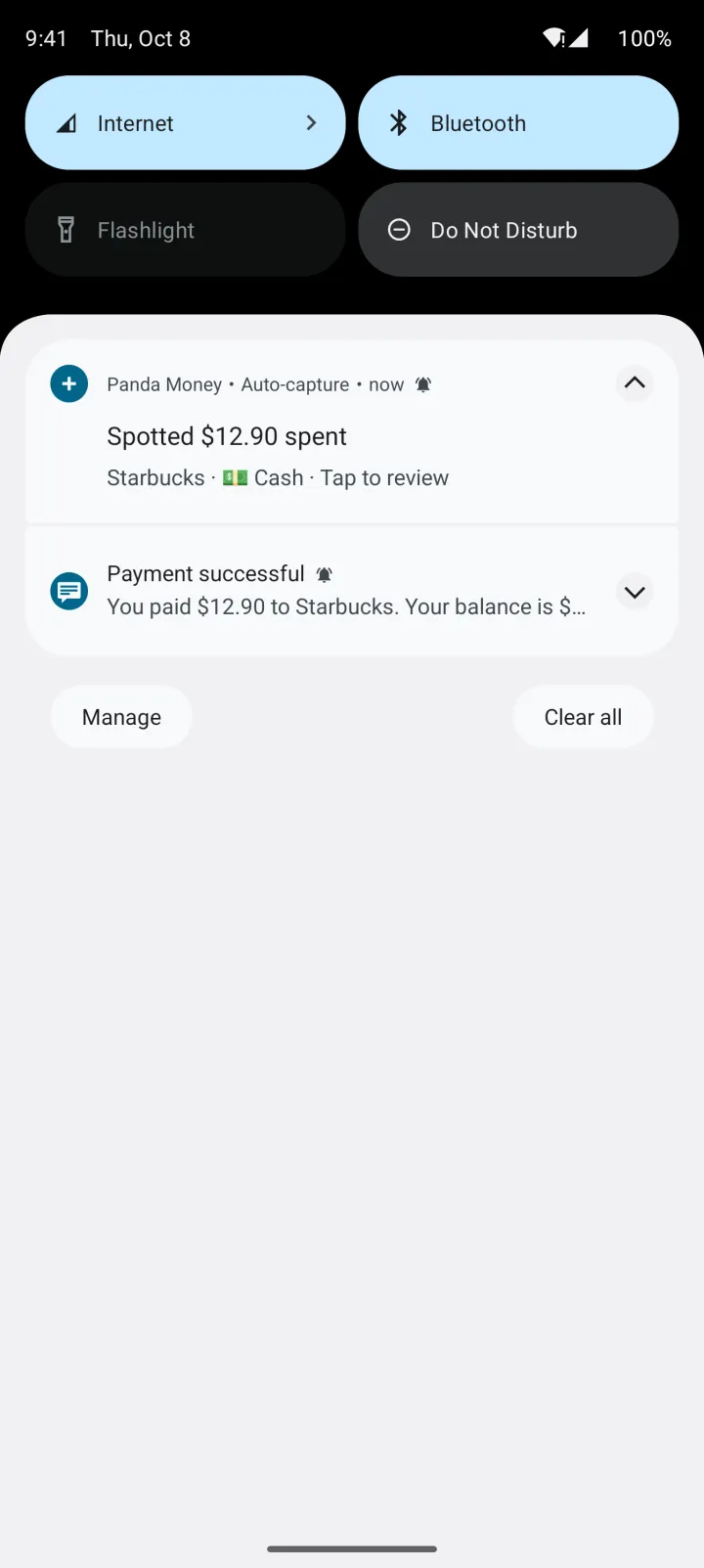
Captured transactions wait on Home until you check them.
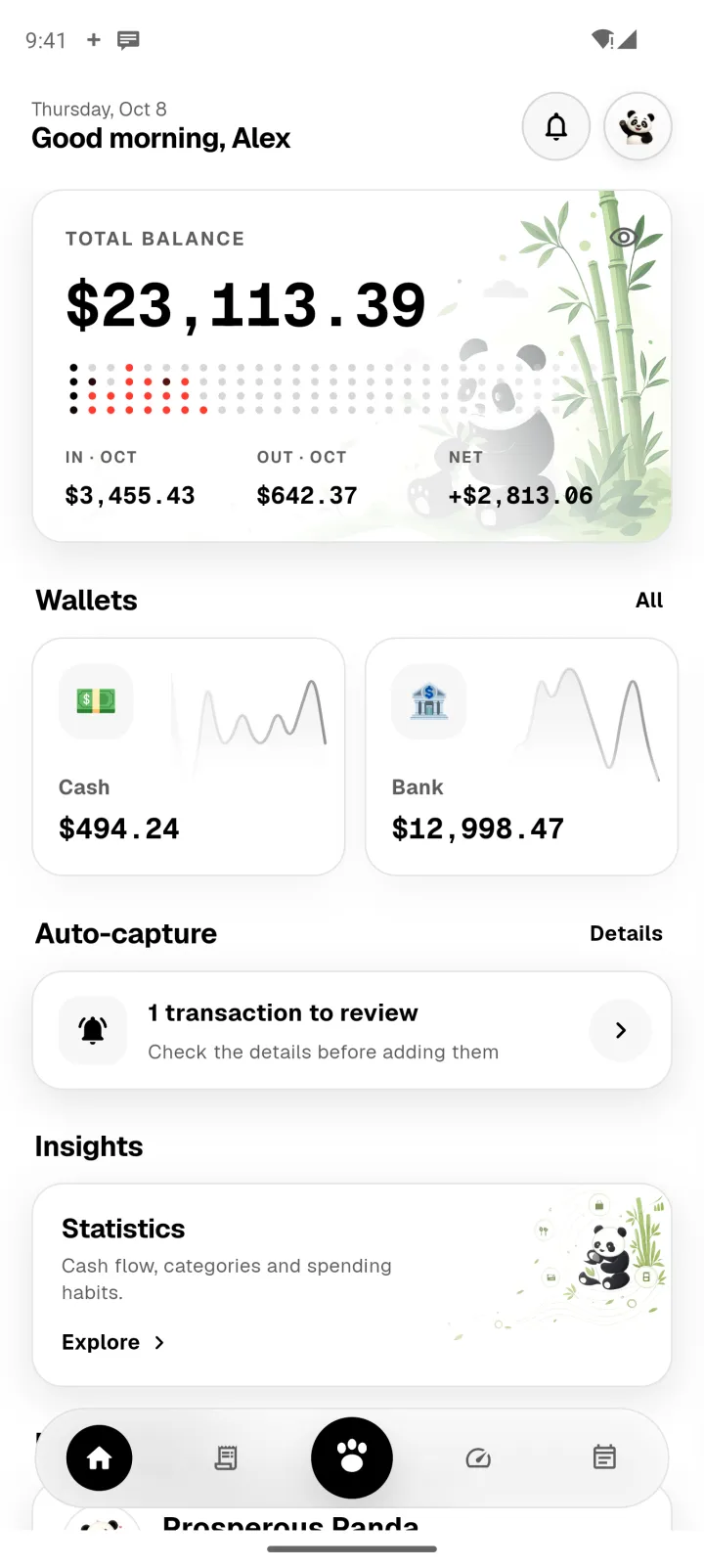
Check and add
Tap the card, or Panda's notification, to see each capture. Tell Panda what it was, check the details, and add it.