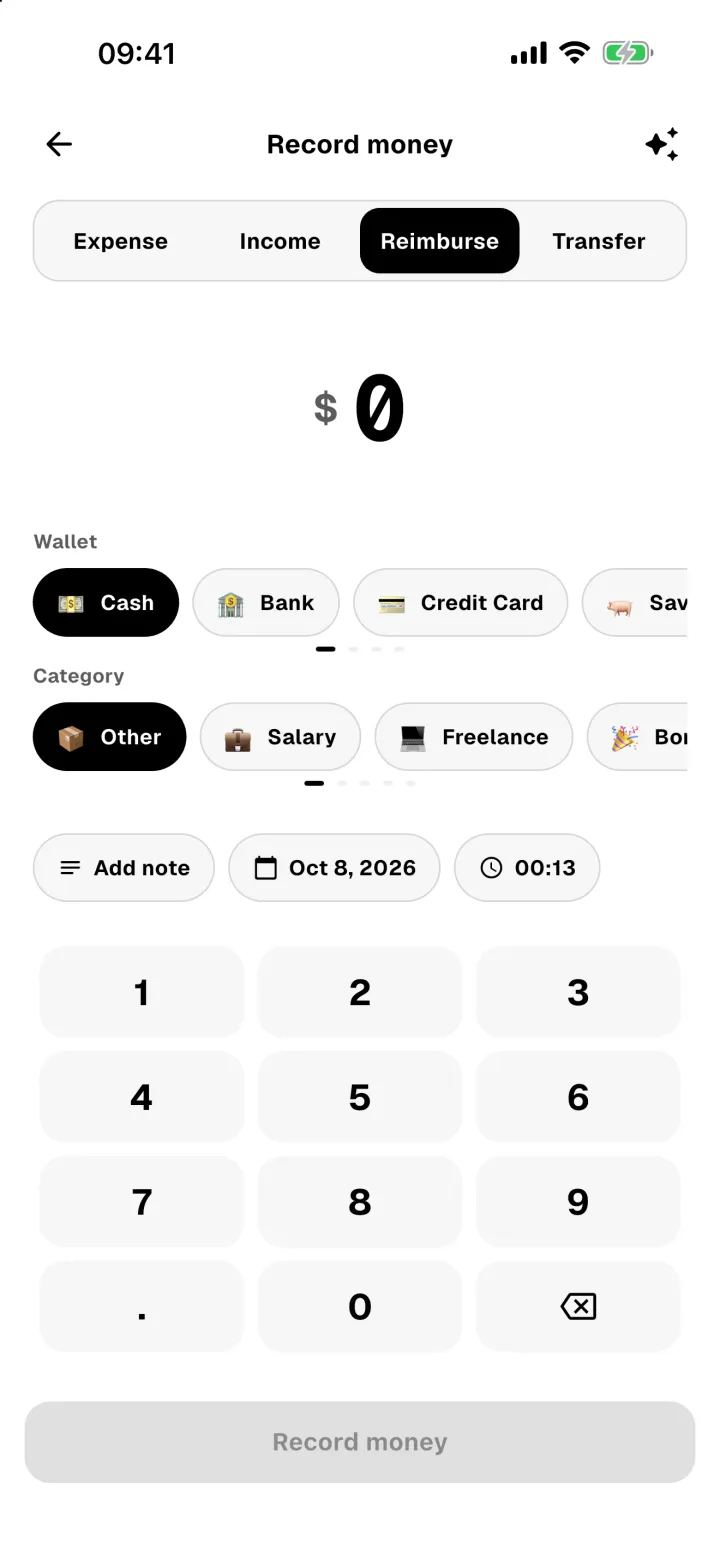
Some money moves aren't spending or income. Use these so your reports stay accurate.
Move money between wallets
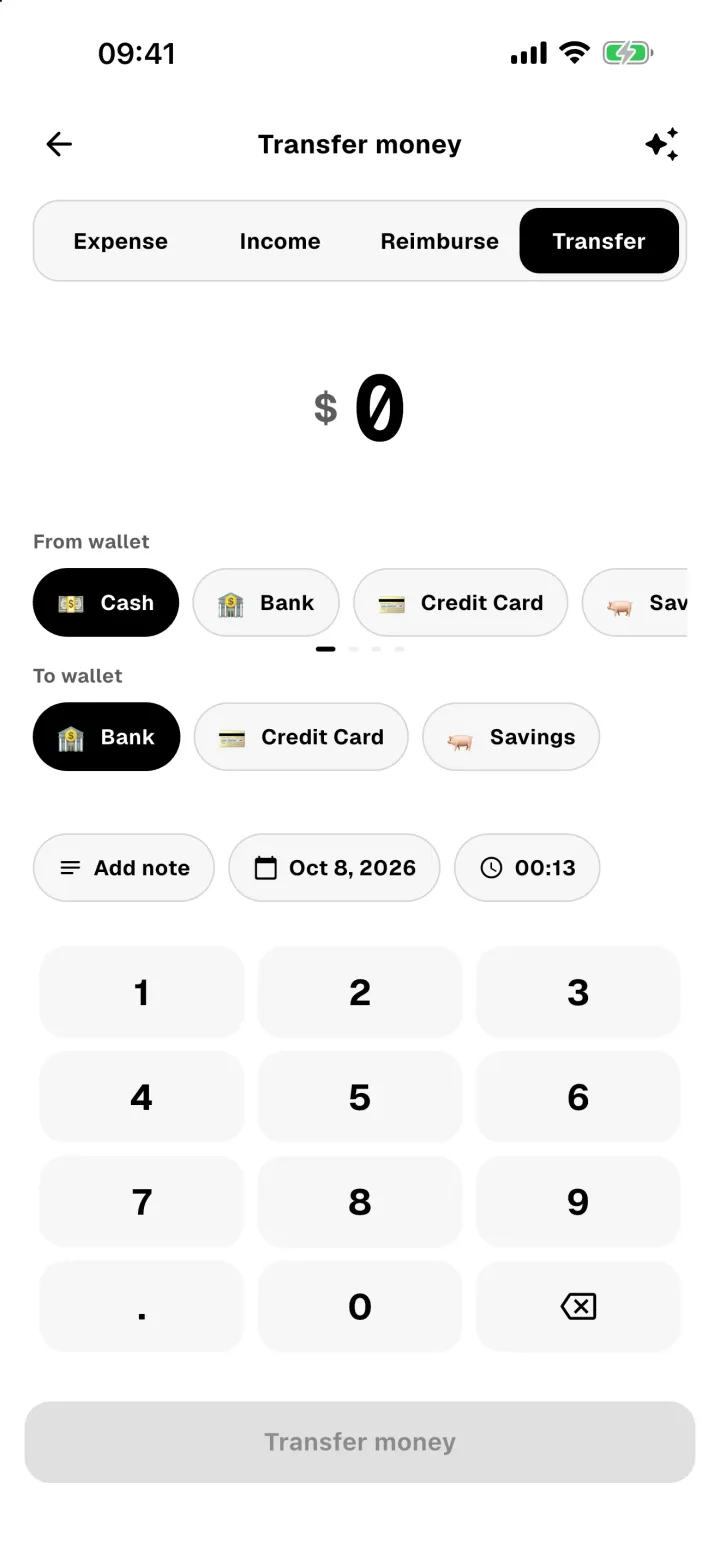
Withdrawing cash, paying off a card or saving money is a transfer. It changes two wallets, but it doesn't count as spending or income.
- Open Record money and choose Transfer.
- Type the amount.
- Pick the wallet it leaves (From wallet) and the one it goes to (To wallet).
- Tap Transfer money.
Log money you got back
When a shop refunds you, or a friend pays you back, record it as a reimbursement. It adds the money back to your wallet and gives the amount back to your spending limit, so a refunded purchase no longer counts against it.
- Open Record money and choose Reimburse.
- Type the amount and pick the wallet the money went into.
- Tap Record money.