Panda can read what you type or say right on your phone: free, offline and private, because nothing leaves your device.
Download the model
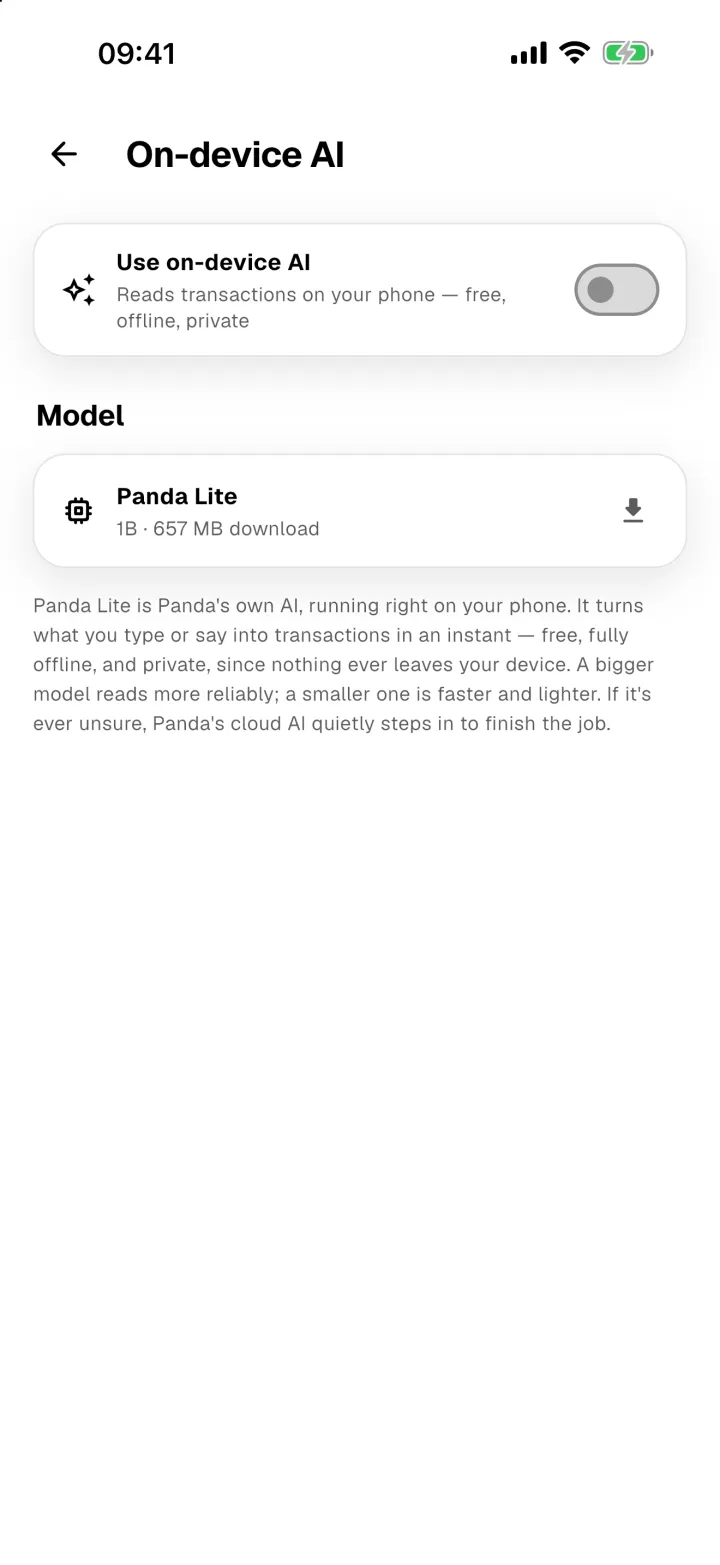
- Open Profile → On-device AI.
- Tap the download icon next to the model.
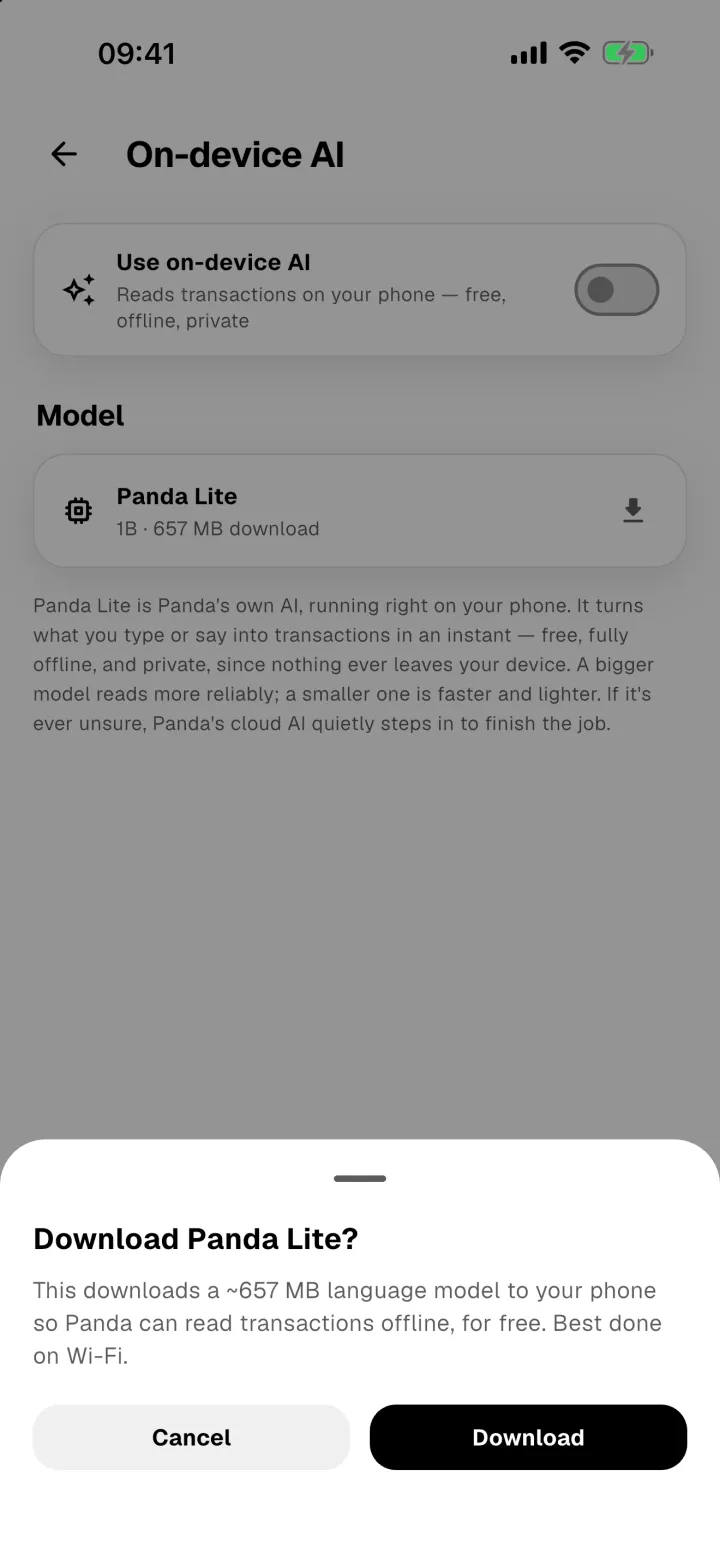
- Check the size and tap Download. It's a large file, so use Wi-Fi.
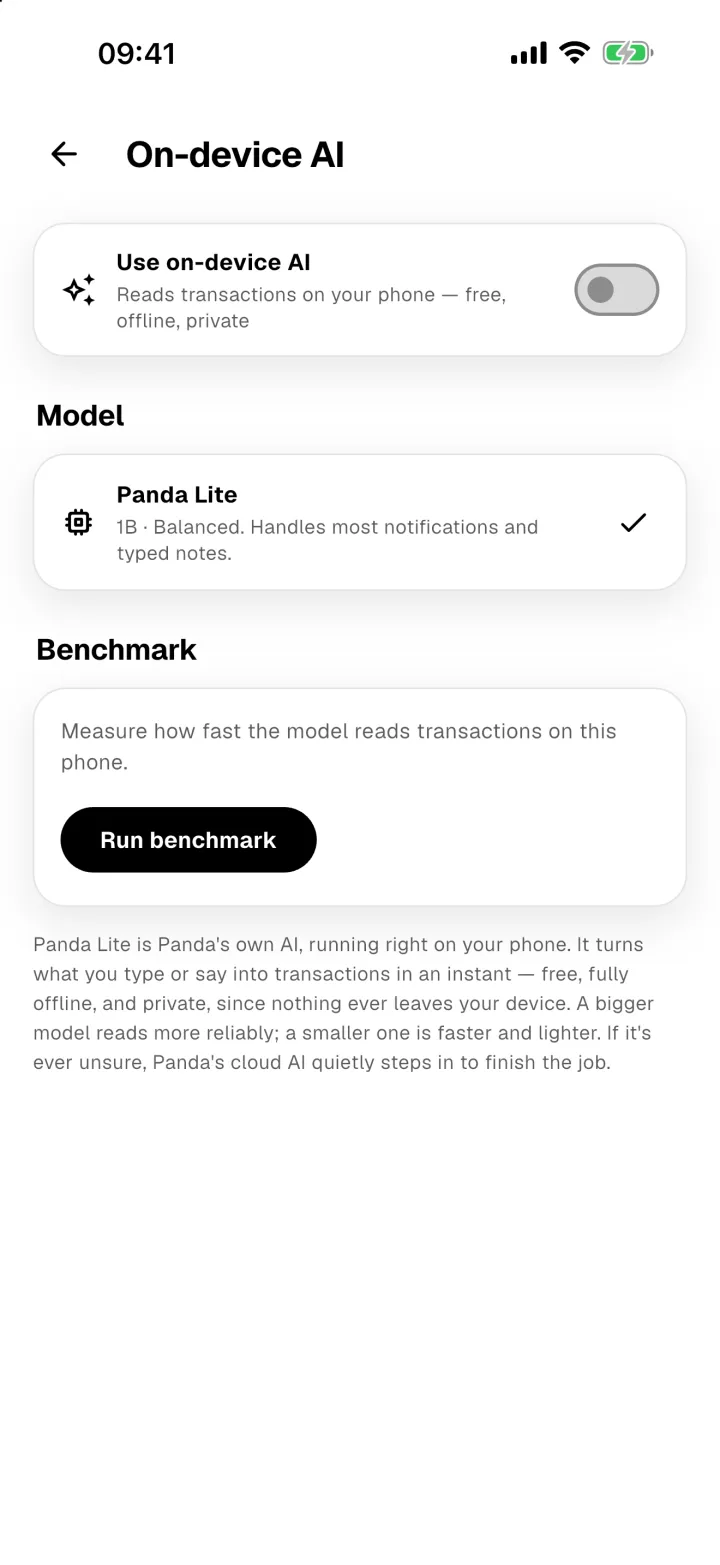
When it's finished, the model shows a tick.
Turn it on
Turn on Use on-device AI. From then on, typed, spoken and shared text is read on your phone first, and it costs no bamboo.
Good to know
- Benchmark measures how fast the model reads transactions on your phone.
- On some phones, Turbo (GPU) makes it faster.
- To free up space, remove the model with the bin icon. You can download it again any time.