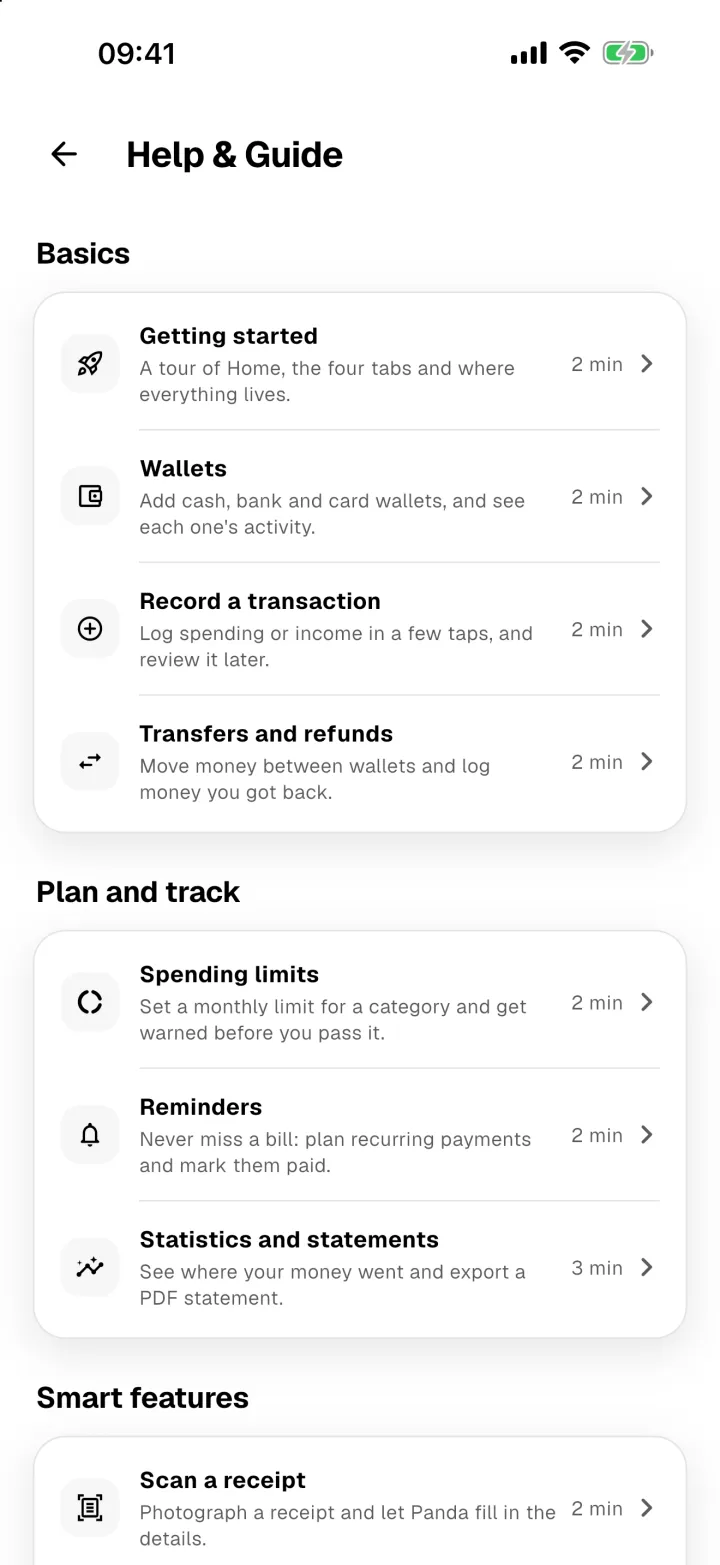
Panda Money keeps everything you need on four tabs, with your profile and help one tap away.
Home
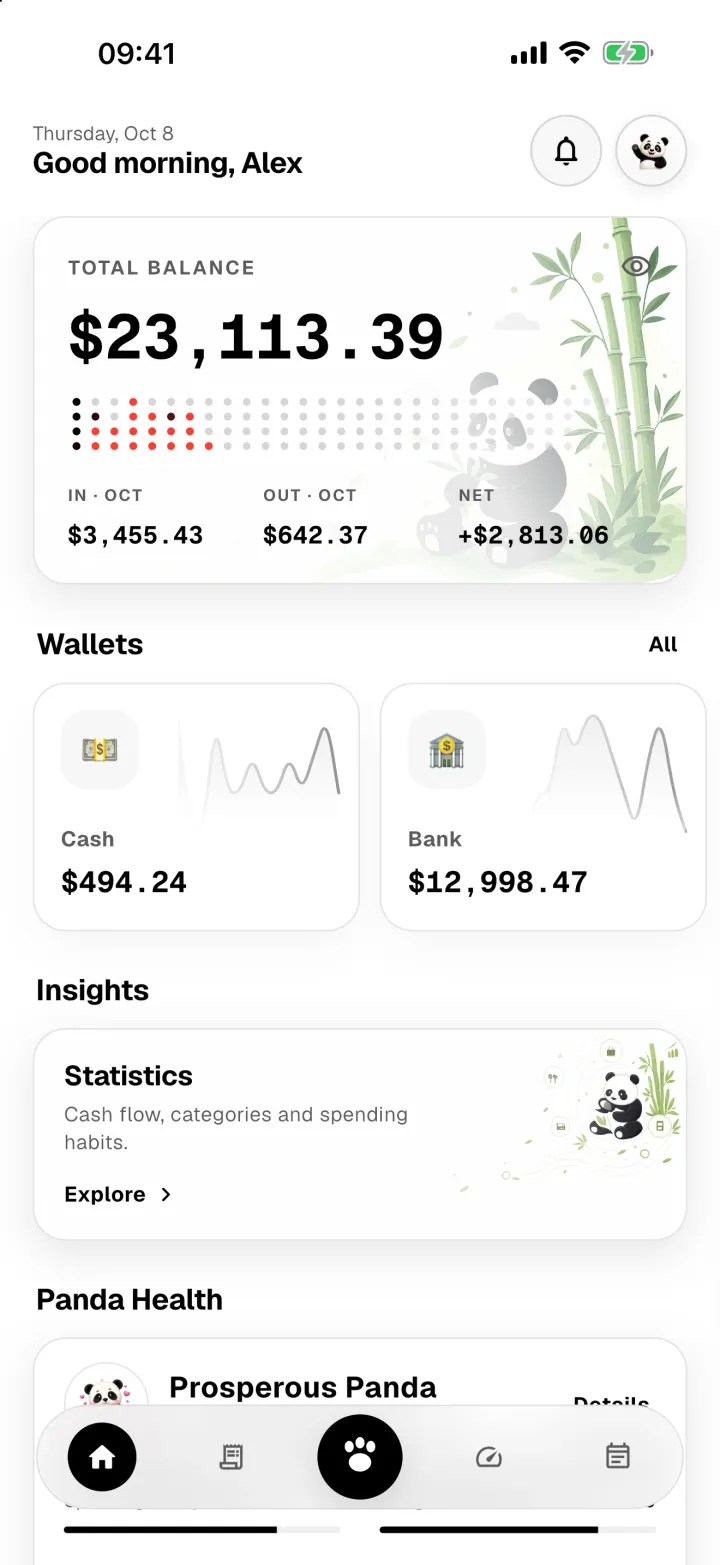
- Total balance adds up every wallet. The dots underneath show this month day by day, and the row below shows money in, money out and what's left.
- Wallets shows each wallet's balance. Tap All to see and manage every wallet.
- Quick actions gets you to the common jobs in one tap: record an expense, income or reimbursement, open Panda AI, split a bill, move money between wallets, see who owes you, or open this guide. Turn it on in Profile → Quick actions on Home.
- Insights opens Statistics, where you can see where your money went.
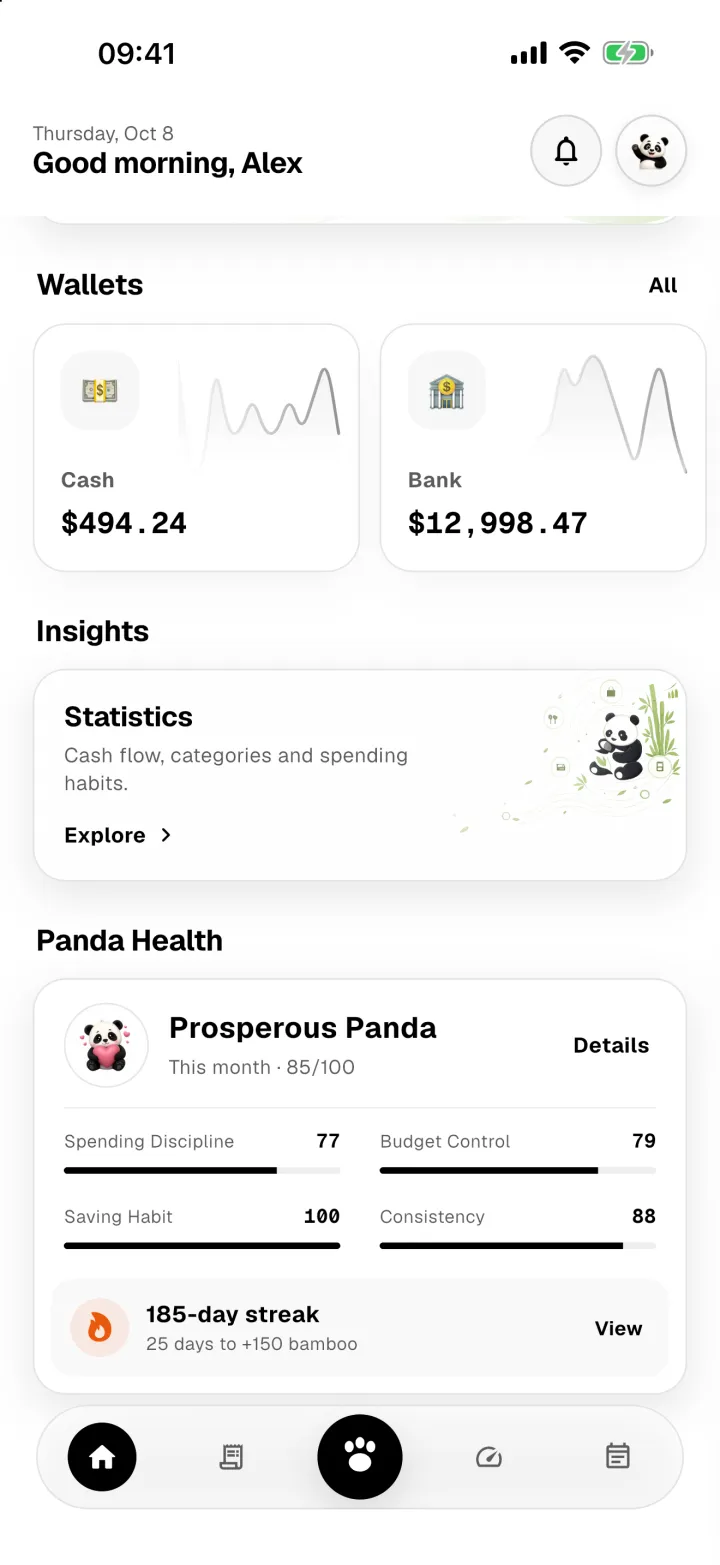
Scroll down for Panda Health: a score out of 100 that shows how your habits are doing this month.
The four tabs
The bar at the bottom switches between Home, Activity, Spending limits and Reminders. The big button in the middle records a new transaction from anywhere.
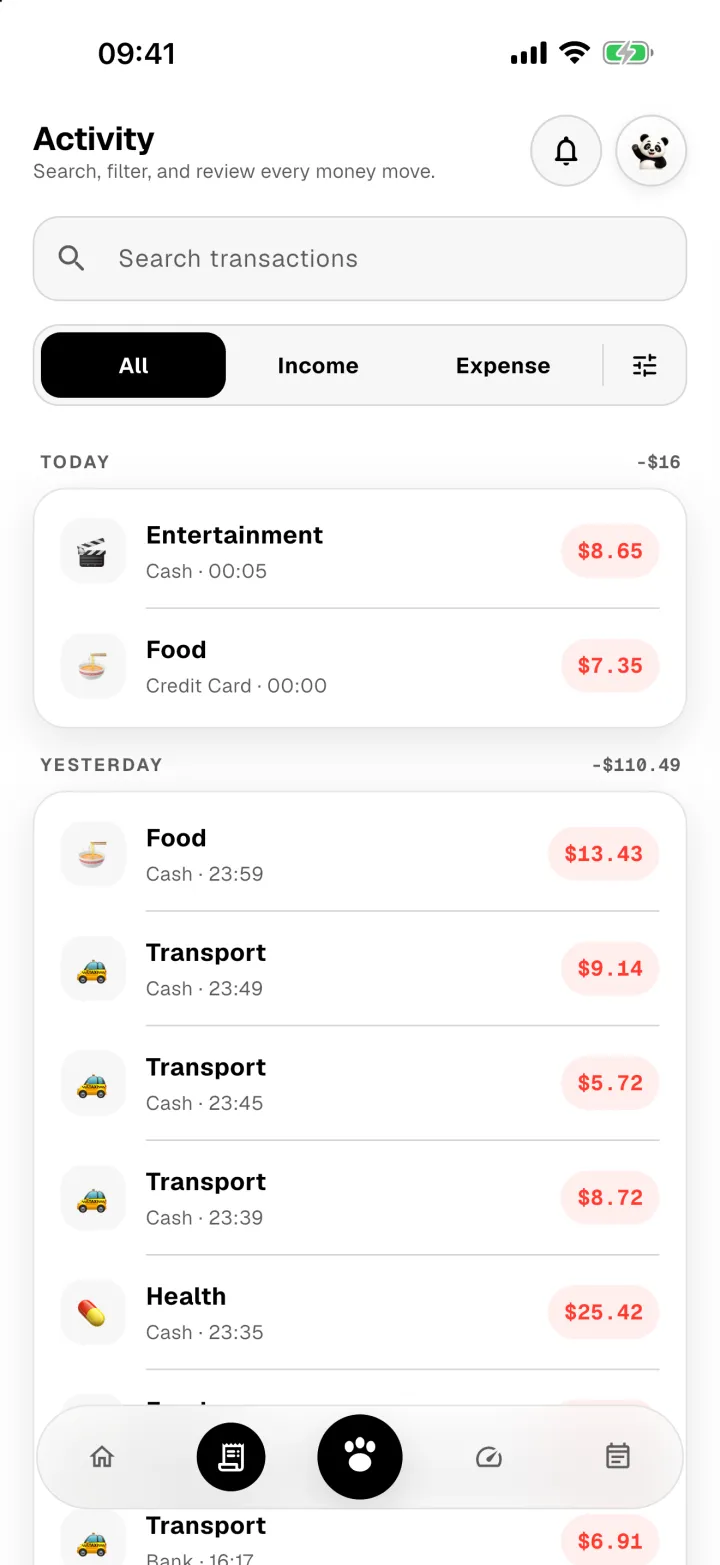
Activity lists every transaction. Search by note, wallet or category, or switch between All, Income and Expense.
Profile
Tap the panda in the top corner to open your profile. That's where you manage wallets, categories, bill splits, themes, app lock and your bamboo.
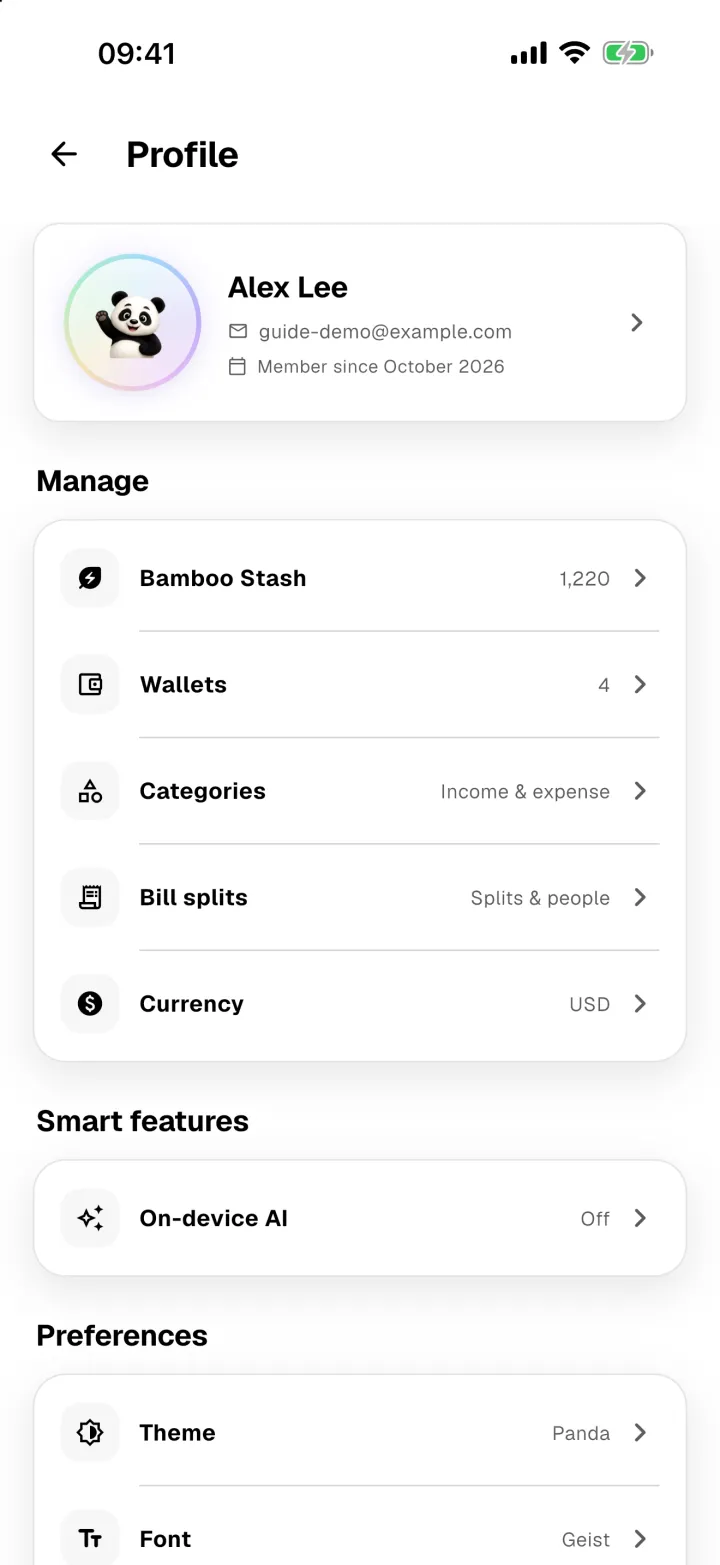
You'll also find Help & Guide there, which is where you are now.