Don't want to tap through a form? Say what happened, or share a message, and Panda turns it into a transaction for you to check.
Say it
- On Record money, tap the sparkle icon, then Voice.
- Say what happened, like "lunch with the team, eighteen fifty".
- Panda fills in the amount, category and note. Check them, then tap Record money.
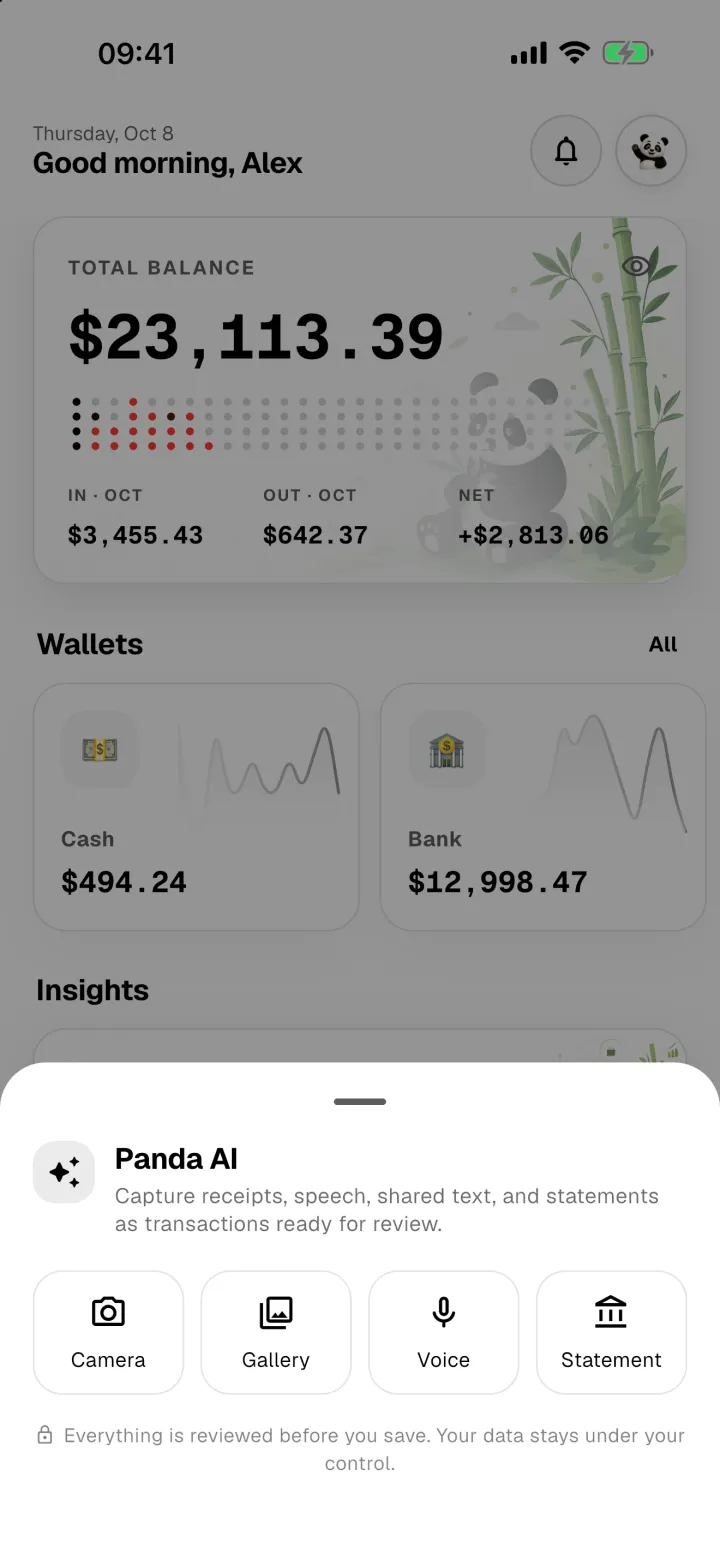
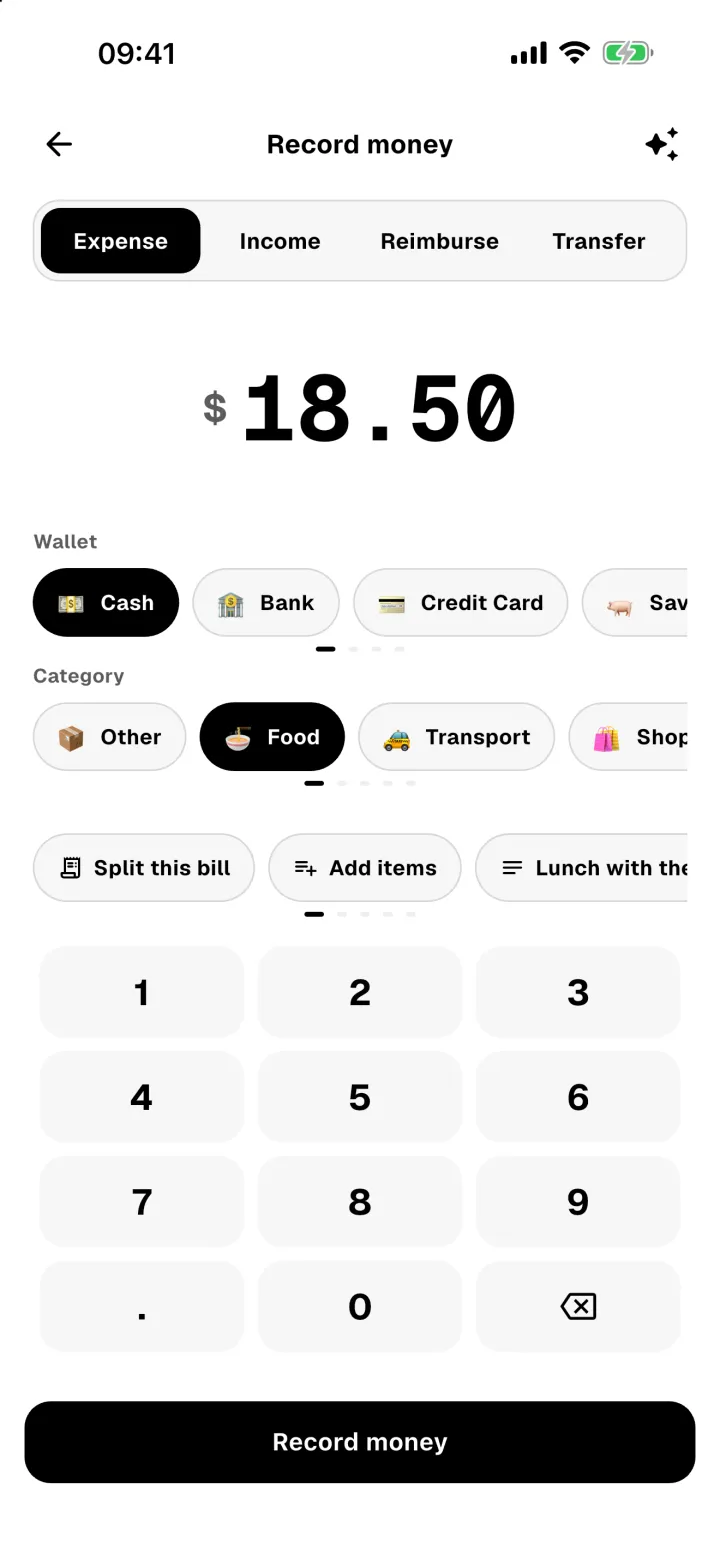
The first time, your phone asks for permission to use the microphone and speech recognition.
Share text from another app
Got a payment confirmation in a chat or email? Select the text, tap Share, and choose Panda Money. Panda reads it the same way.