Recording a transaction takes a few seconds: an amount, a wallet and a category.
Record money
- Tap the big button in the middle of the bottom bar.
- Choose Expense or Income at the top.
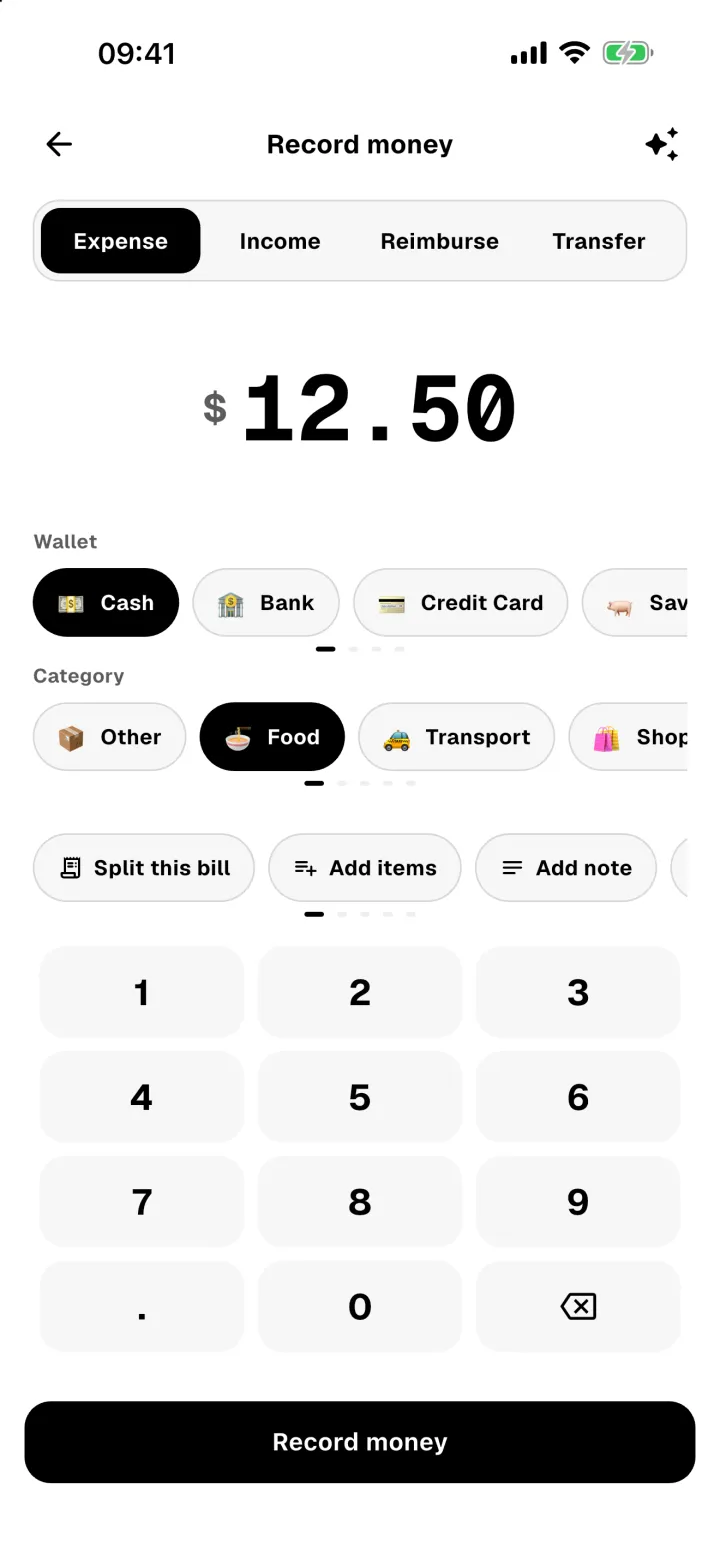
- Type the amount on the keypad.
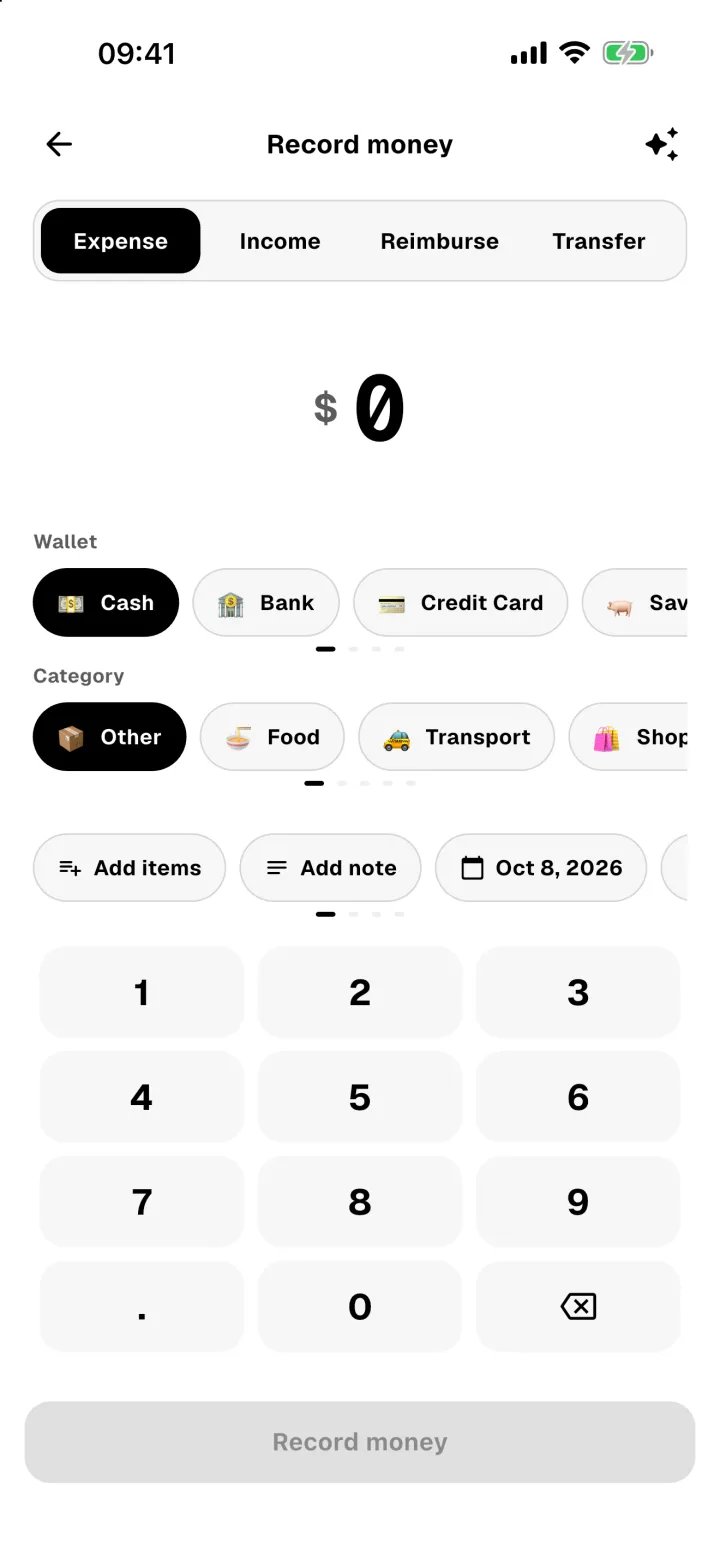
- Pick the Wallet the money came from and a Category. Swipe the rows to see more.
- Add extras if you want: a note, receipt items, or a different date and time.
- Tap Record money.
Find it again
Every transaction appears in Activity, grouped by day, with each day's total on the right.
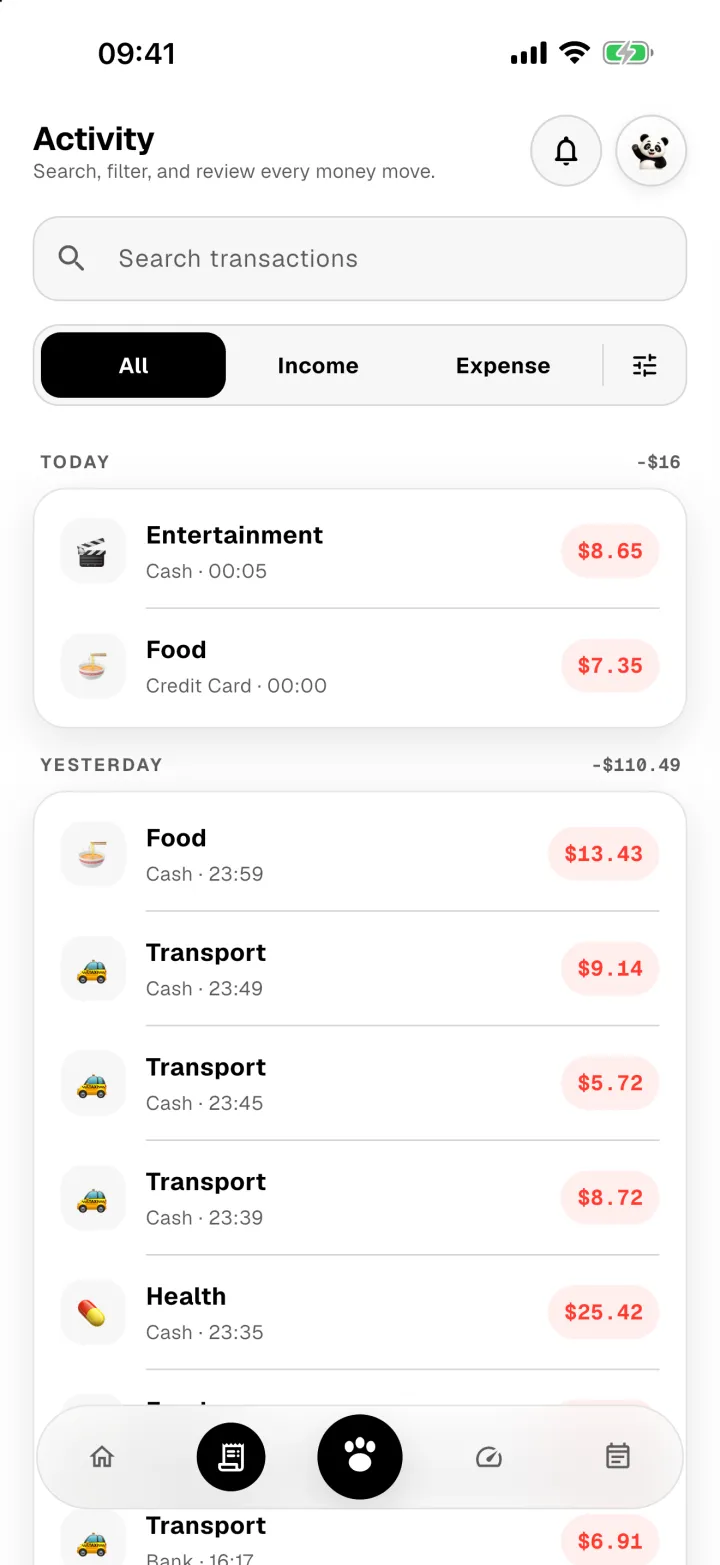
Tap any row to see everything about it, including the receipt items if it has them.
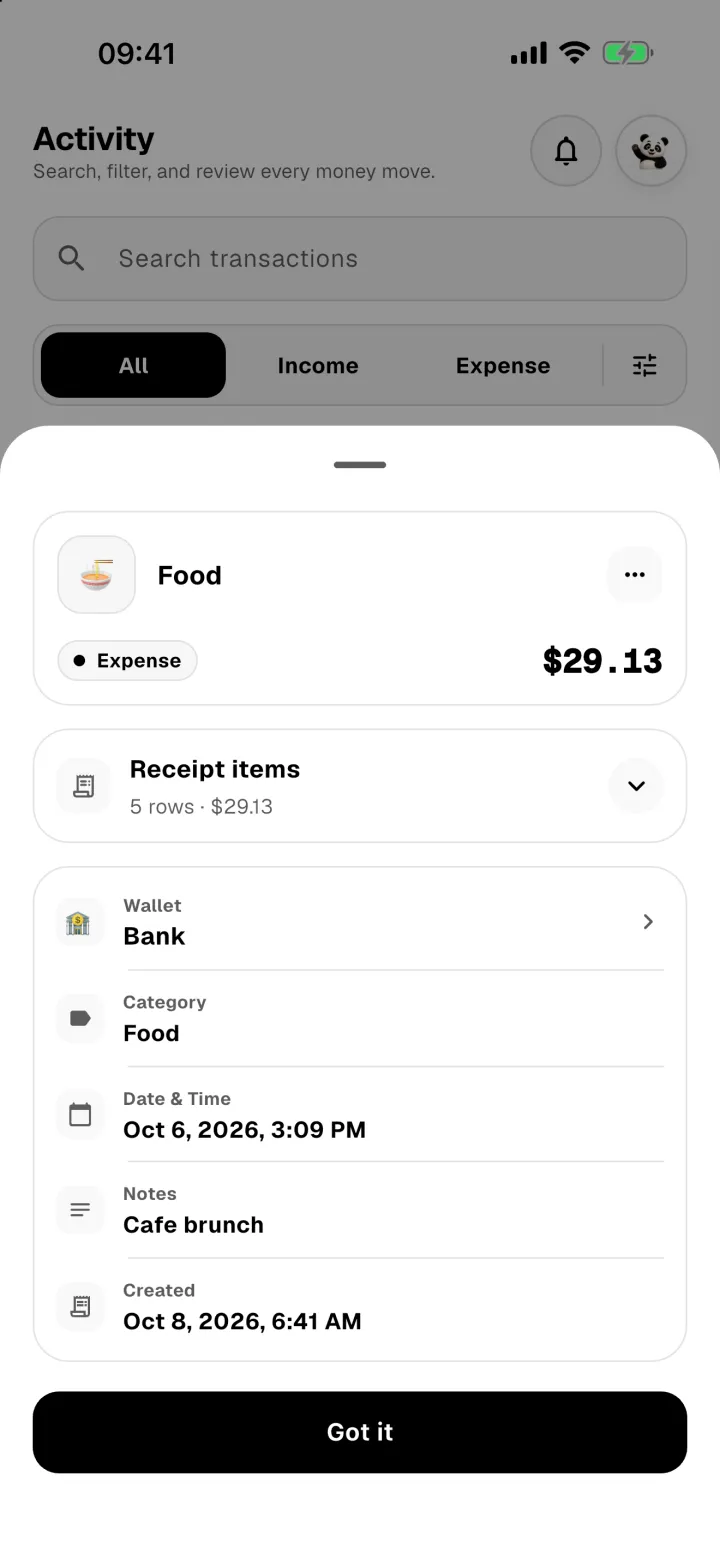
From the ⋯ menu you can edit, duplicate, void or add a reimbursement. See Edit, duplicate, void or refund.