Every bank writes its notifications from the same few templates. Once Panda has learned your bank's template, Auto-capture reads new notifications instantly on your phone, without the AI and without spending bamboo.
How Panda learns
Each time you check and add a captured transaction, Panda keeps that notification and what you saved as an example. If you correct the amount or anything else, the corrected version is what it learns from.
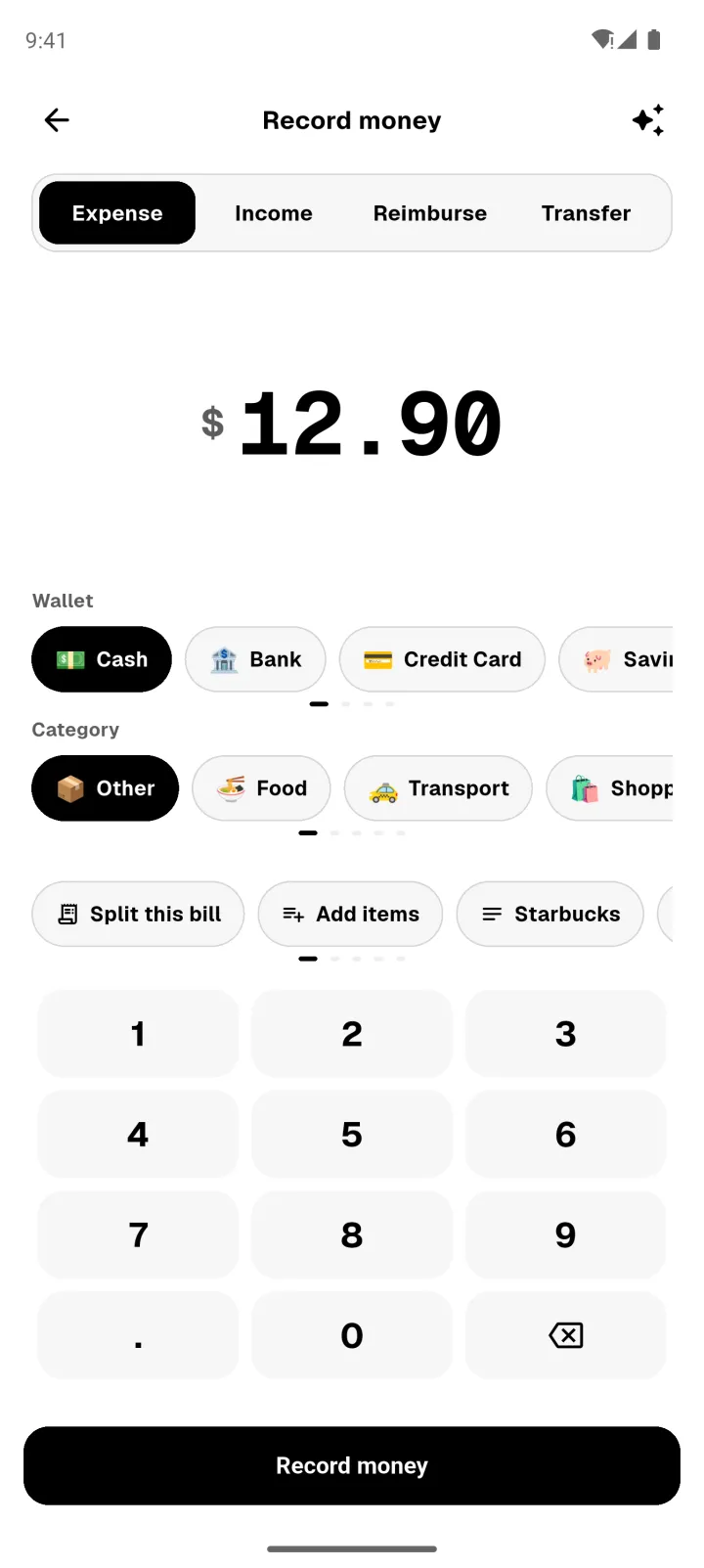
Once you have examples, Machine learning appears under Smart features in your profile, with how many it has.
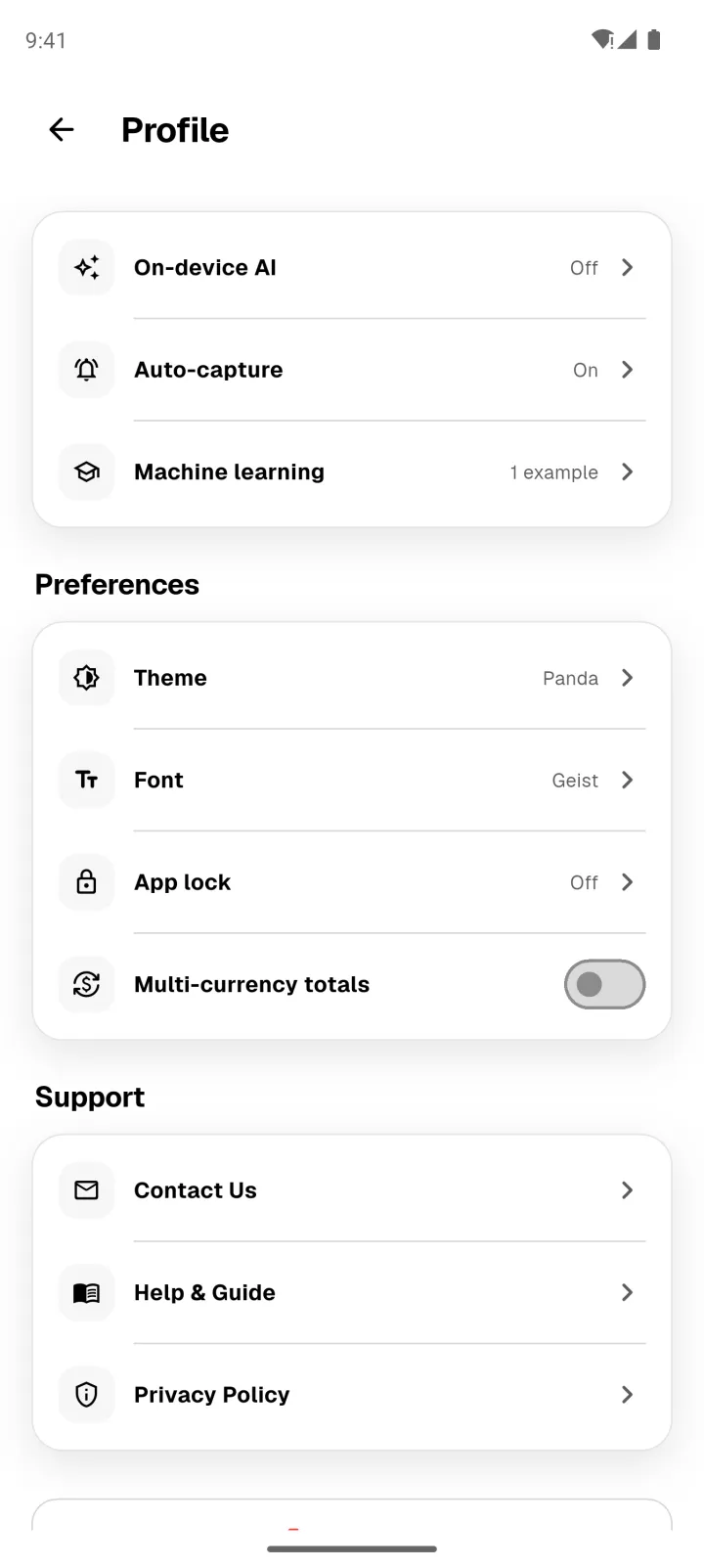
Learn a pattern
- Open Profile → Machine learning.
- Under Your apps, each app shows its examples. You need 5 for an app before it can learn.
- Tap Learn pattern.
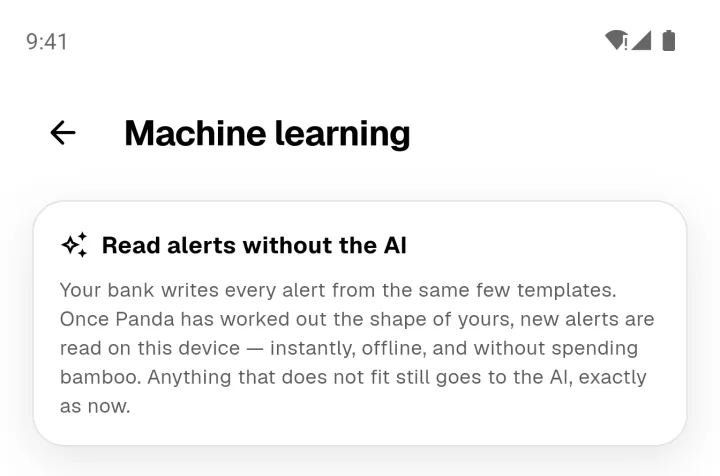
Panda works out the template and tests it against your examples before using it. A new pattern is tried quietly alongside the AI first, and it's only trusted once the two agree. If you ever correct something a pattern read, that pattern is retired straight away.
Your privacy
- Examples stay on your phone. Panda keeps up to 20 per app.
- They're sent only when you tap Learn pattern, used to work out the template, and not stored afterwards.
- Only the pattern is kept, never your messages. A pattern learned for a bank app can help other people who use the same app.
- To remove an example, tap the bin icon next to it before you learn.