Check today's rates and see what an amount is worth in the currencies you use.
Convert an amount
- Open Profile → Exchange rates.
- Type an amount. Tap the currency beside it to change what you're converting from.
Every currency in your list shows what that amount is worth in it, with the rate the other way underneath.
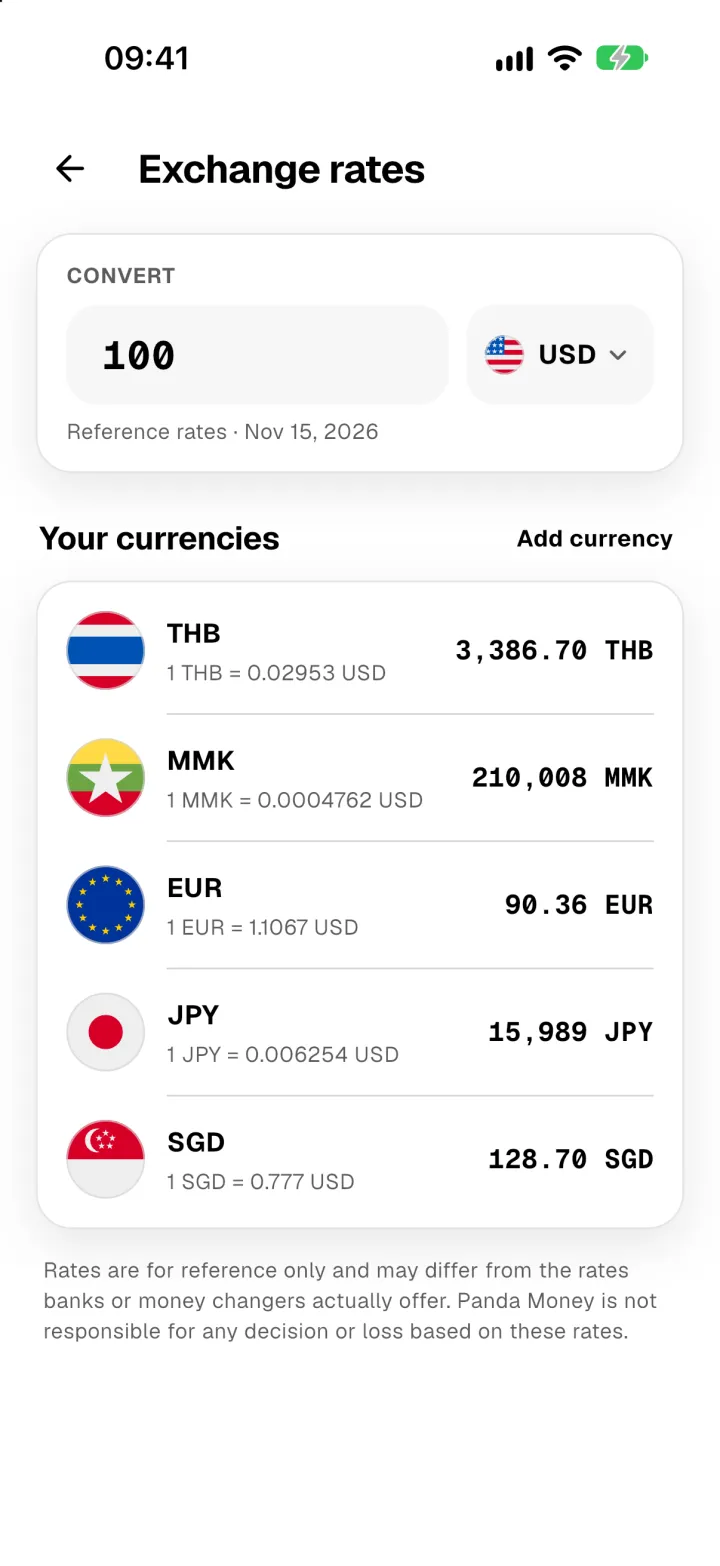
Your currencies
The list starts with the currencies your wallets use. Tap Add currency to add another, or swipe one to the left to remove it.
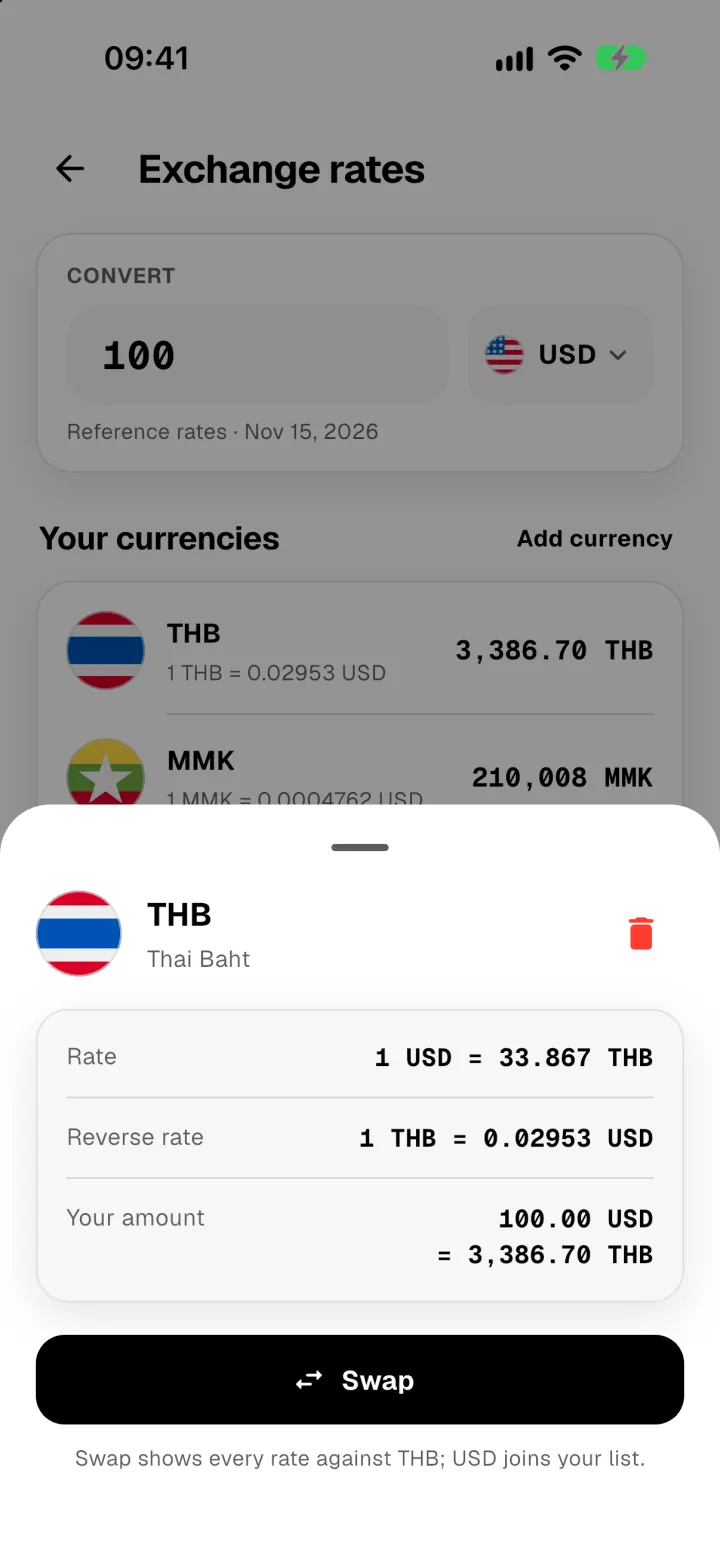
Tap a currency to see its rate both ways and the rate you got the last time you sent money in it. Swap makes it the currency you convert from, and the old one joins your list.